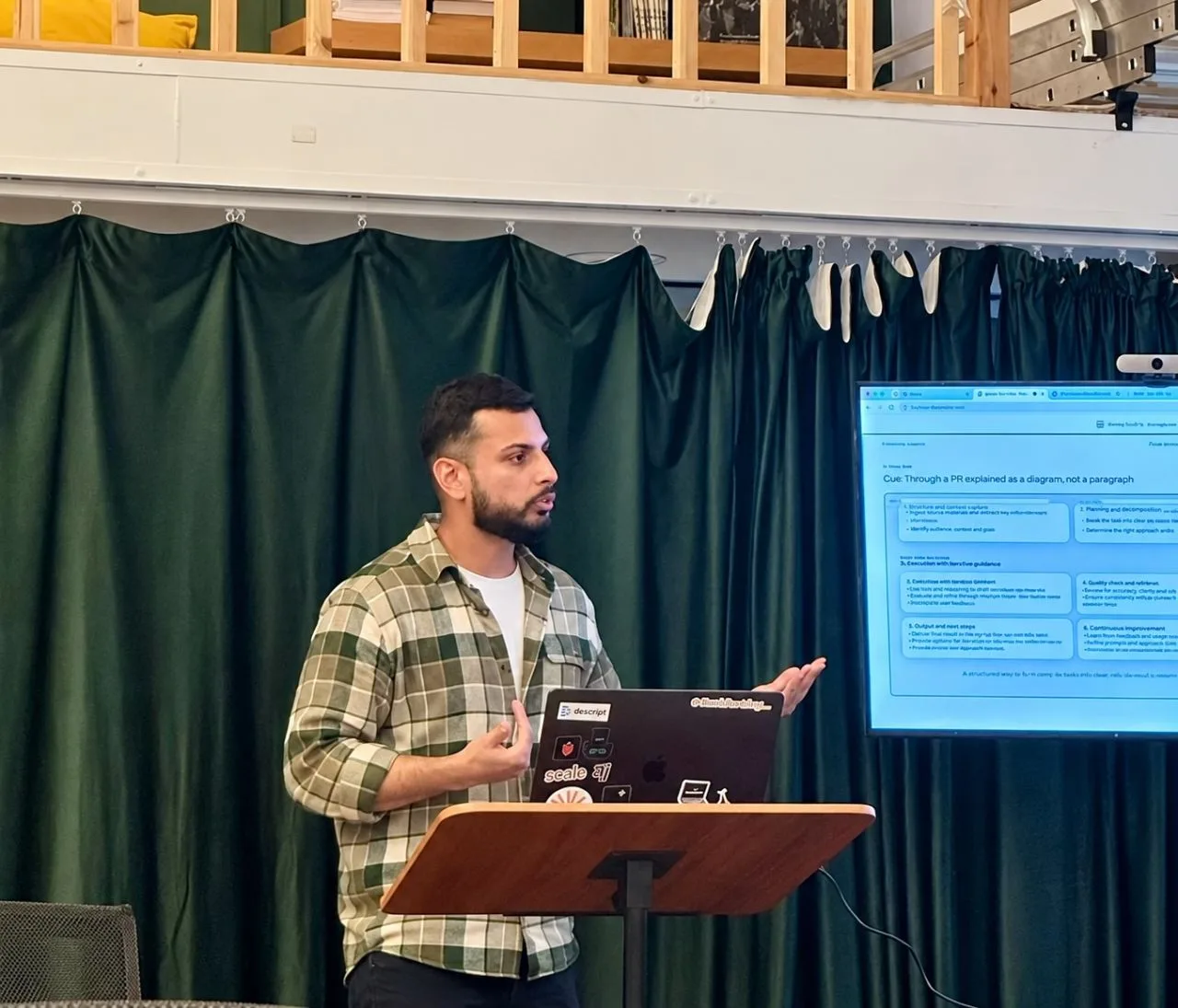
Workshop · Sep 2026 · Hulm Club, London
Better results from Claude and Codex with Plan Mode
The slides and prompts from my Hulm Club workshop in London. Two habits that get better output from Claude and Codex: prototype in HTML, and stay in Plan Mode until the direction is right. Alaa Adil shared her own process on the night too.
Prototype in the real medium
Figma wireframes only ever showed what a screen was supposed to do. Today, for the same effort, you can ask for working HTML instead: real clicks, real states, real copy and real breakpoints. It's still a draft, but it behaves.
It works for more than interfaces. Past about a page of markdown, you stop reading and start skimming, and that's how the big picture gets lost. Put the same findings in an HTML page with headings and hierarchy, and you'll read it properly before you approve it.
I've made eight of these for my Arabic learning app so far: voice model comparisons, a mockup of a conversation practice feature, a findings page and a profile redesign. A working mockup is a few hundred lines. A shipped feature is thousands, plus tests. Testing the direction first is cheap insurance.
The idea came from Thariq Shihipar at Anthropic and his post "HTML is the new markdown", which has 20 worked examples.
HTML is the new markdown.
— Thariq (@trq212) 8 May 2026
What Plan Mode is
Nothing gets written until you say go. Turn it on with Shift+Tab twice, or type /plan.
- ExploreIt reads the request. No files change yet.
- PlanIt proposes an approach: what it'll build, and in what order.
- ApproveYou read the plan and say yes, change it, or stop.
- BuildOnly now does it touch a file.
Why one small miss matters
A model doesn't recall a fixed answer. It picks a likely next word, one word at a time, so asking for the same thing twice gets you two different answers. You can't fix that, and you don't need to. You just want each try to be cheap.
Small misses add up fast. A screen is dozens of tiny decisions, and if each one is 80% right, the chance all 20 are right is about 1.15%. Plan Mode is the circuit breaker: check the direction on a sketch before any of it turns into real code.
The catch is that a long plan gets skimmed and approved, just like a long PR. Ask Claude to show you the plan as a quick HTML pass instead, and keep iterating on that HTML in Plan Mode until it's right.
When should you bother? Use Plan Mode when you can't describe the change in one sentence. Skip it when you can. A colour change or a copy fix, just make it.
Prompts to copy
Press Copy, paste it into Claude Code or Codex, then fill in the [brackets]. The grey comments explain each line and are not copied.
The prototyping prompt
Direction first, then a quick HTML pass you can react to, and a guardrail so it stops there.
You're prototyping [screen/feature] for [idea].First, propose the layout and design direction in a few bullets.Then create a quick, self-contained HTML/CSS prototype so I can see and react to it.Stop after the prototype. Do not build the final implementation yet.Iterate based on my feedback: prototype → show me → feedback → revise → approve → build.The fix for the plan nobody reads
Turns the skim into one decision at a time. It catches the assumptions about data, state or error handling a skim would wave through.
Walk through every decision or assumption you made in this plan, one at a time.For each one, ask me to A) confirm it, B) change it, or C) cut it, before you move to the next.The 10-minute exercise
Pick a screen you'd want to prototype for real, open Plan Mode and send this. Example: a settings screen for muting one contact's notifications.
Prototype a [screen] for [your idea]. One HTML file, inline CSS, low-fidelity blocks, real short labels. Plan it first.My CLAUDE.md, in teaching mode
Claude reads this file at the start of every session. The last line makes it draft a quick HTML pass first, every time, without you asking.
## Who I amI am a product designer with little coding experience, not a developer.Default to teaching mode in every response. ### Explain like I'm learningGive me more context than you would give a senior developer.Explain the "why" behind code, not just the "what". ### Before building- Always draft a quick HTML pass first, so I can react to it.More habits from the workshop
- Get a second opinion with no egoOpen a fresh session with no memory of the first, point it at your brief and the diff, and ask what the first one missed. The session that built it is invested in it.
- Ask for a diagram, not a paragraphA quick HTML page with boxes and arrows shows how a system fits together better than a wall of text.
- Make the teaching automaticMy CLAUDE.md says I'm a designer, not a developer, so it explains the why behind the code. Add a line asking for a quick HTML pass first and it does it every time.
- Let a skill check before you pushMine runs a design-system check, a frontend code check, a content check and takes before and after screenshots for the PR.
- When Claude suddenly gets worseIts context window is full. /clear starts clean, /compact keeps the decisions and drops the clutter, and /rewind undoes a direction that didn't work.
Plan Mode moves the mistake earlier, so you can catch it on a sketch, but you still have to read the plan. Approving one you didn't read is the same as shipping code you didn't review, only faster.
Further reading
- HTML is the new markdownThariq Shihipar, 20 worked examples
- Thariq's talk on Claude CodeGetting the most out of it, on YouTube
- The full deckOpen the slides on their own
- My LinkedIn postPhotos and thoughts from the day
More talks and workshops
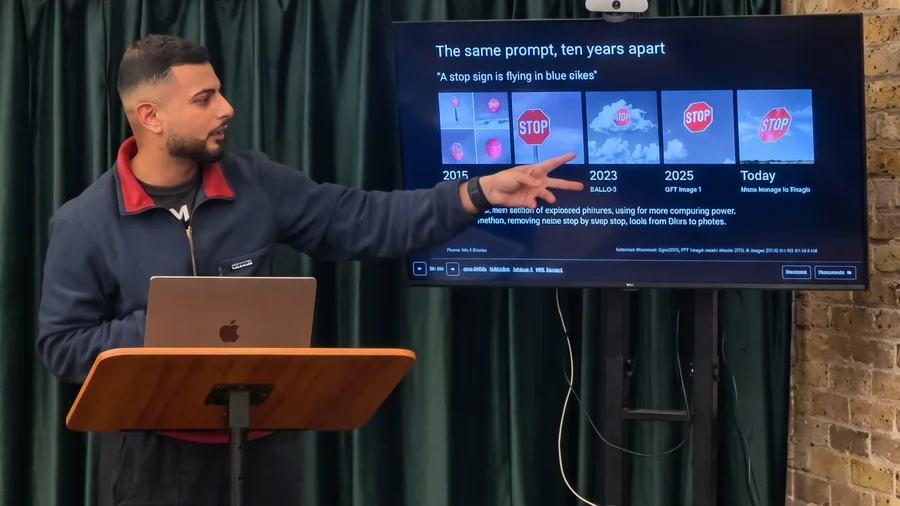
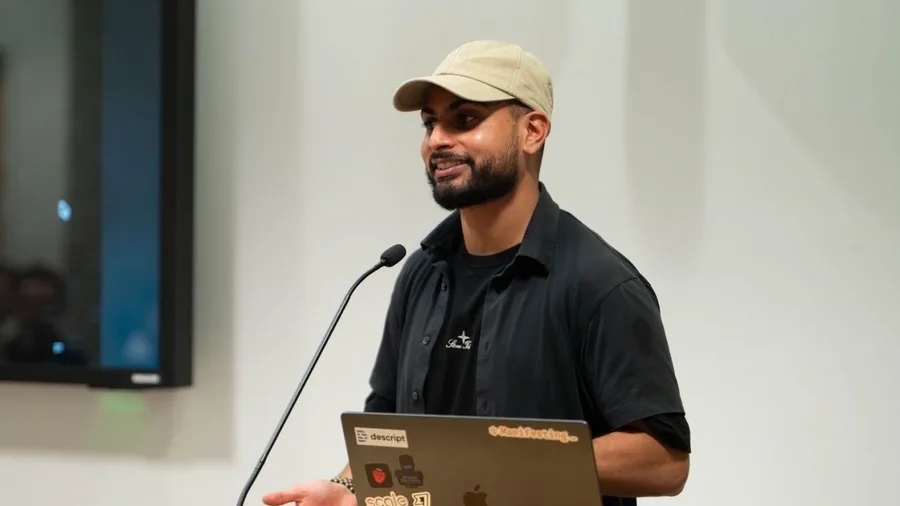
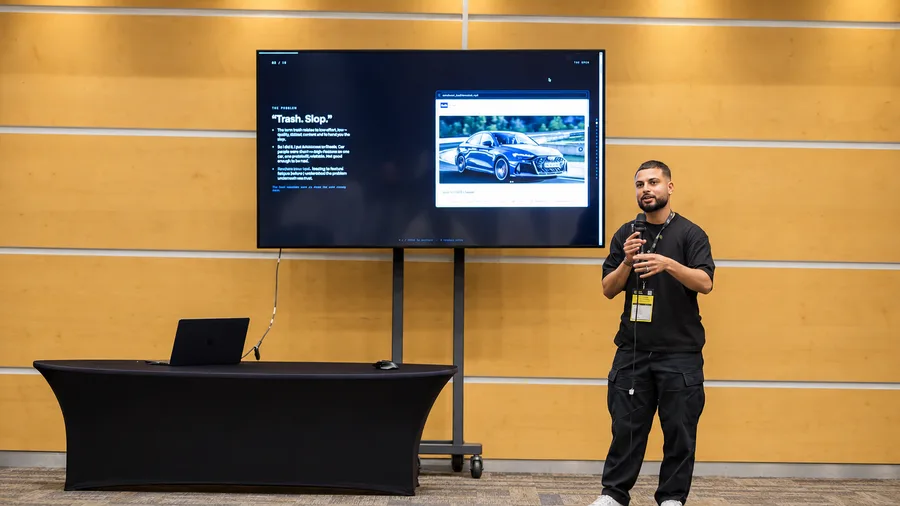

Hopefully this helps you out! Feel free to reach out, or see all my talks and events.