1. Furquan Ahmad
 2. My Path To Today
 3. My Path To Today
 4. My Path To Today
 5. My Path To Today
 6. My Path To Today
 7. My Path To Today
 8. My Path To Today
 10. UX Research Photos
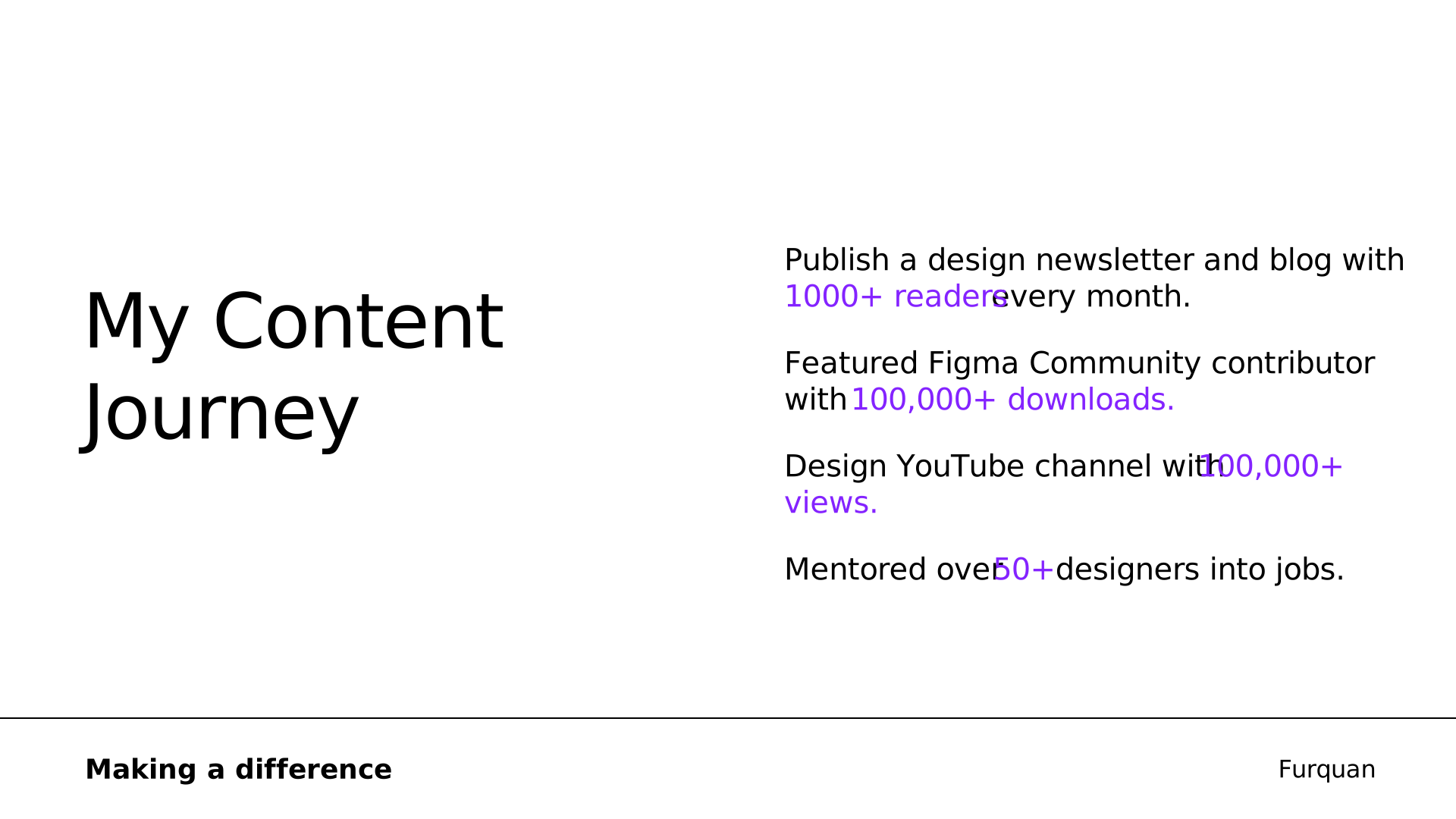 11. My Content
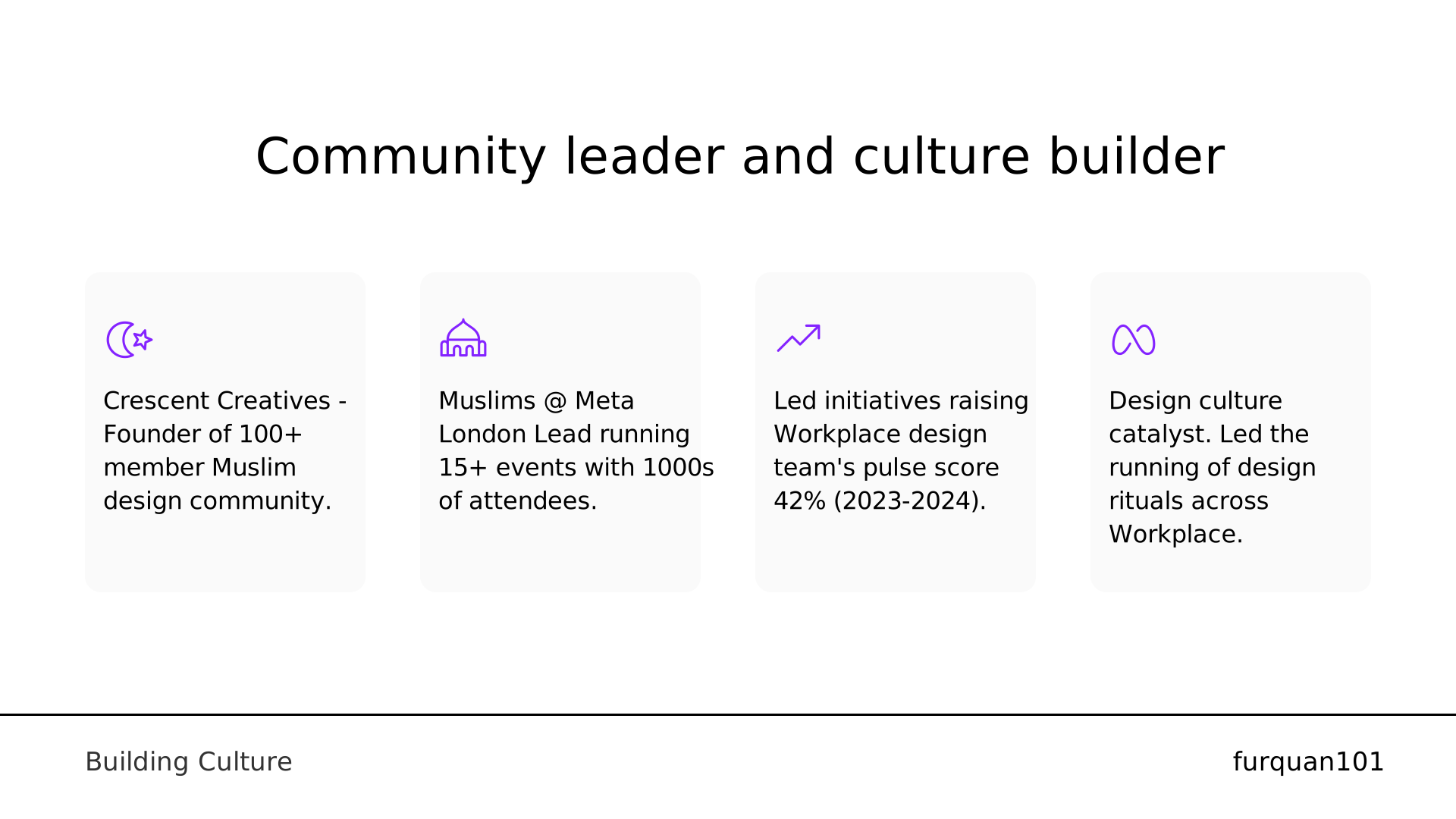 12. Community leader and culture builder
 15. UX Research Photos
 16. Case Study
 17. Overview
 18. What is Workplace?
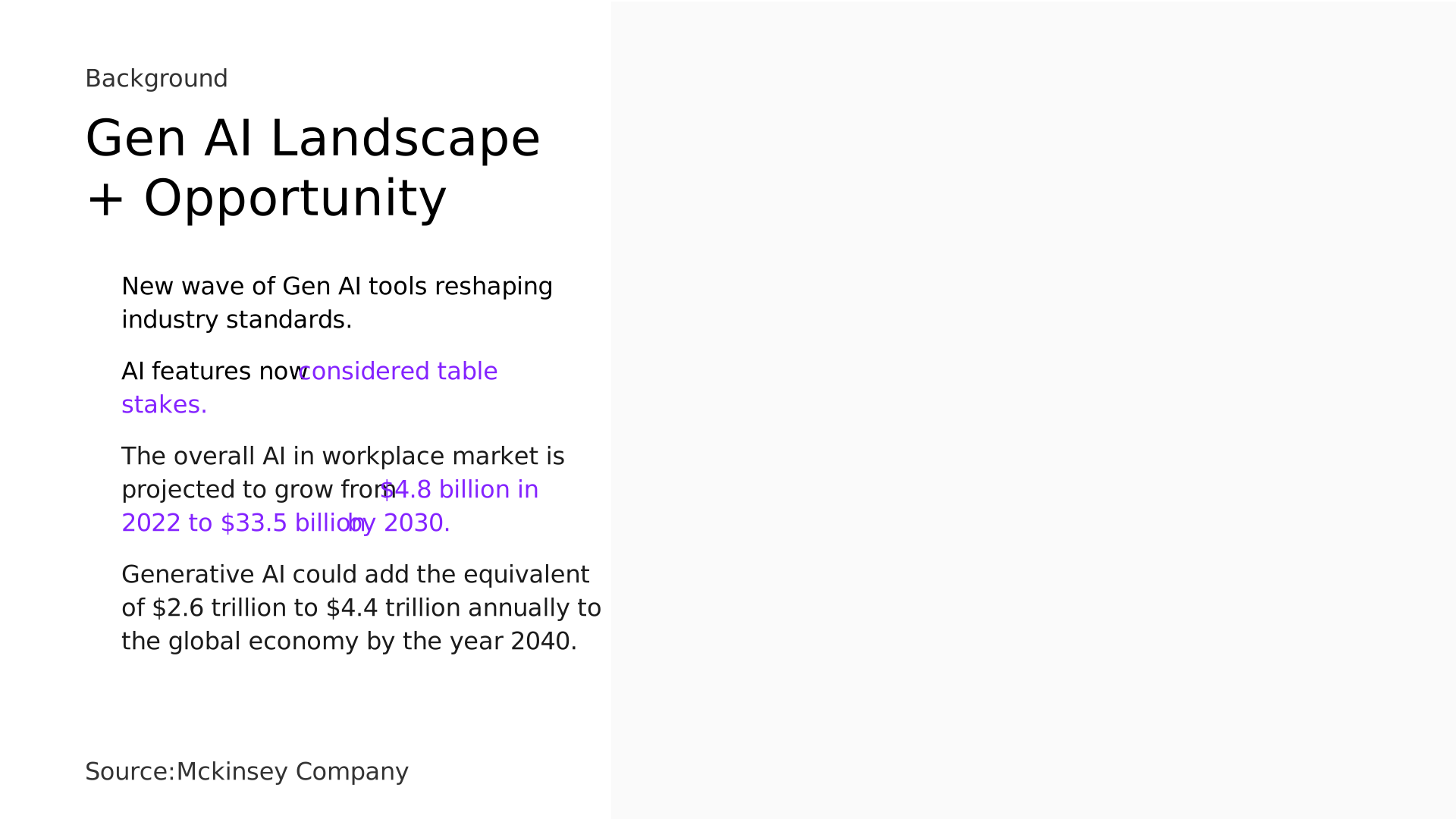 19. Gen AI Landscape
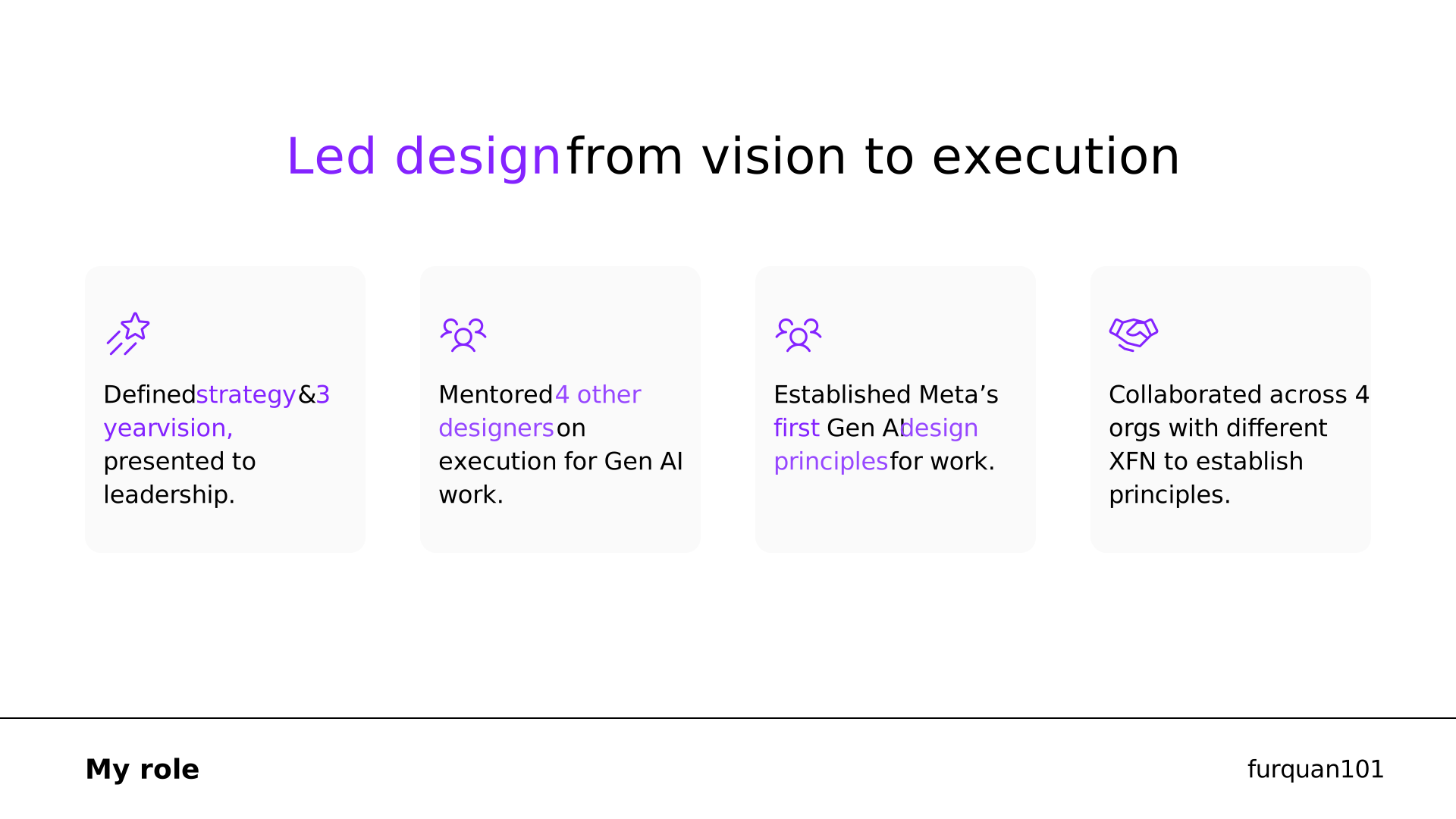 20. from vision to execution
 21. 01
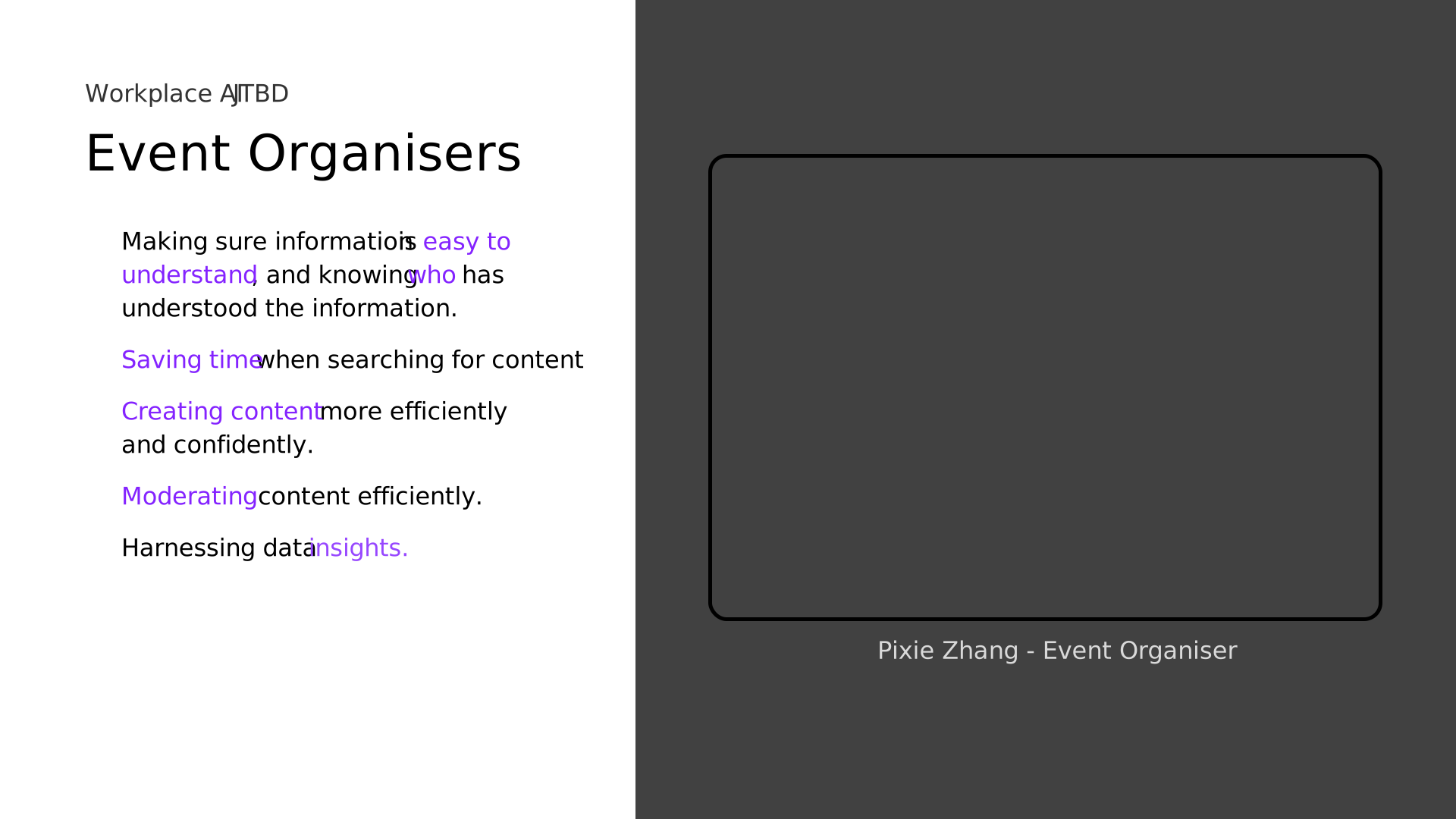 22. Event Organisers
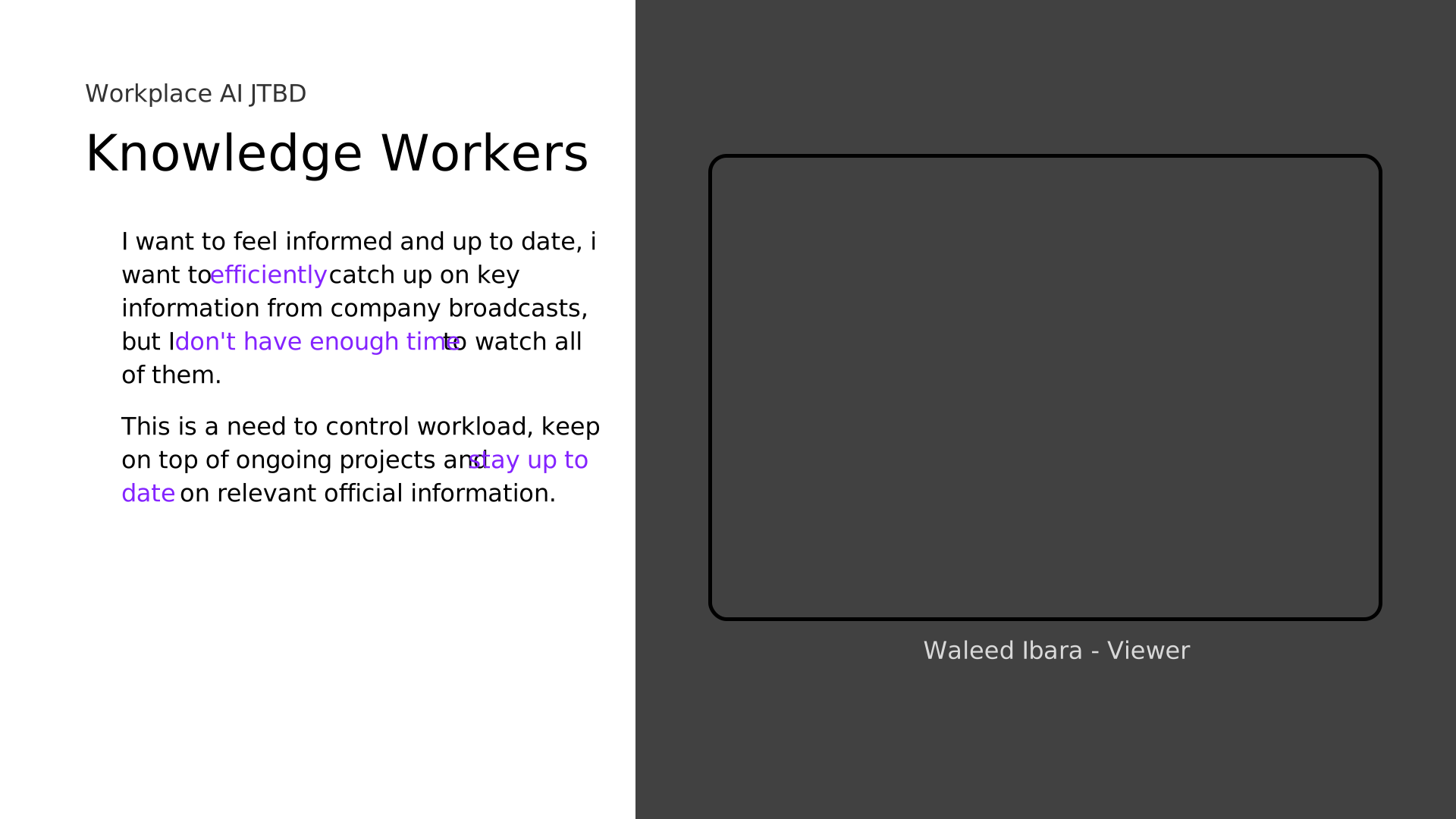 23. Knowledge Workers
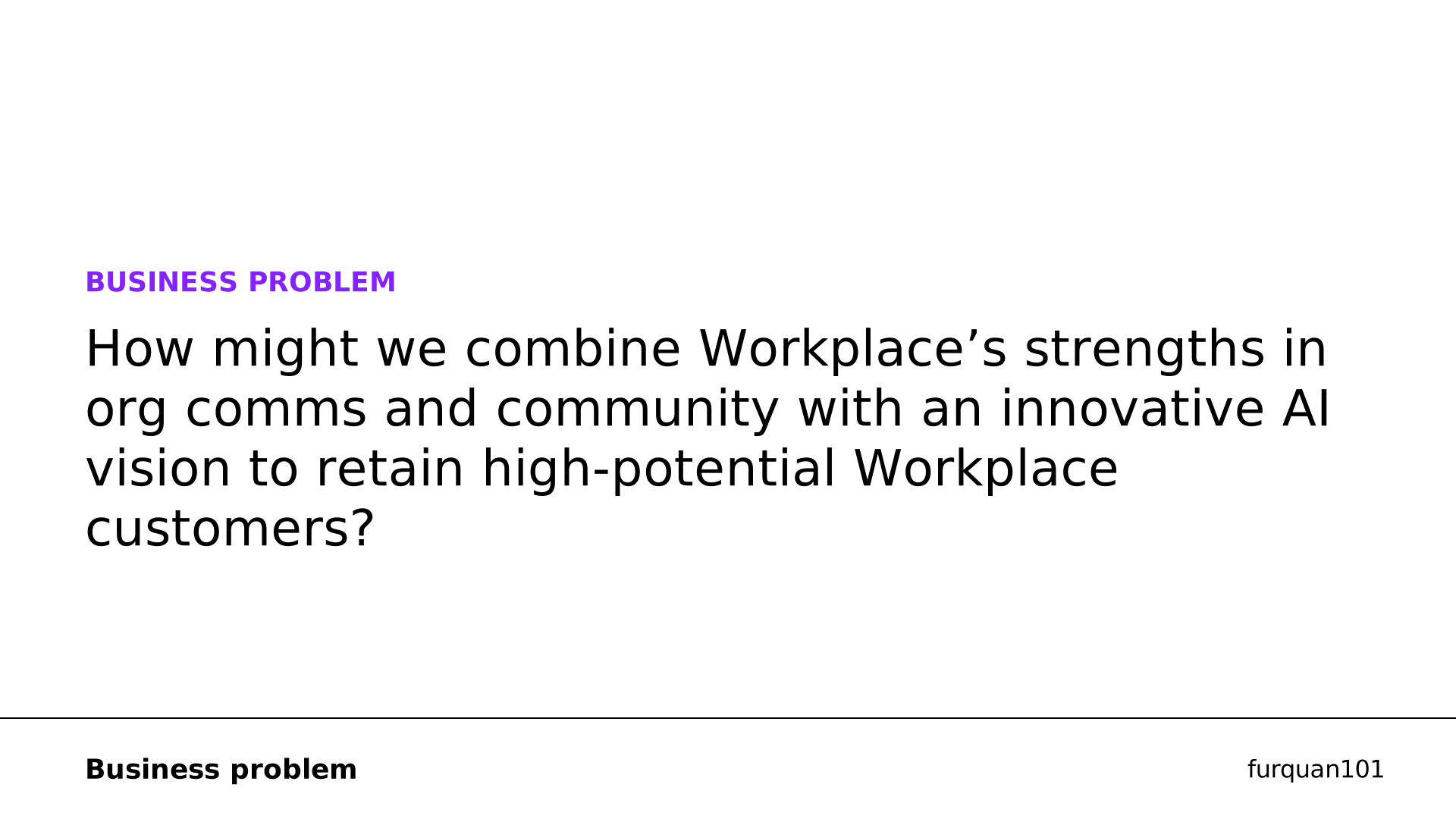 24. BUSINESS PROBLEM
 25. Validate through
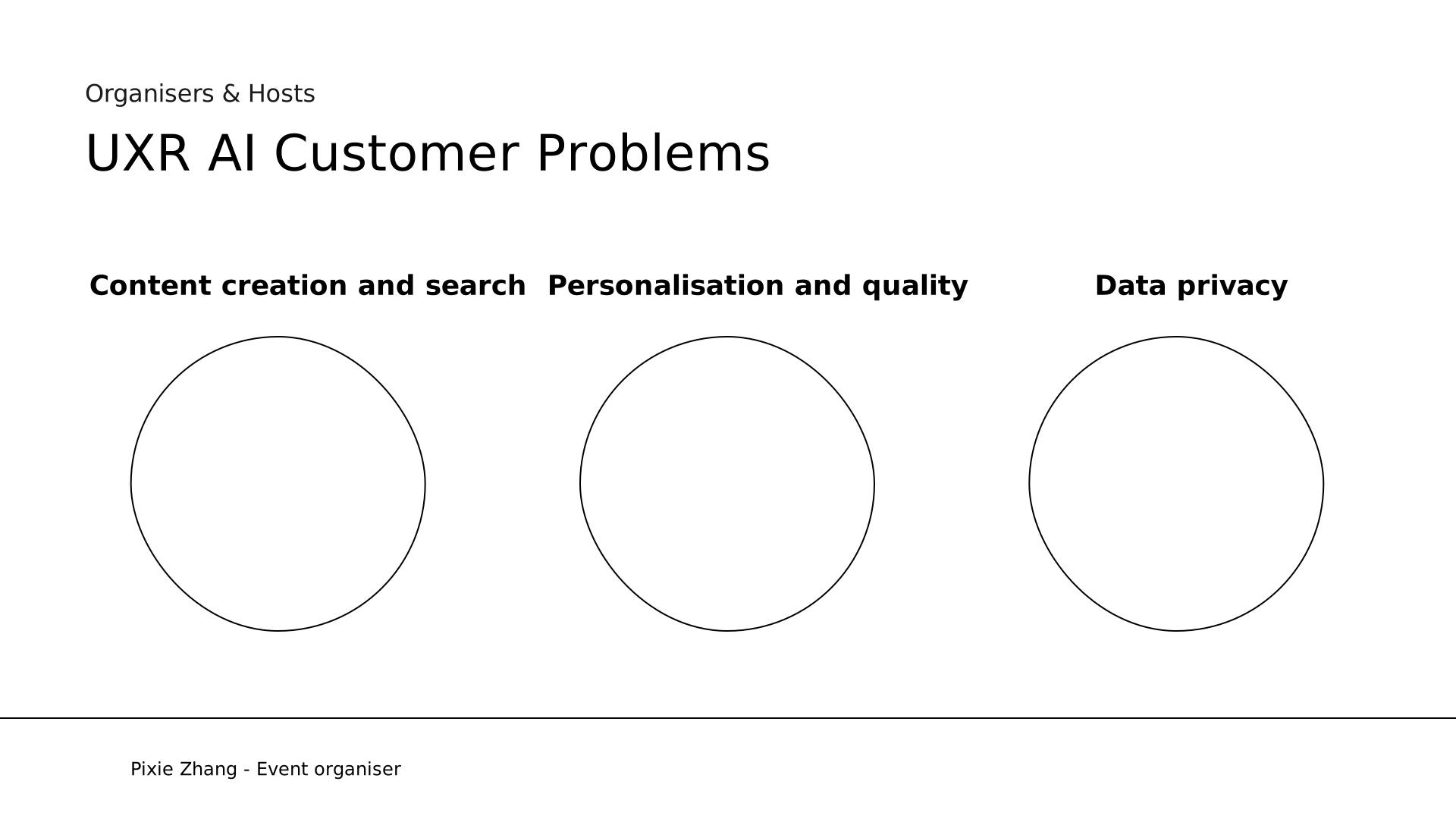 26. Content creation and search
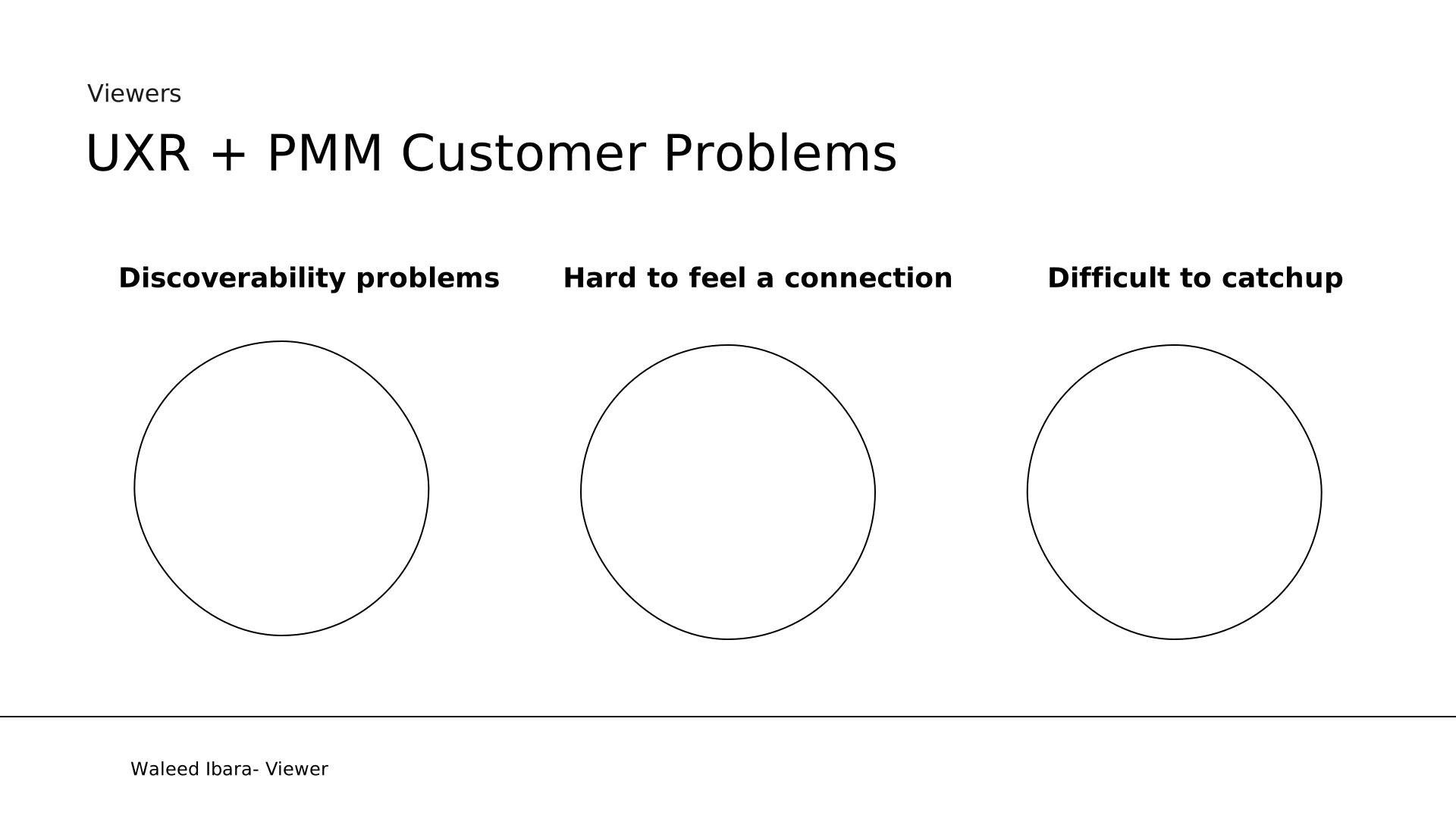 27. UXR + PMM Customer Problems
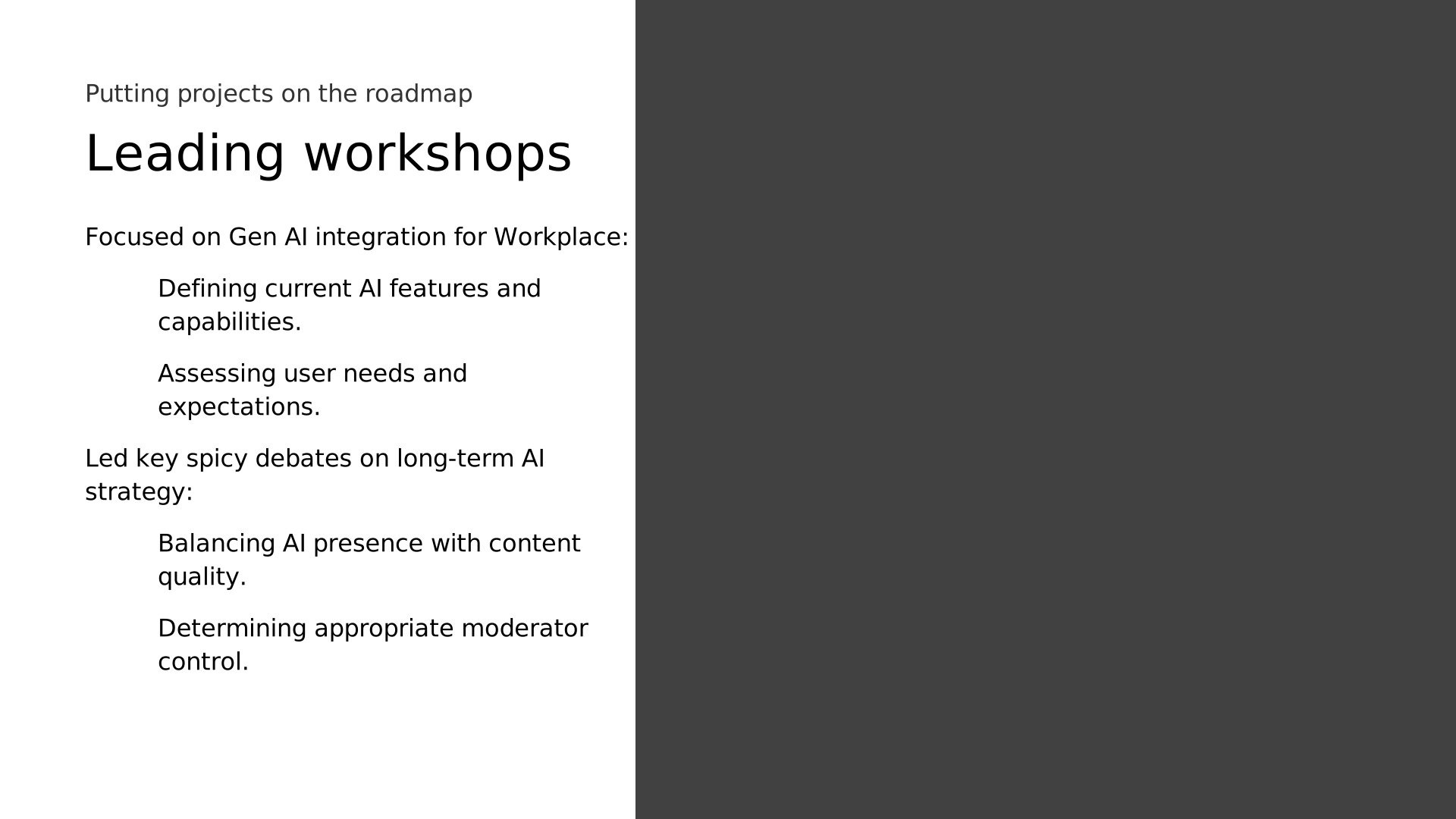 28. Leading workshops
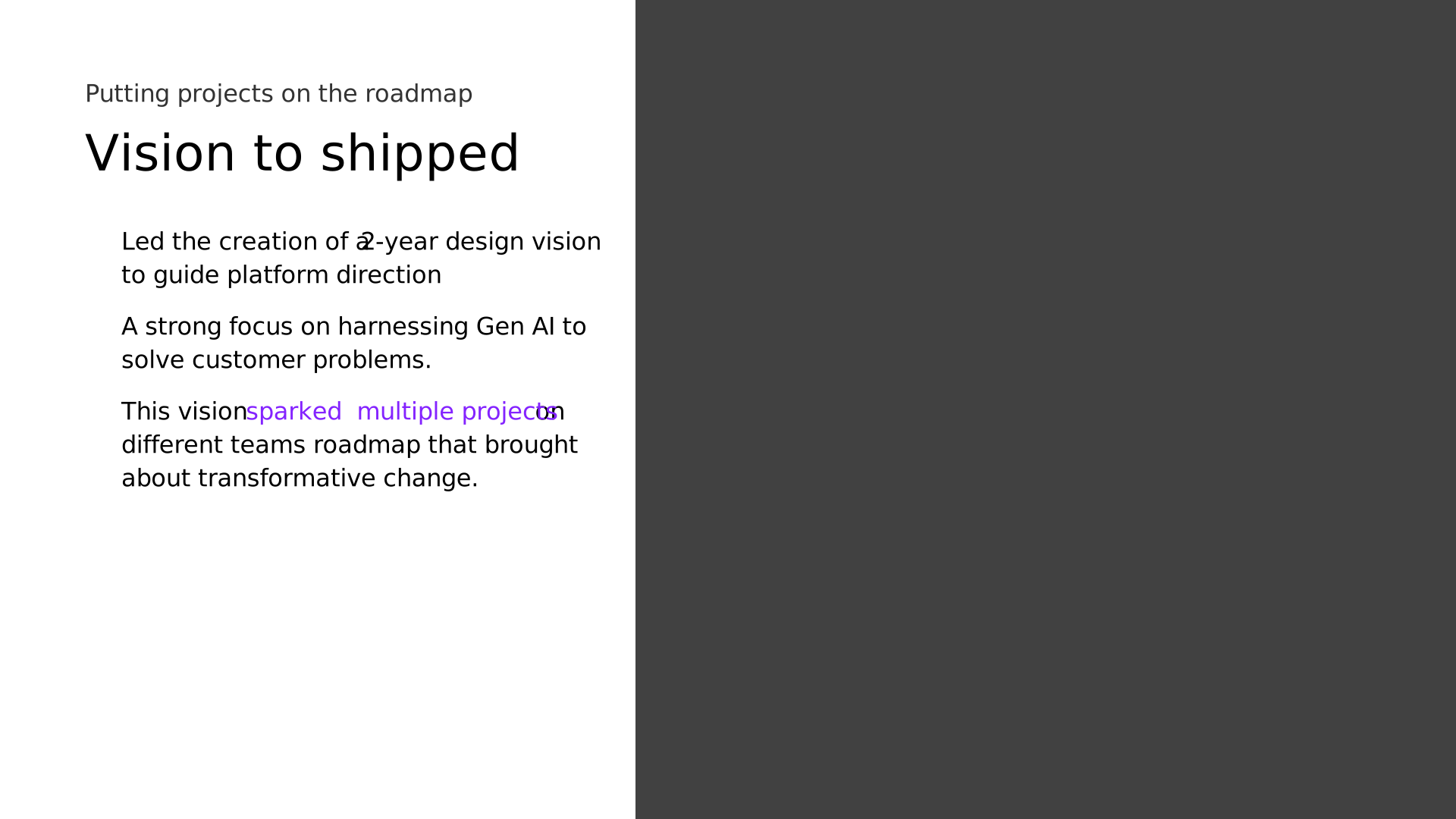 29. Vision to shipped
 30. LIVE 2D Engagement Vision
 31. 01
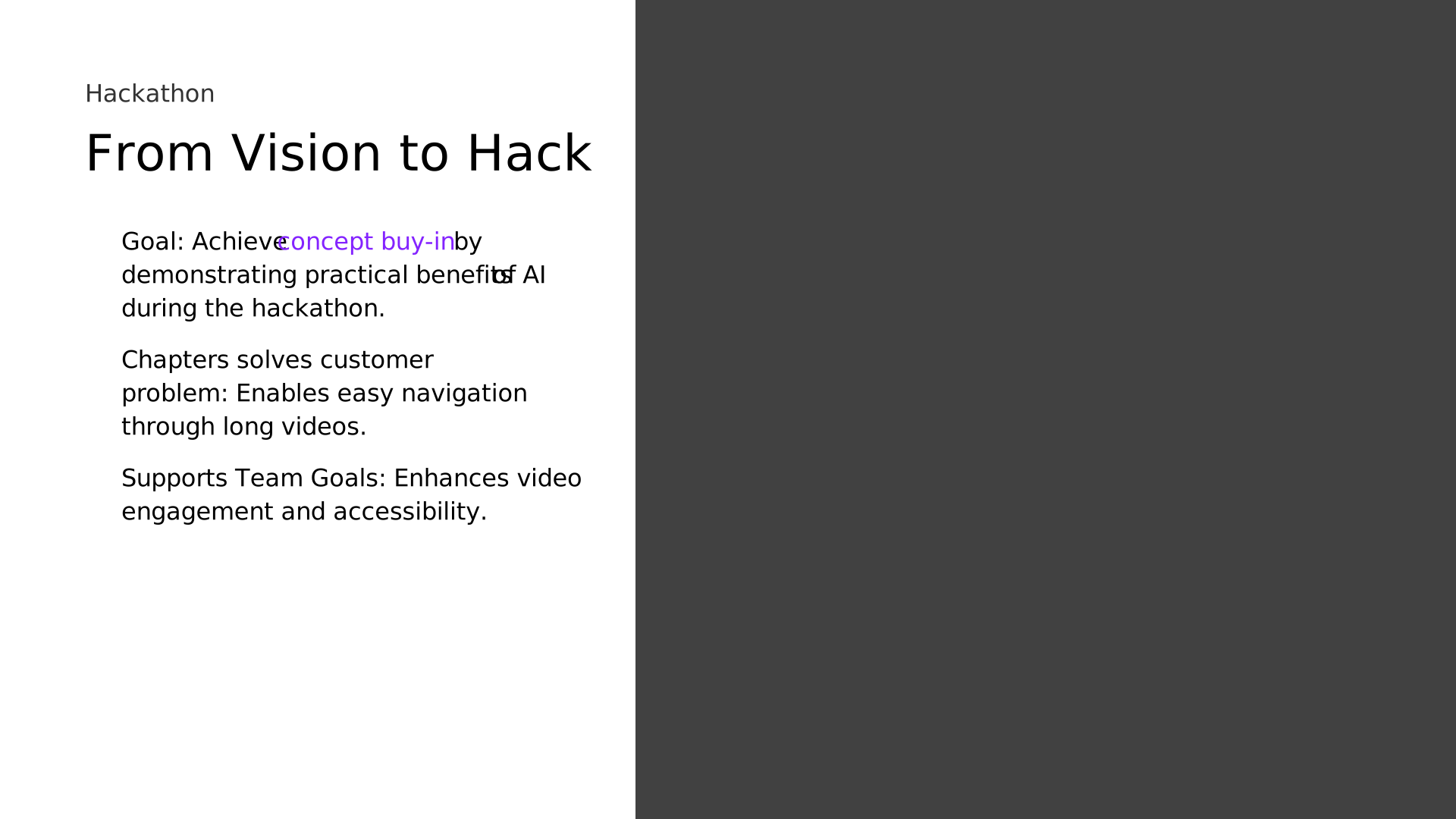 32. From Vision to Hack
 33. Hackathon project demo
 34. 01
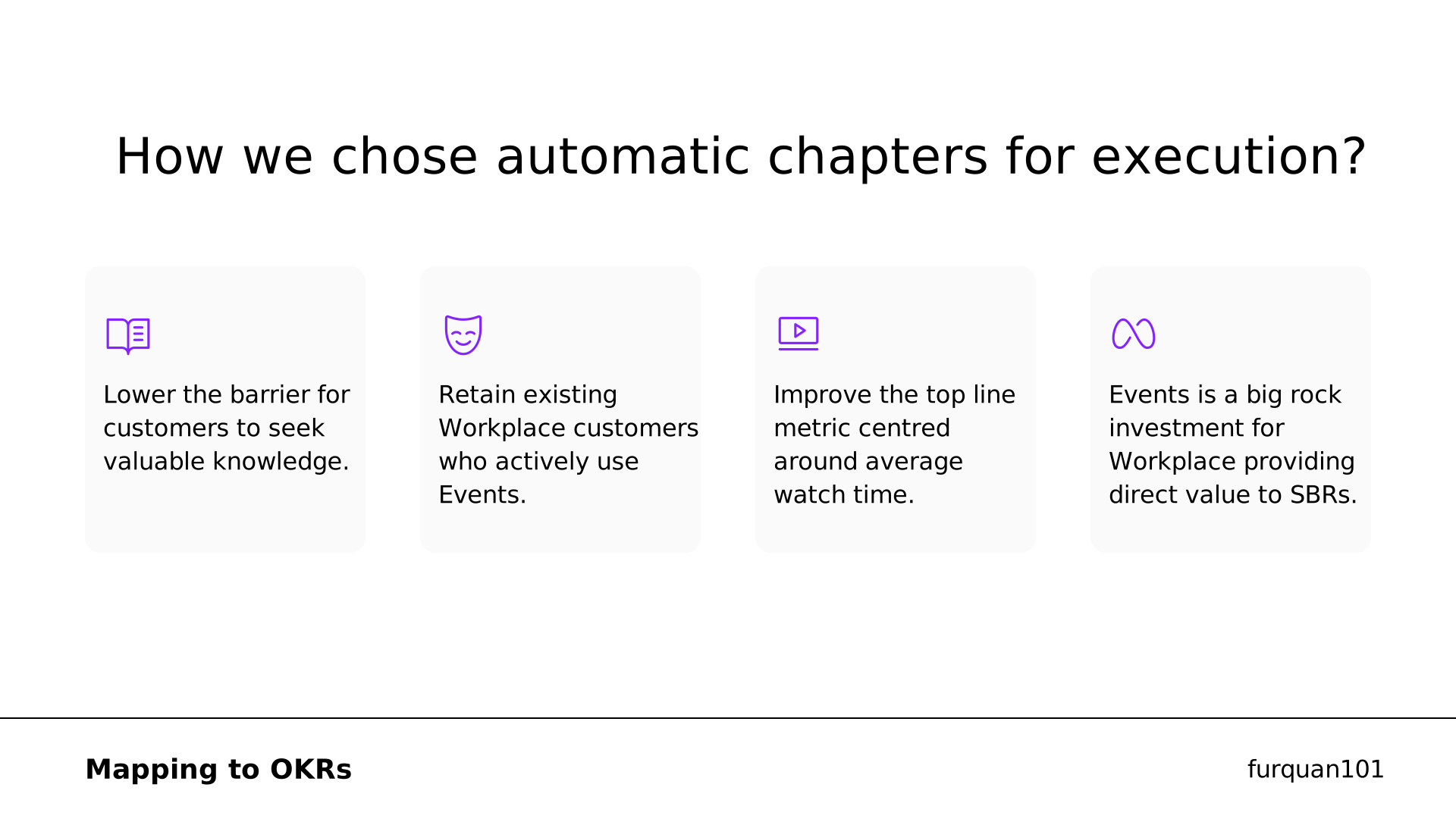 35. How we chose automatic chapters for execution?
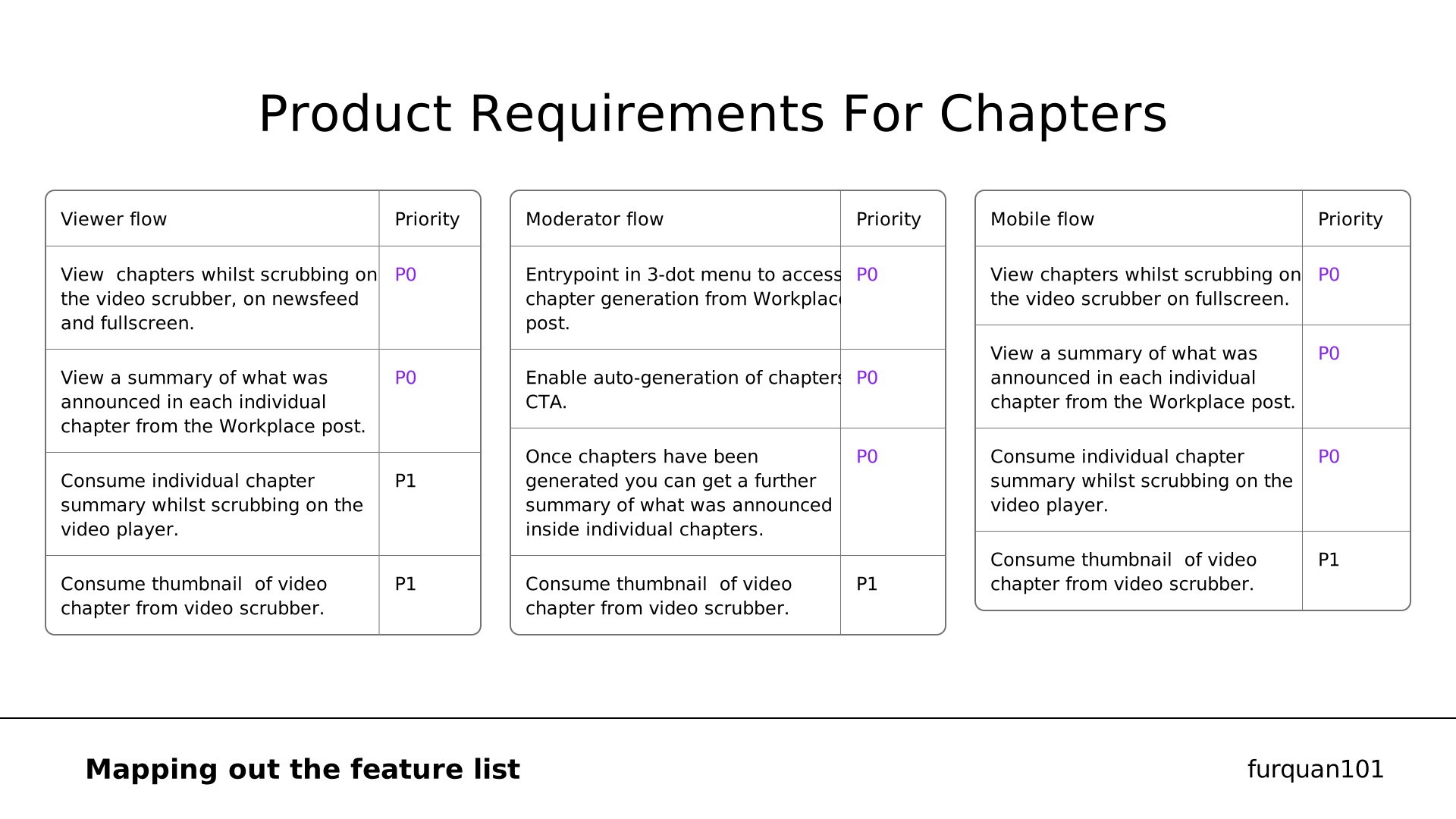 36. Product Requirements For Chapters
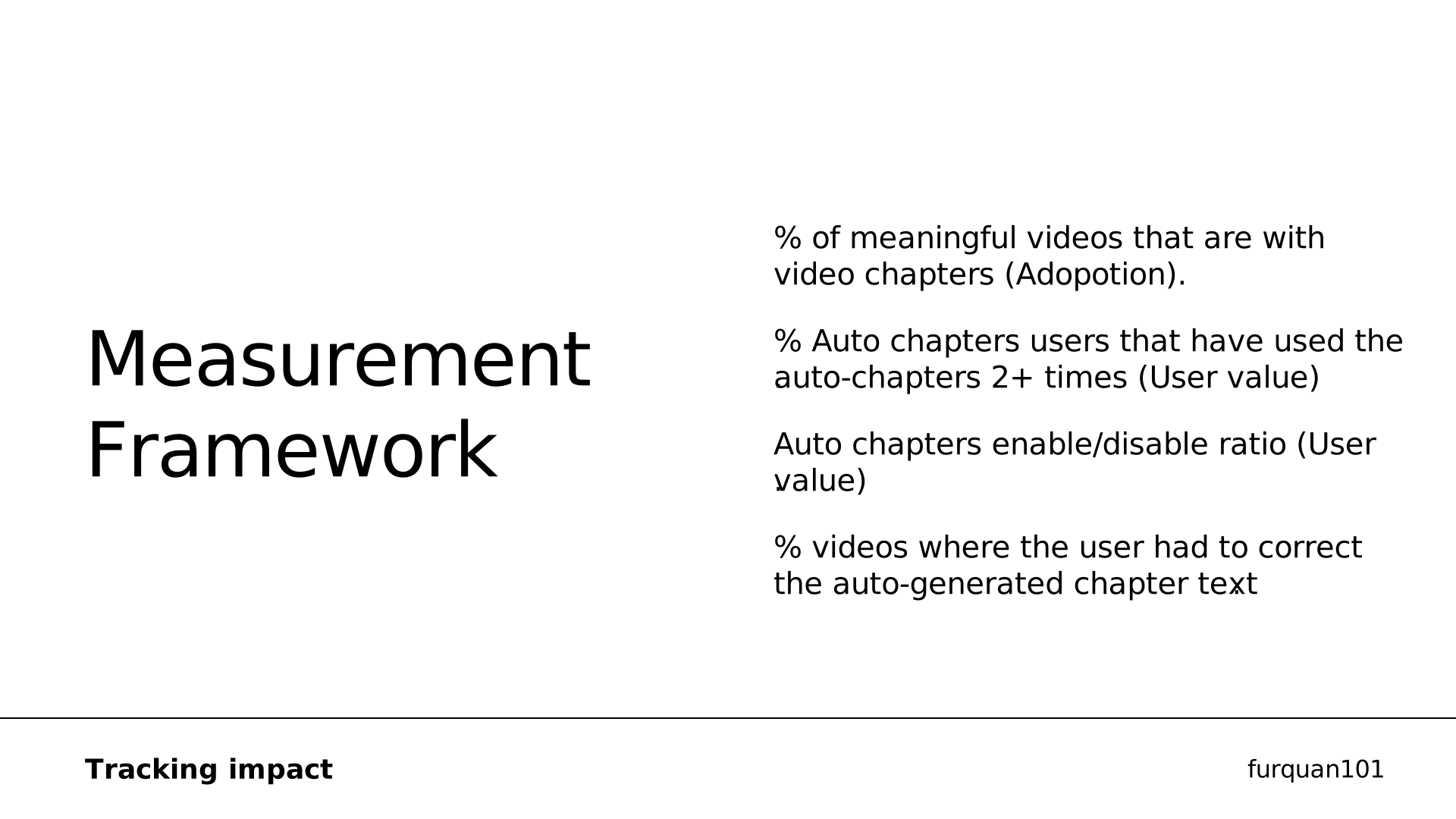 37. Measurement
 38. Design Deep Dive
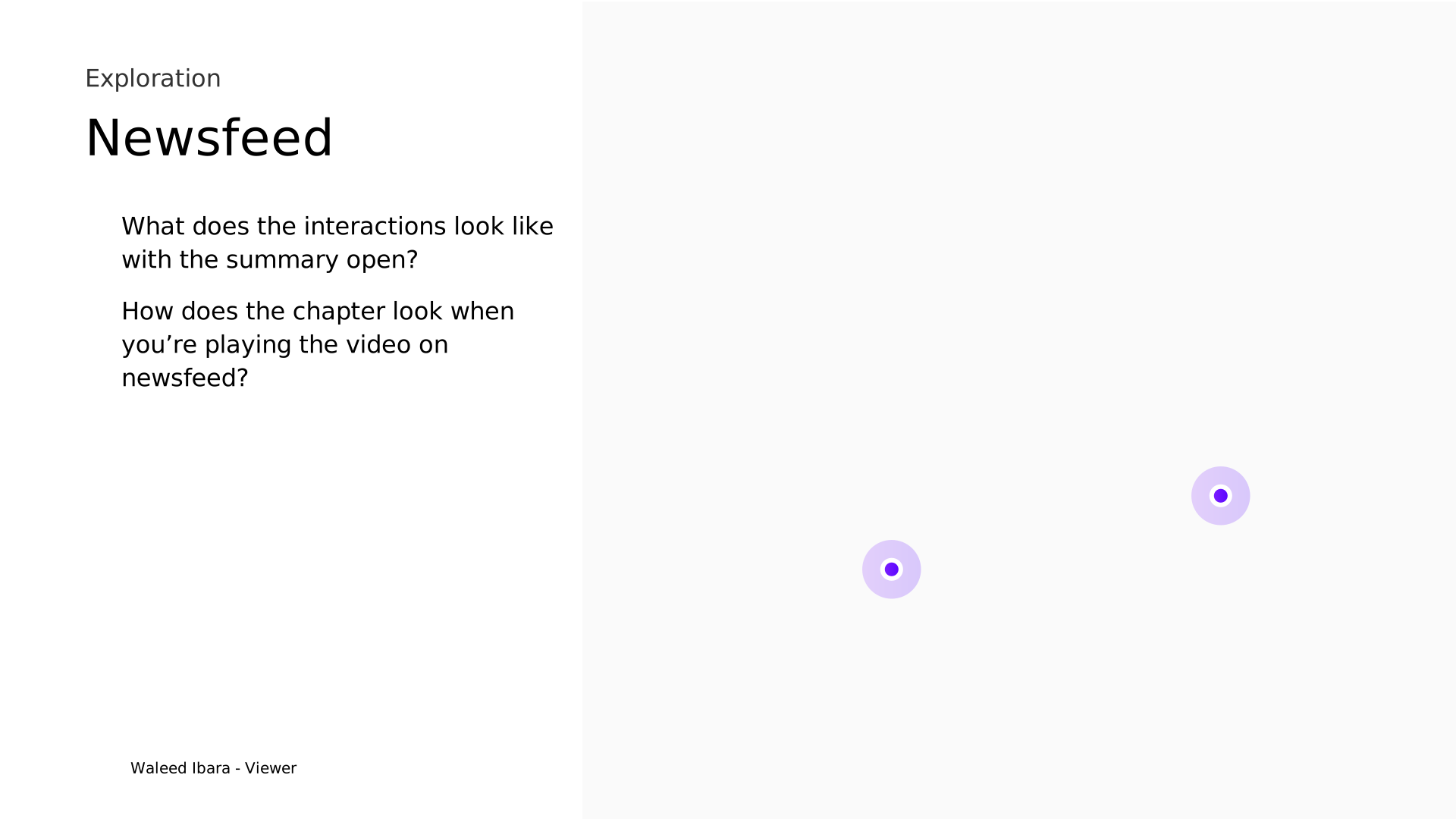 39. Newsfeed
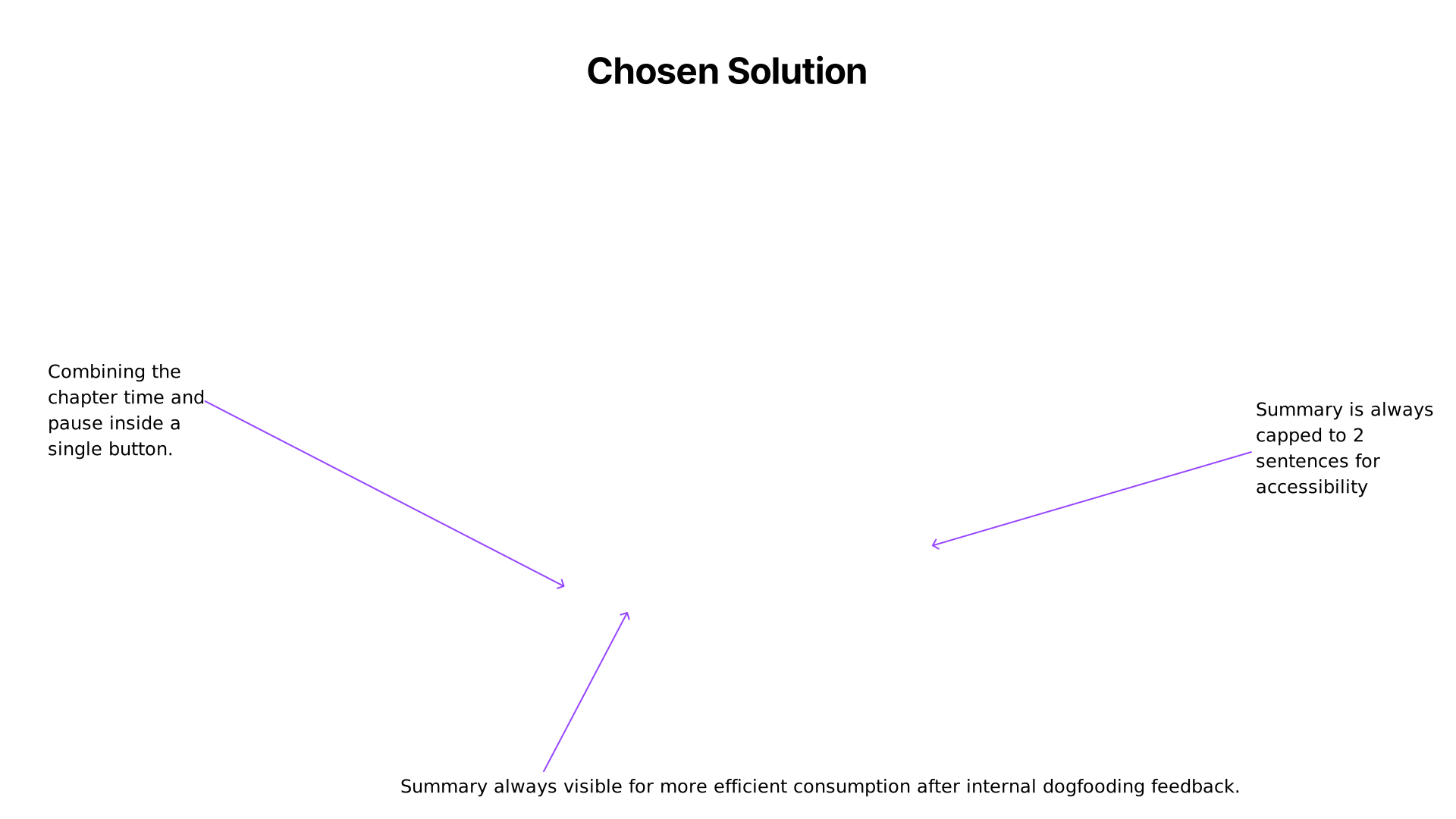 40. Chosen Solution
 41. Waleed Ibara - Viewer
 42. Upselling
 43. User education
 44. Pixie Zhang - Event organiser
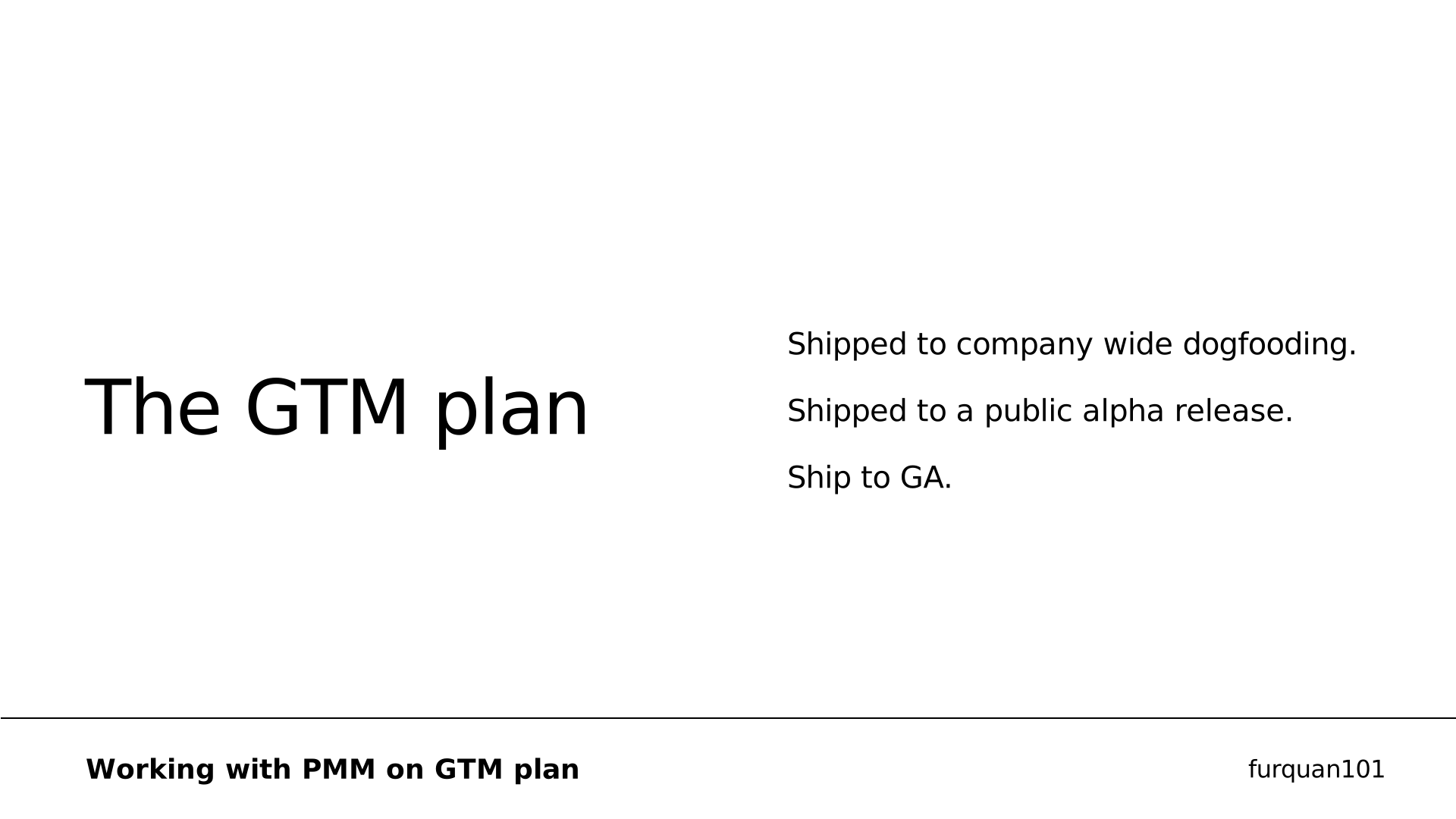 45. The GTM plan
 46. After internal dogfooding feedback we
 47. Impact and Results
 48. Gen AI For Work
 49. Creating the
 50. Sharing learnings
 51. Informing different
 52. Slide 49
 53. Slide 50
 54. Slide 51
 55. Core Principles
 56. Learnings and
 57. Case Study
 58. Overview
 59. Facebook Groups
 60. My team
 61. to grow Facebook Groups
 62. from vision to execution
 63. 01
 64. JTBD Young Adults
 65. PROBLEM STATEMENT
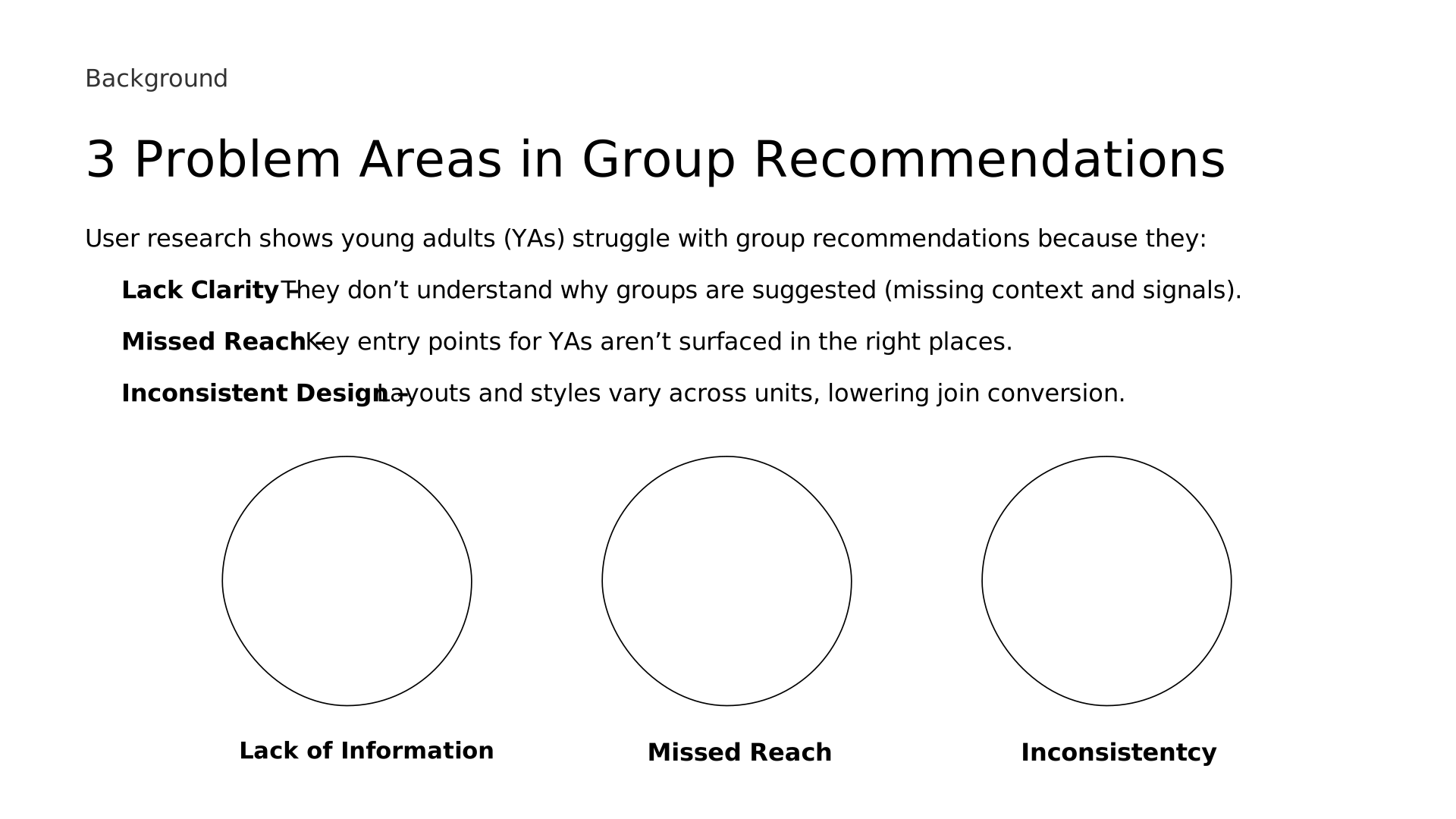 66. 3 Problem Areas in Group Recommendations
 67. Recommendations are not informative or optimised
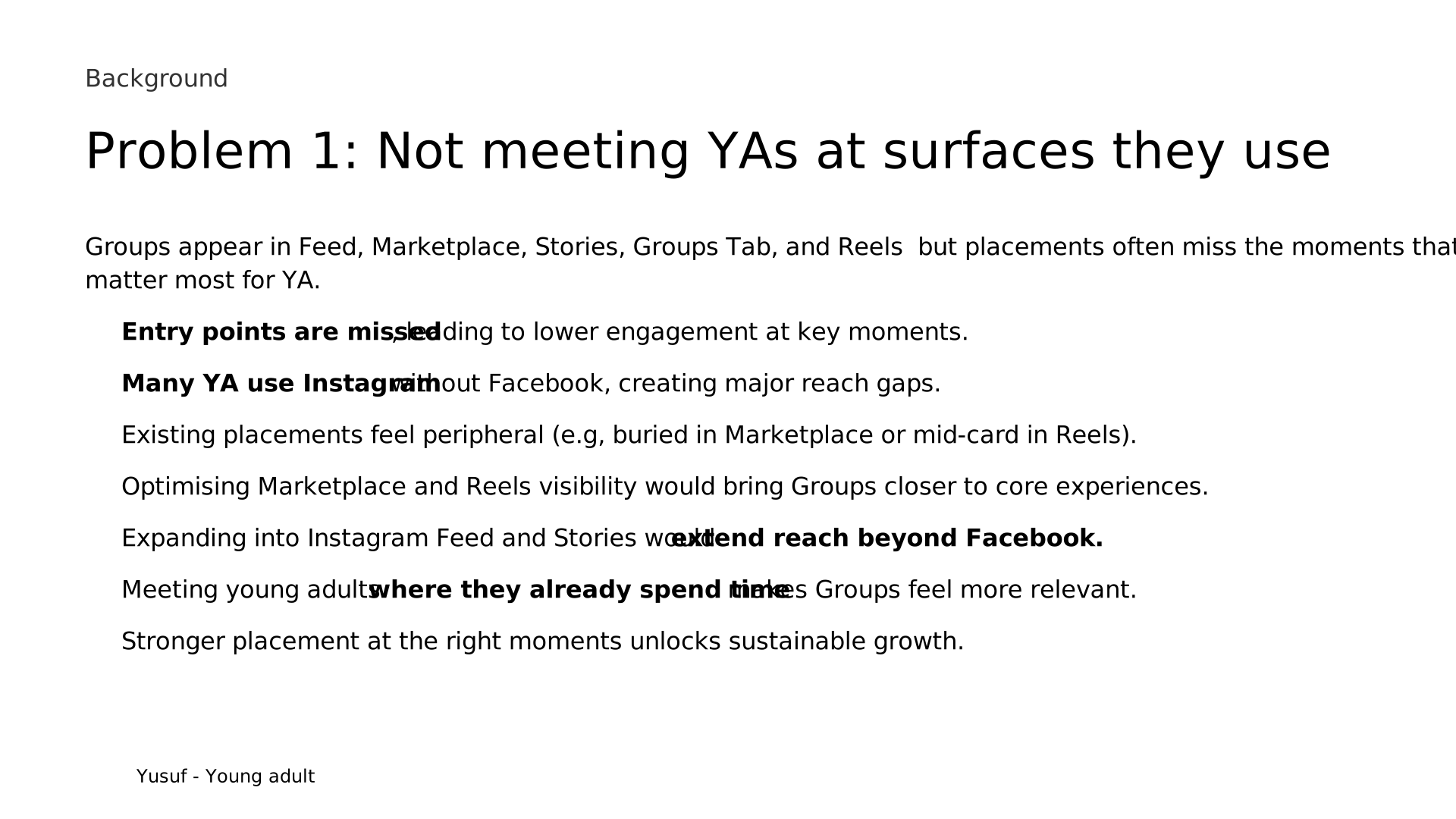 68. Problem 1: Not meeting YAs at surfaces they use
 69. Problem 2: Inconsistent join experience
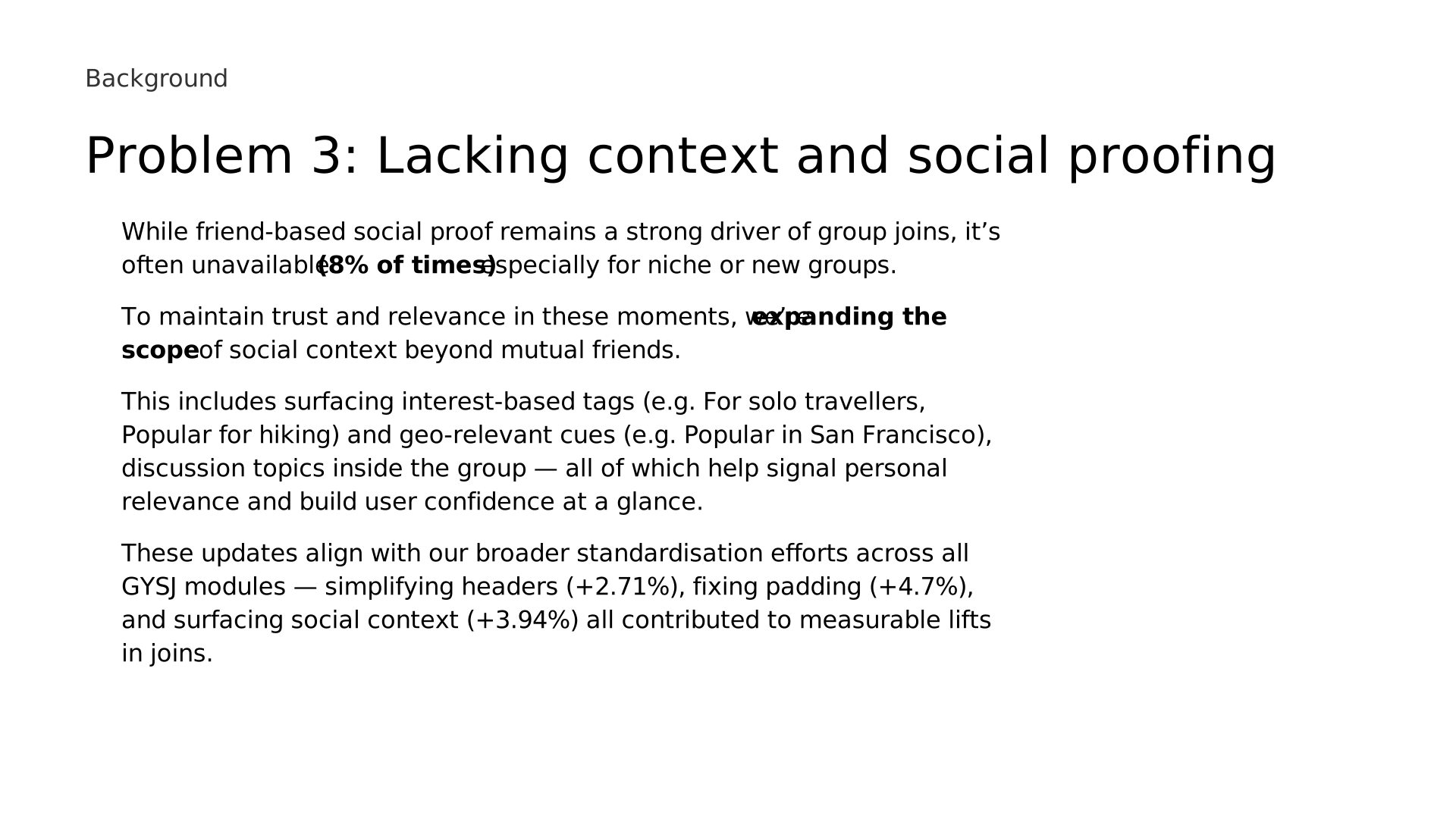 70. Problem 3: Lacking context and social proofing
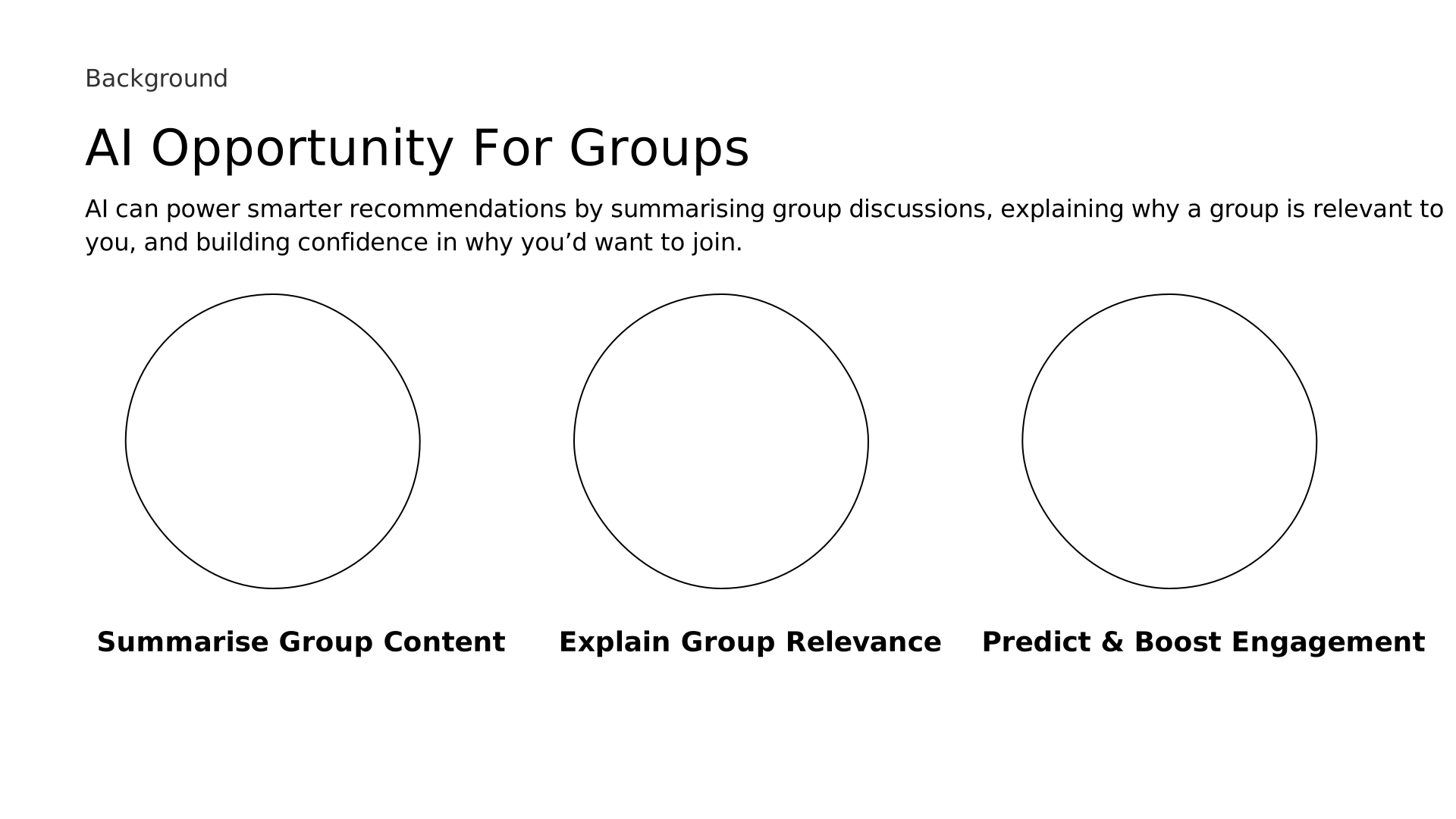 71. AI Opportunity For Groups
 72. 01
 73. Upselling on FB Reels
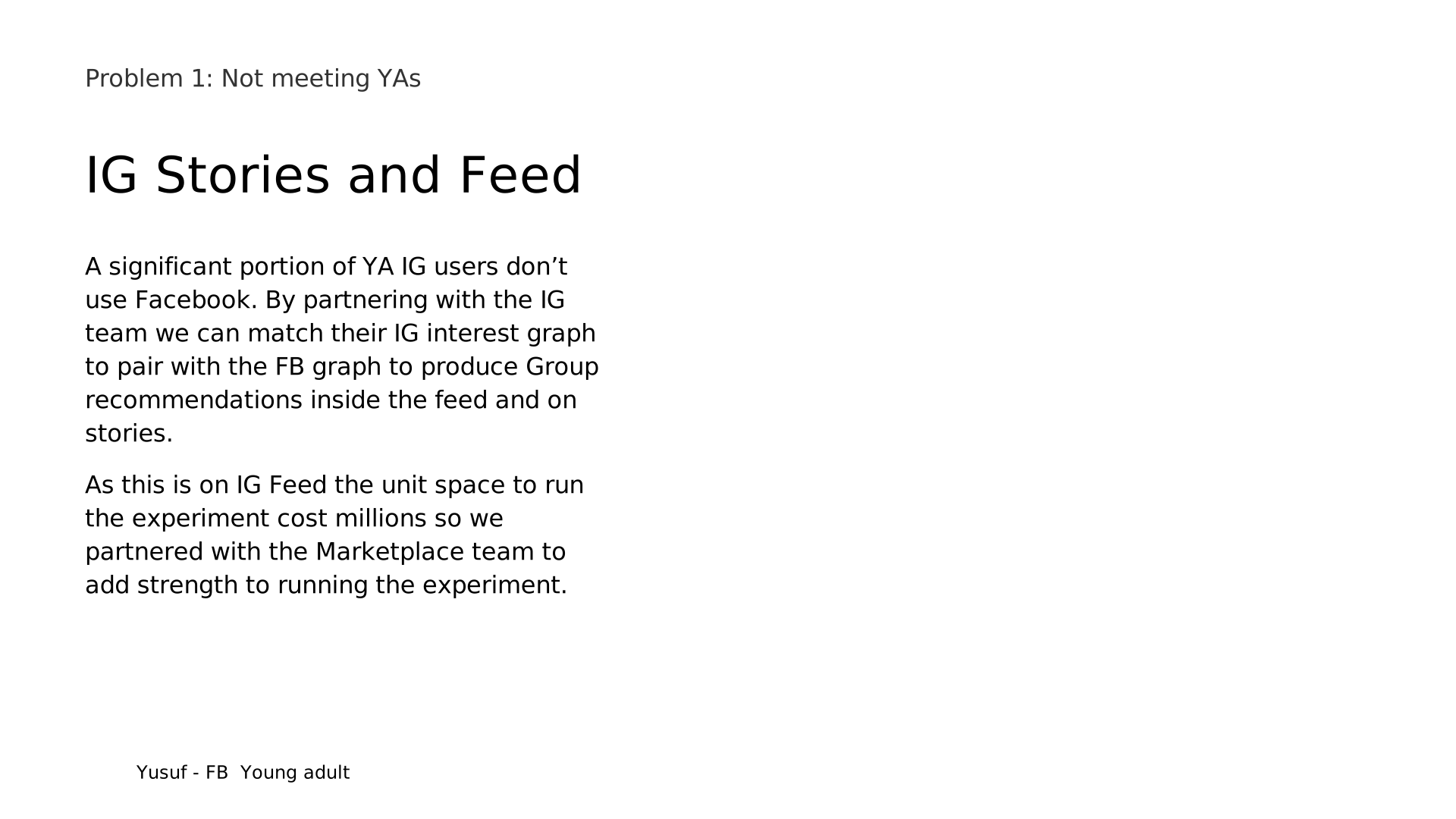 74. IG Stories and Feed
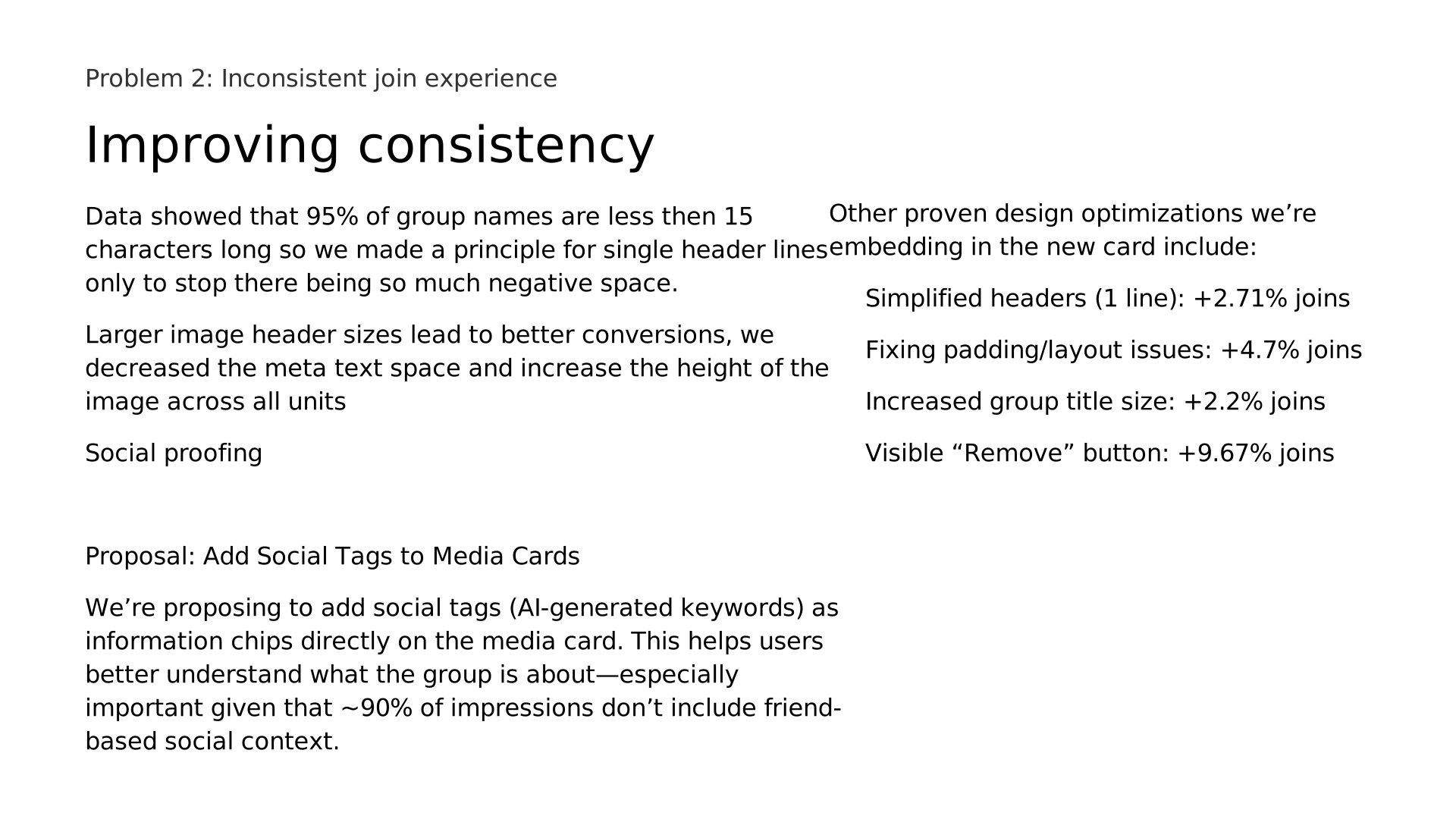 75. Improving consistency
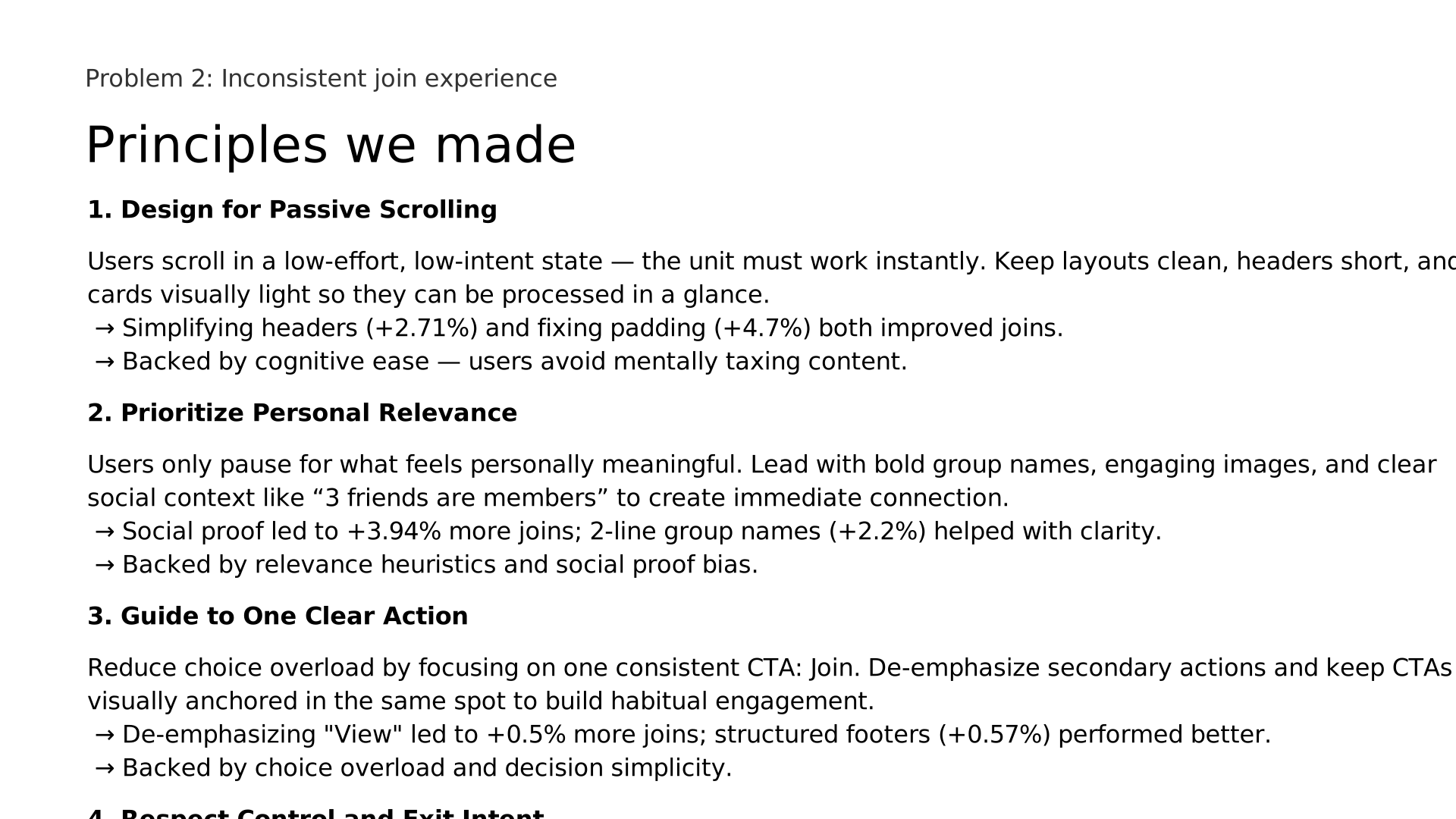 76. Principles we made
 77. New card we designed
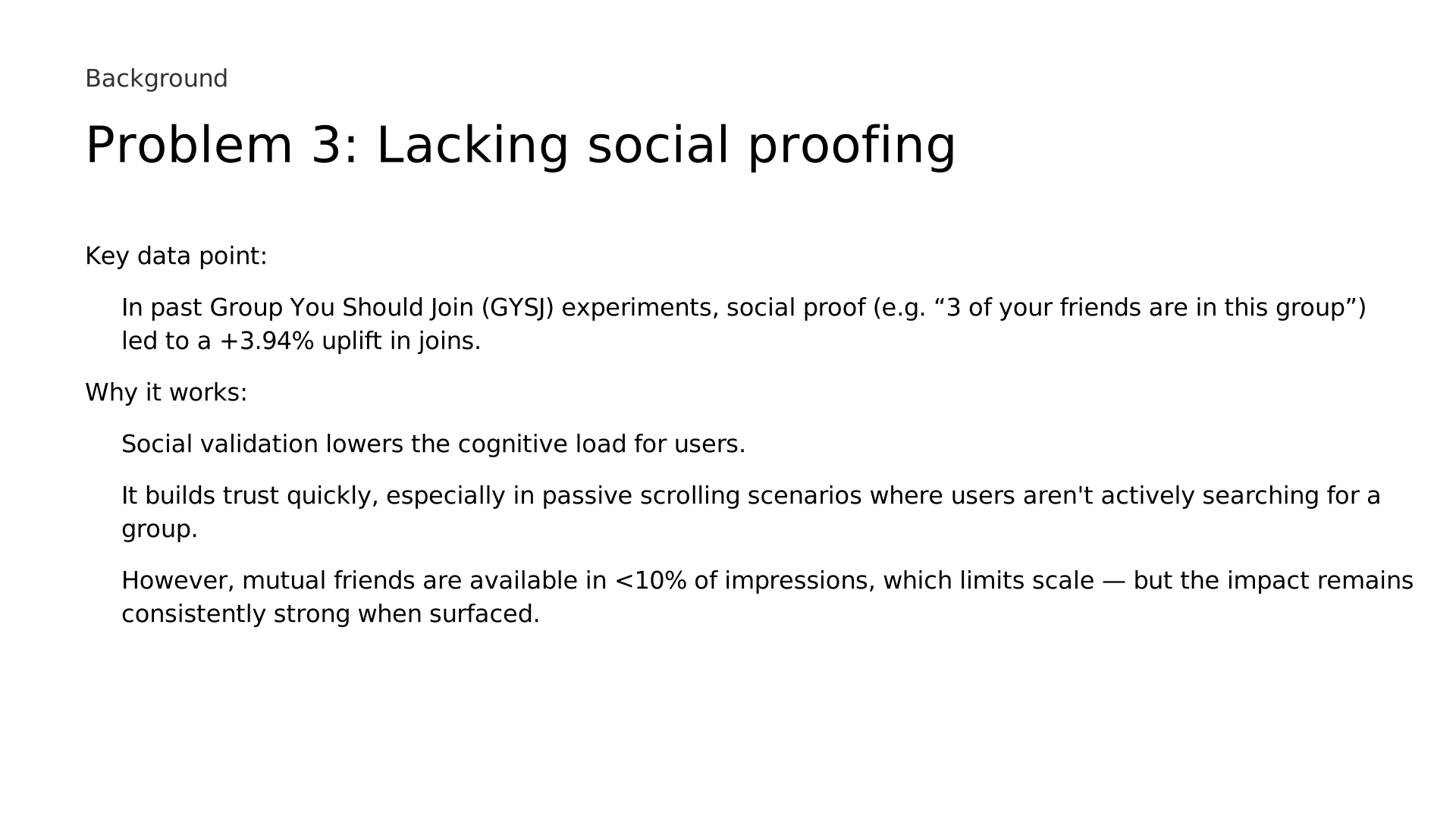 78. Problem 3: Lacking social proofing
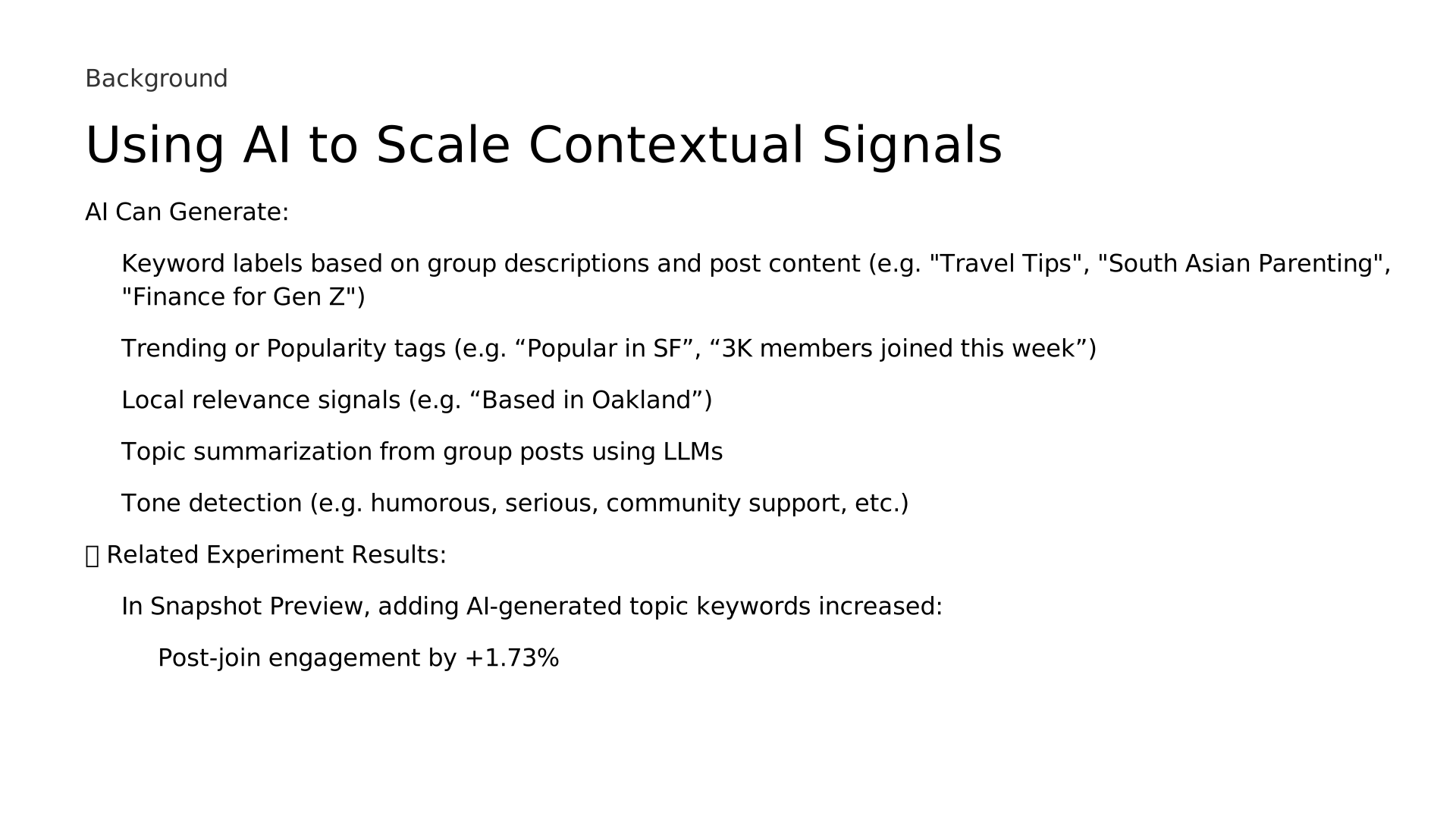 79. Using AI to Scale Contextual Signals
 80. Iterations
 81. 01
 82. Execution & impact
 83. Case Study
 84. Project Background
 85. Event Organiser
 86. There’s
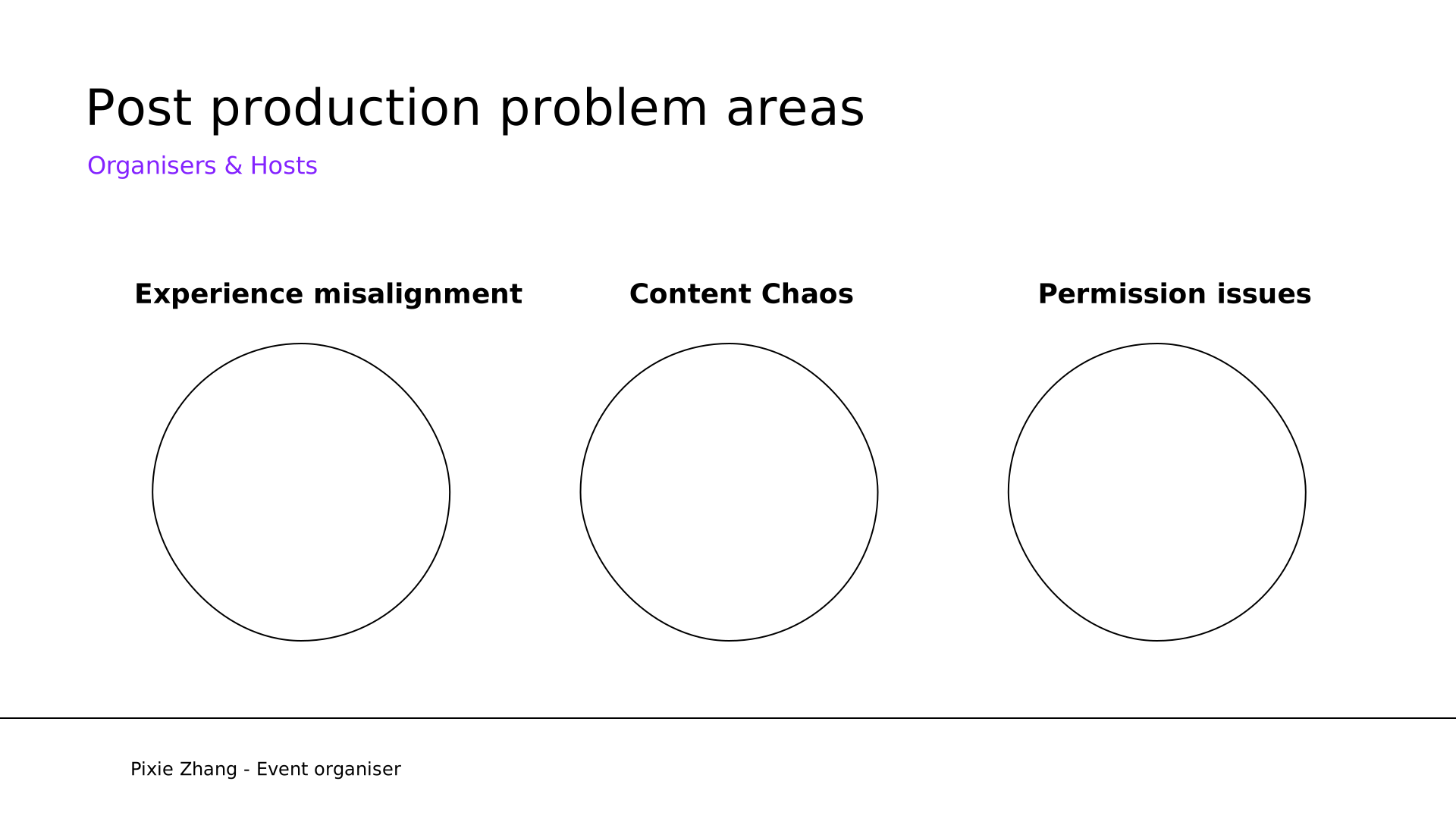 87. Post production problem areas
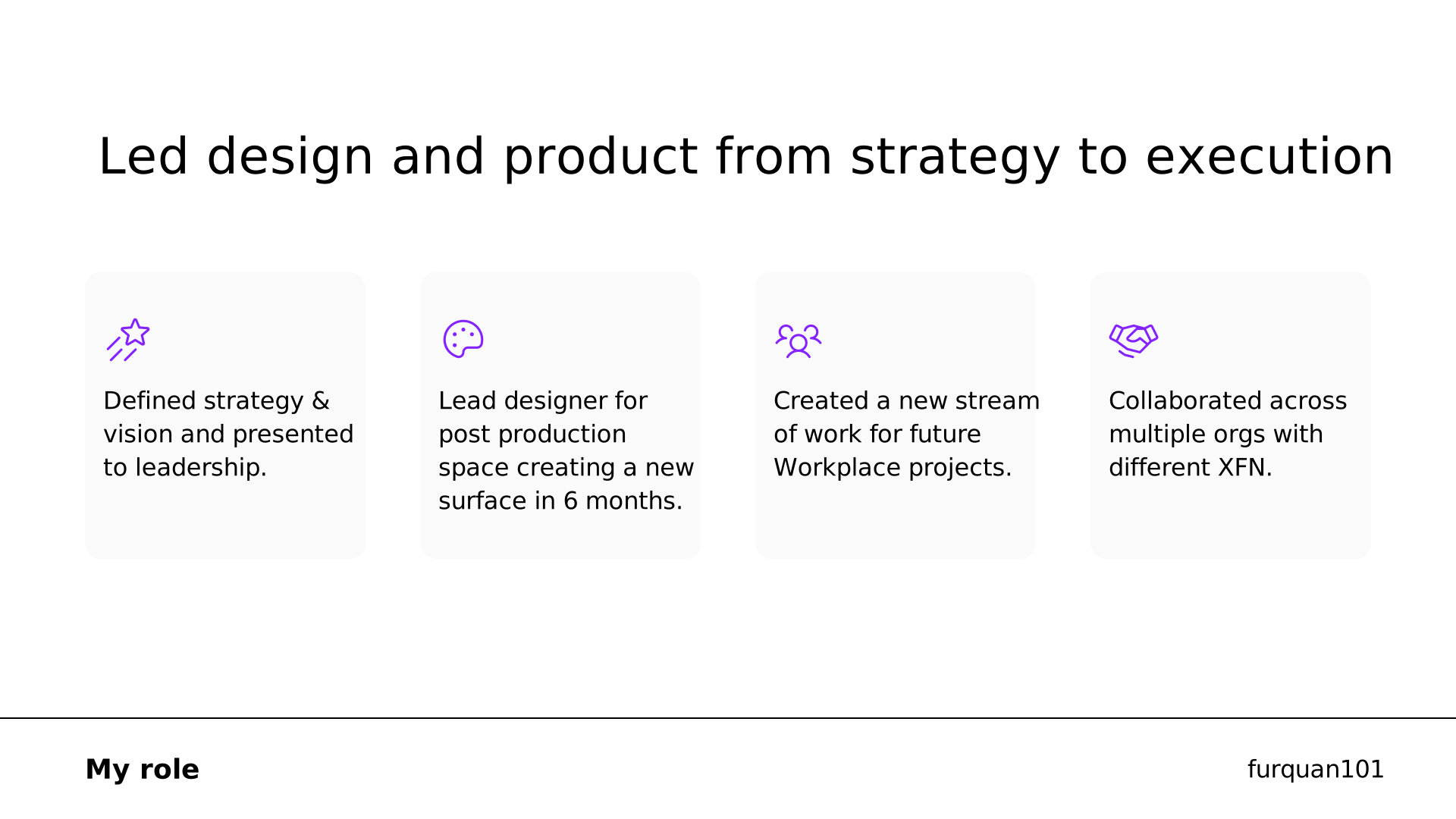 88. Led design and product from strategy to execution
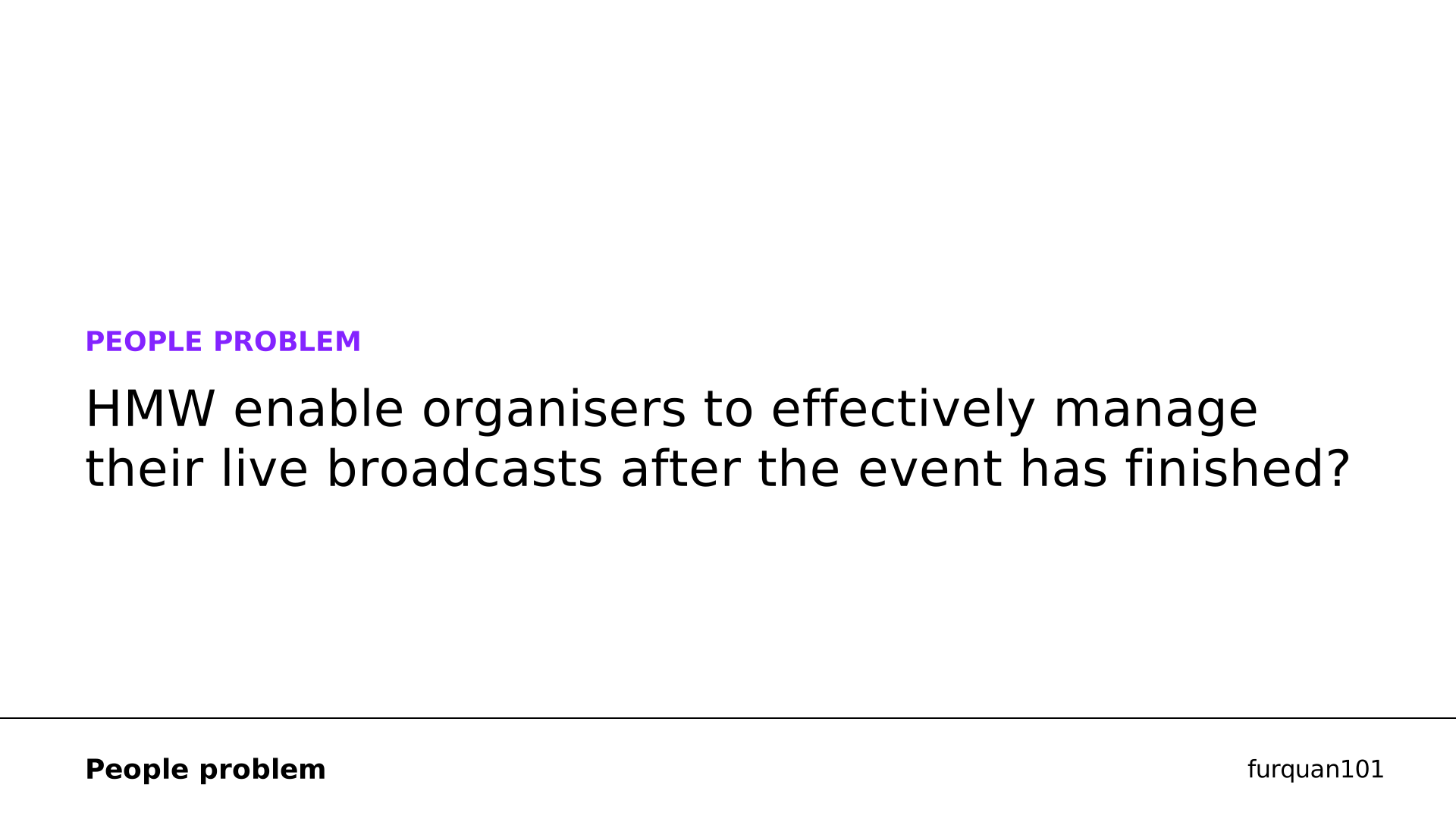 89. PEOPLE PROBLEM
 90. Defining Success
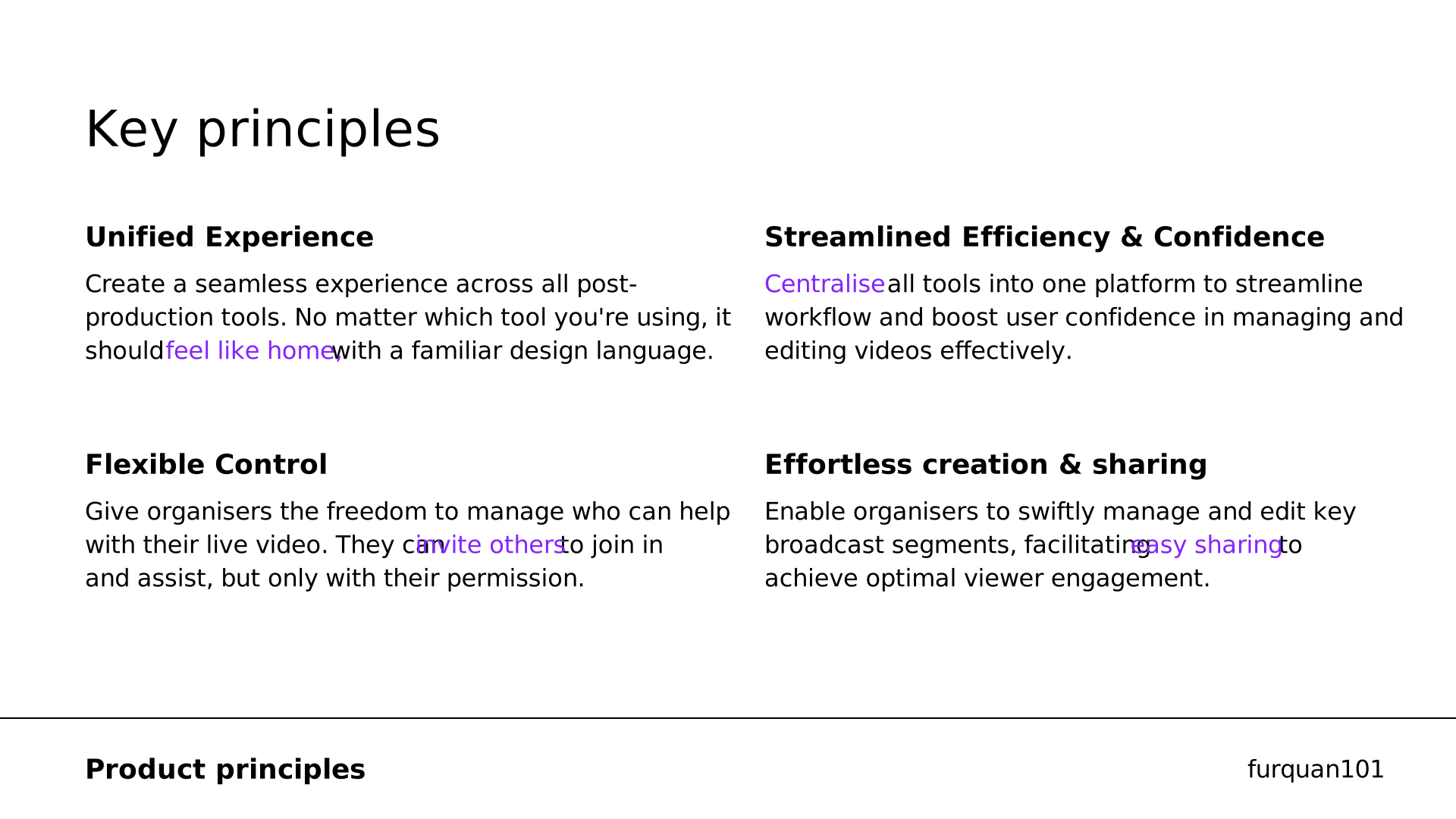 91. Key principles
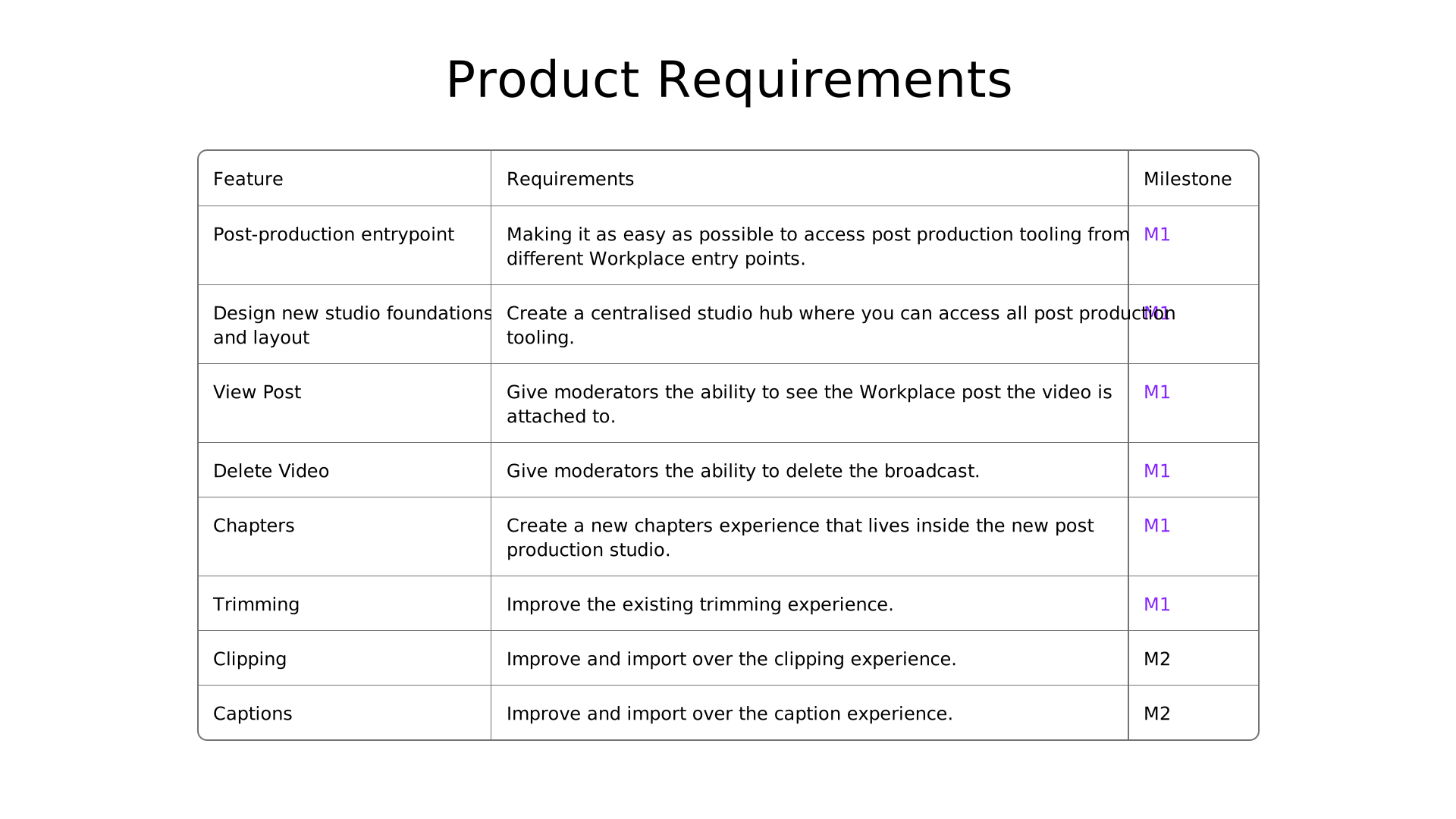 92. Feature
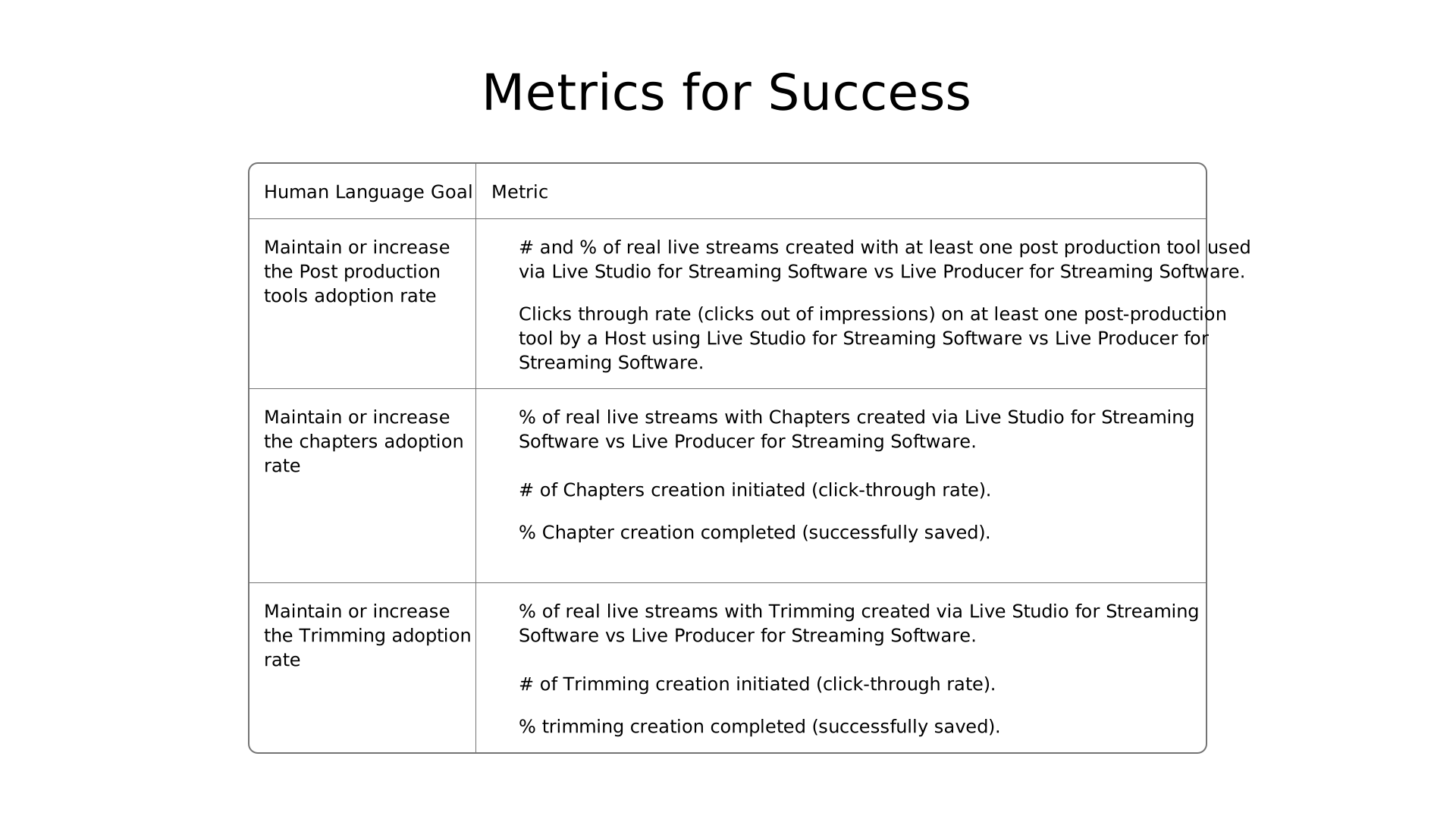 93. Metrics for Success
 94. Explorations For Studio
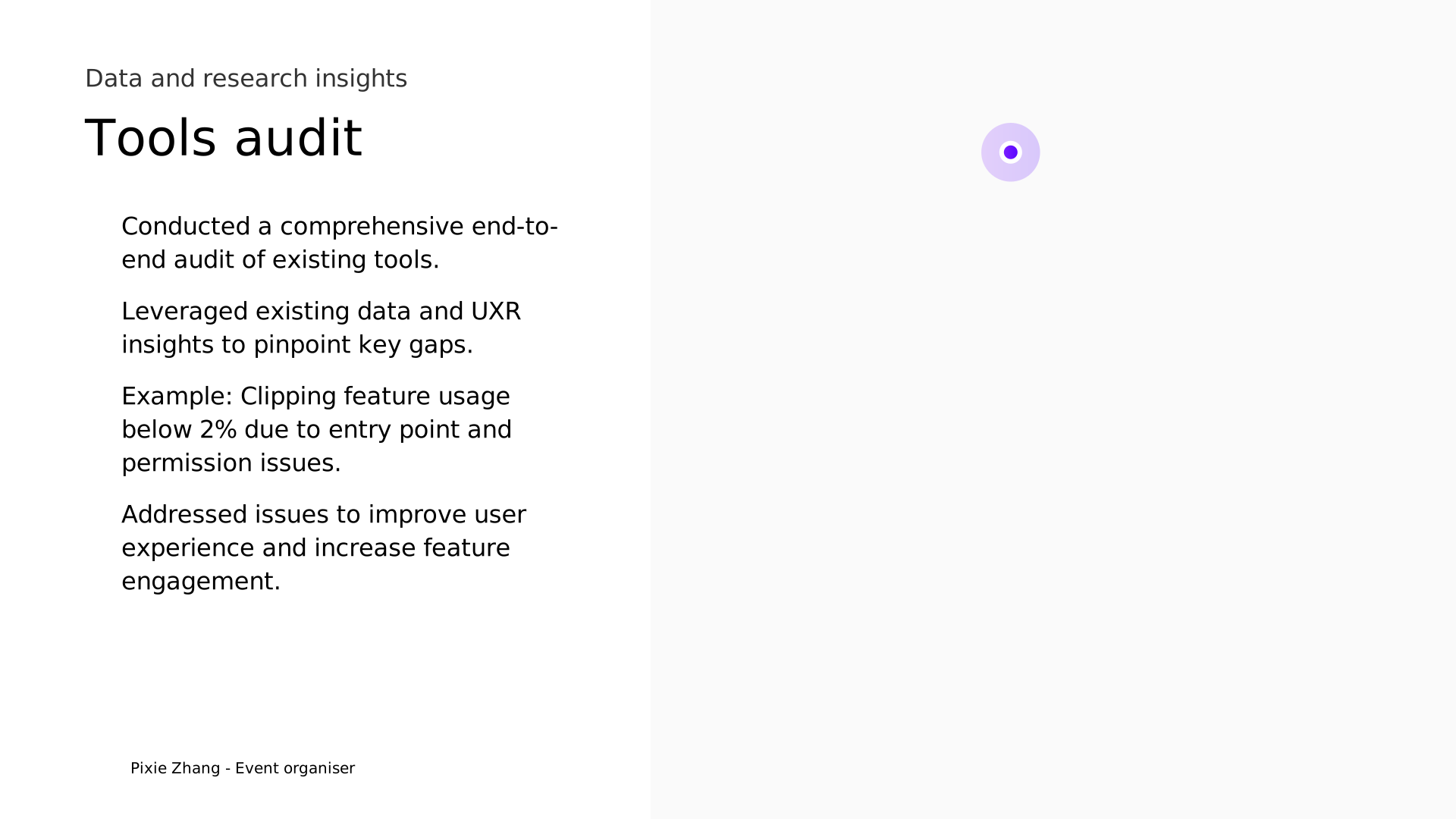 95. Tools audit
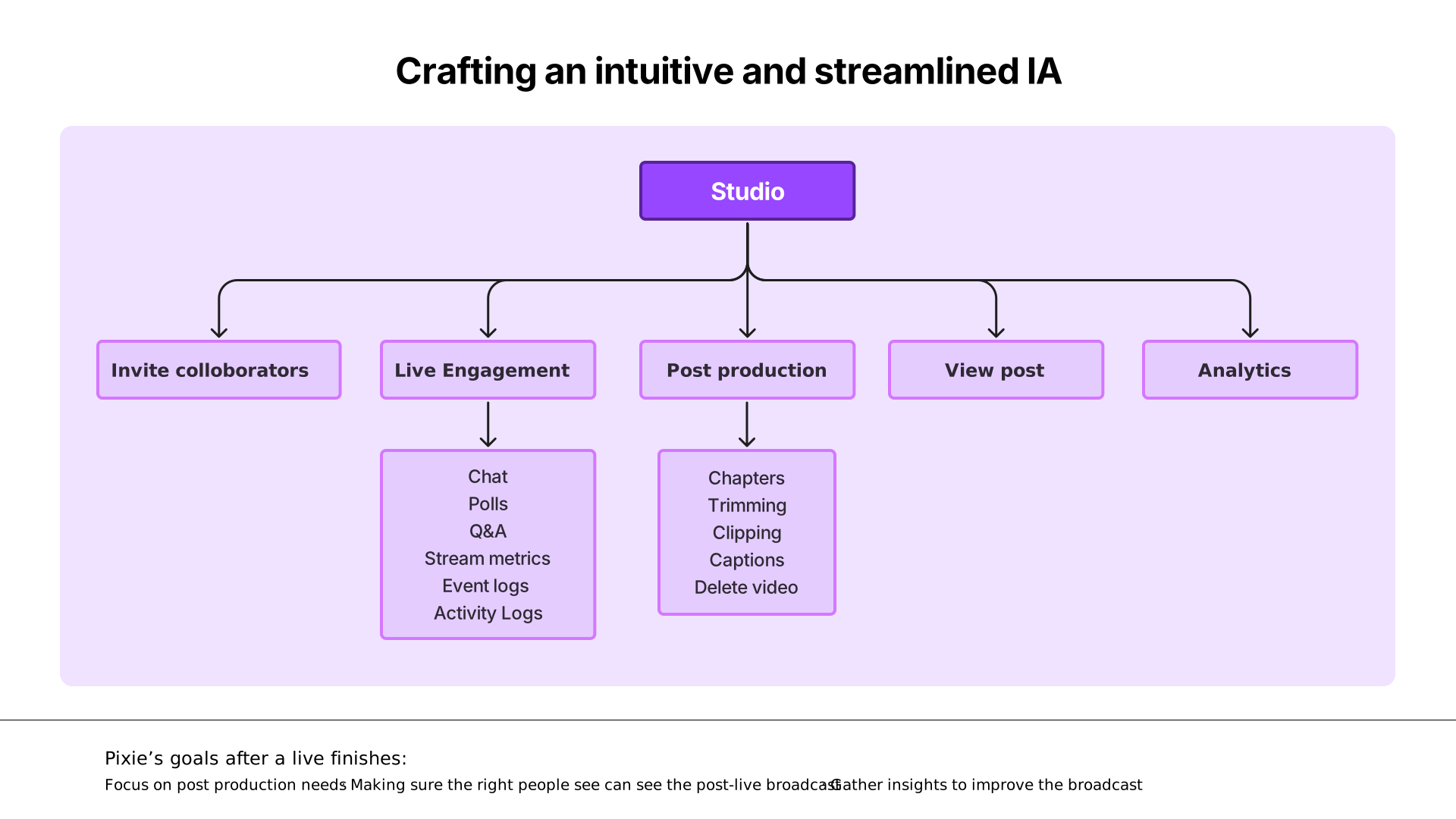 96. Crafting an intuitive and streamlined IA
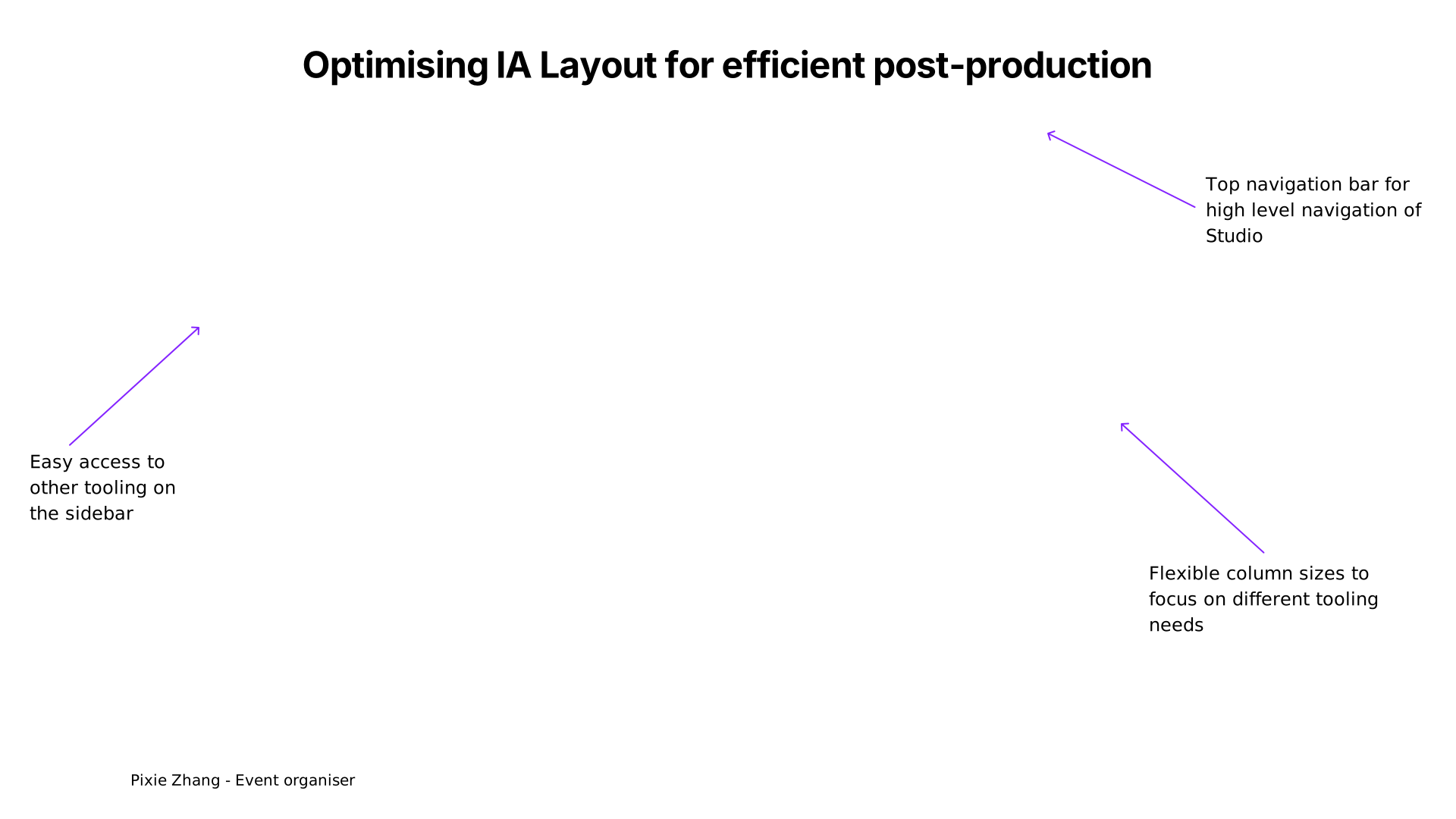 97. Optimising IA Layout for efficient post-production
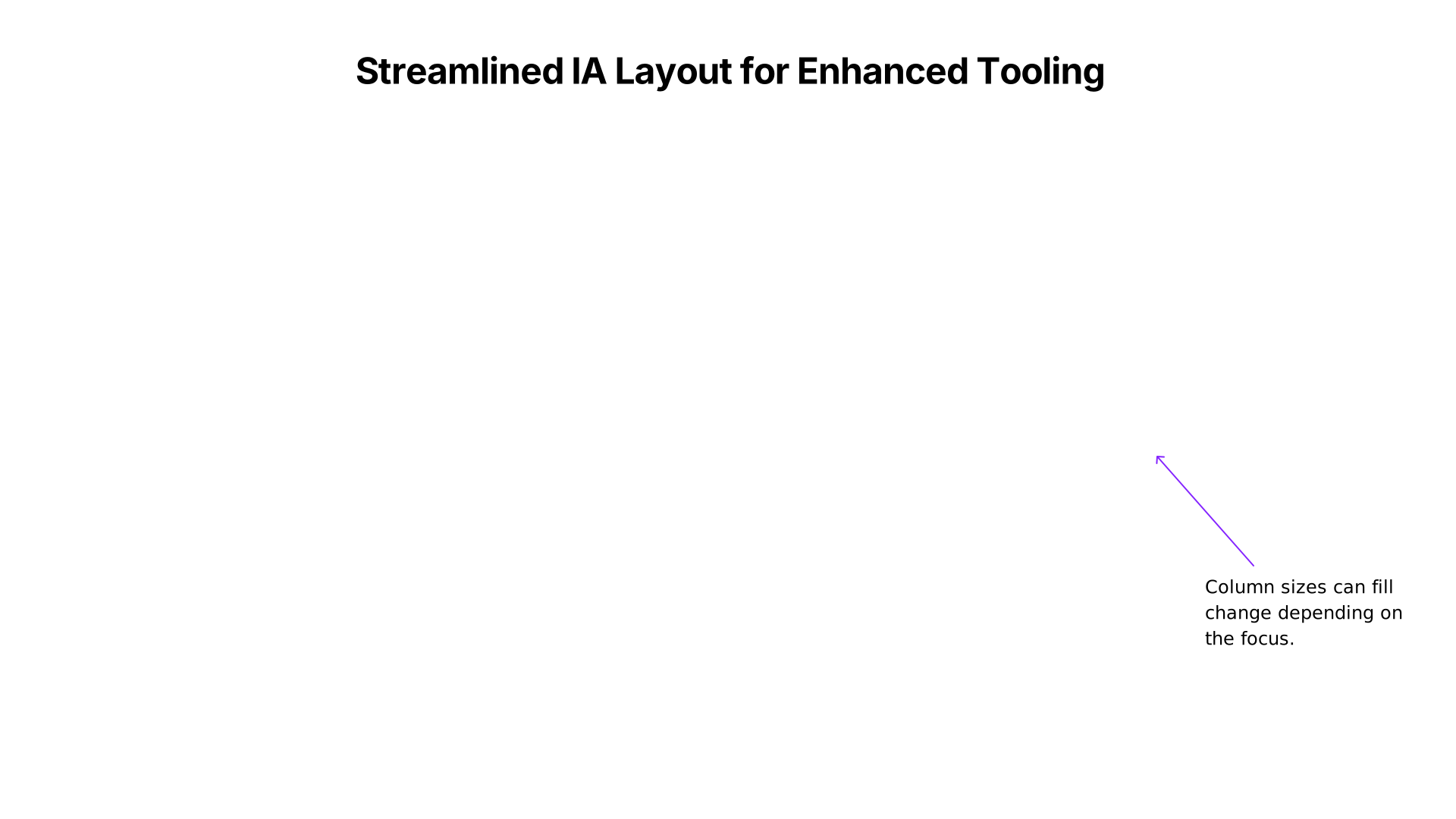 98. Streamlined IA Layout for Enhanced Tooling
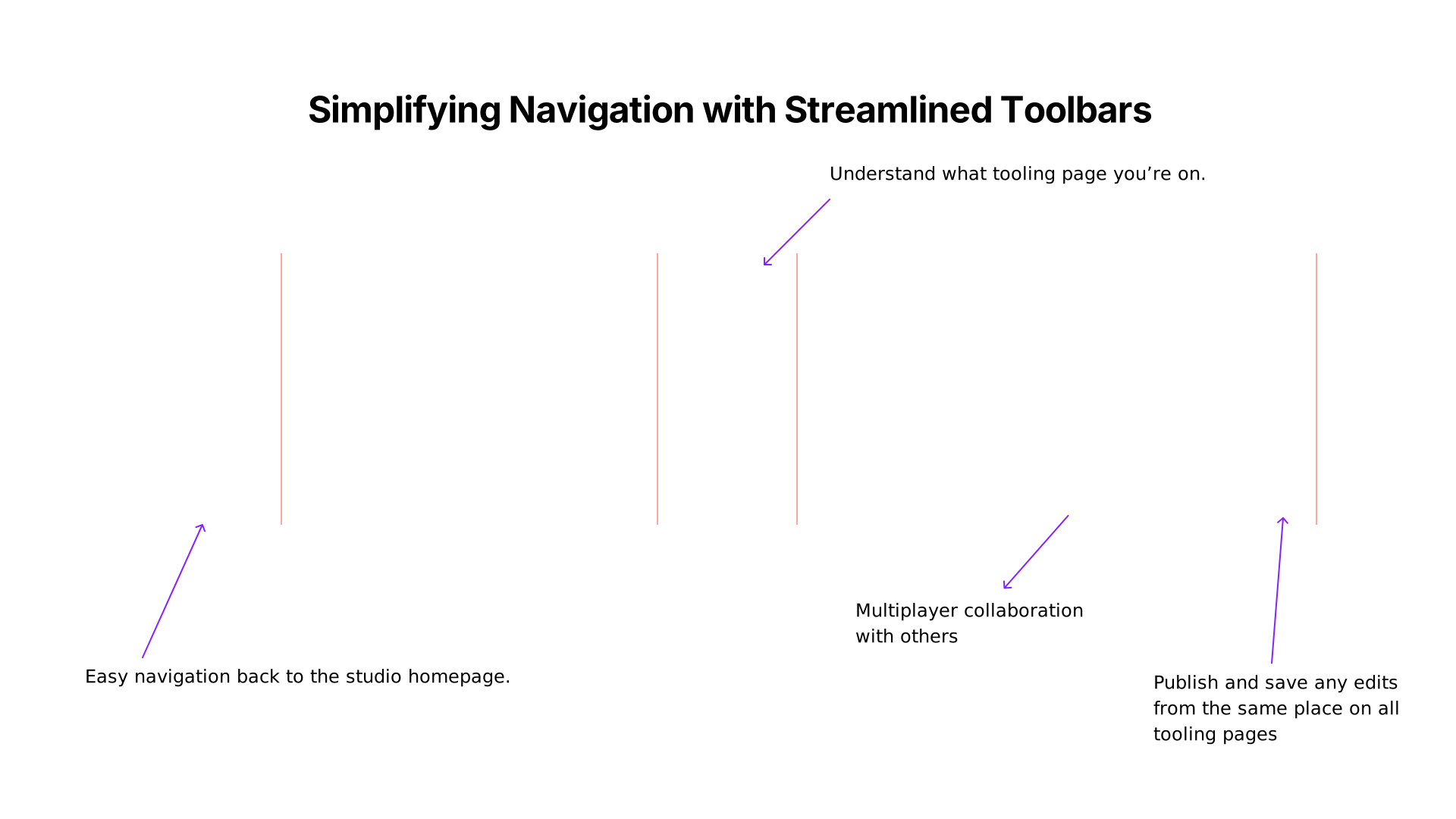 99. Publish and save any edits
 100. Pixie Zhang - Event organiser
 101. IA Explorations
 102. IA Explorations
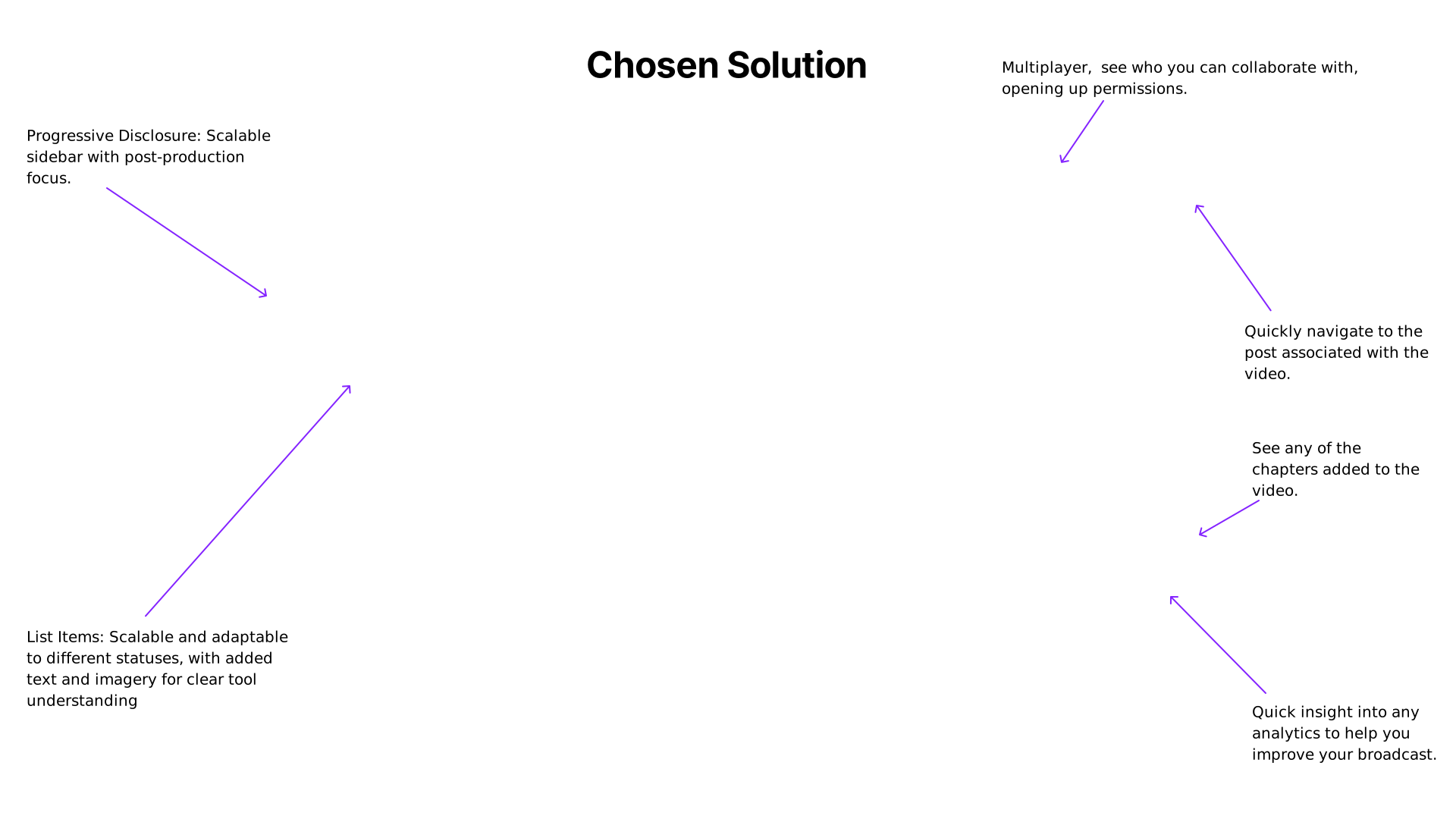 103. Progressive Disclosure: Scalable
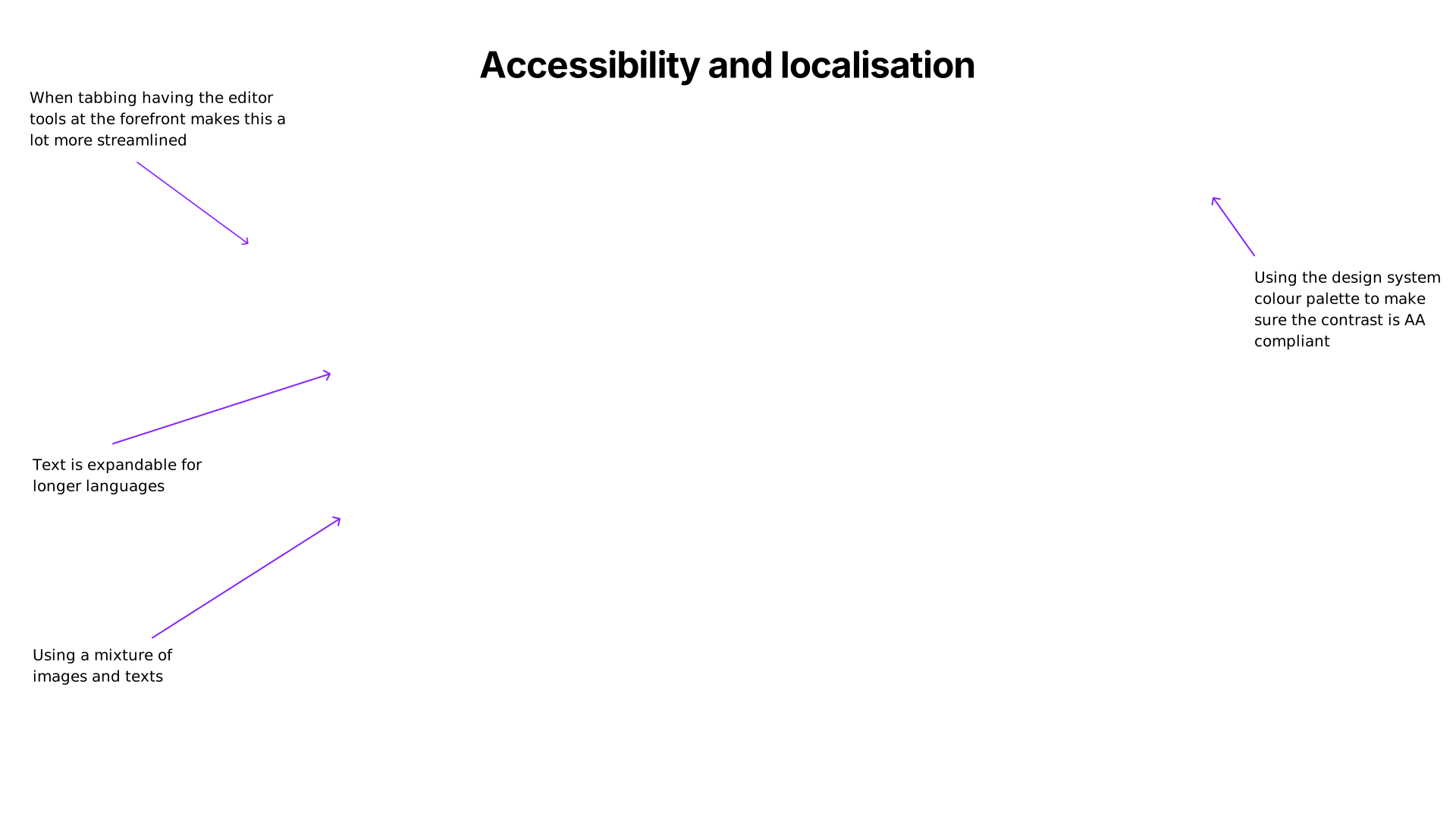 104. When tabbing having the editor
 105. End to end flow walkthrough
 106. Design System
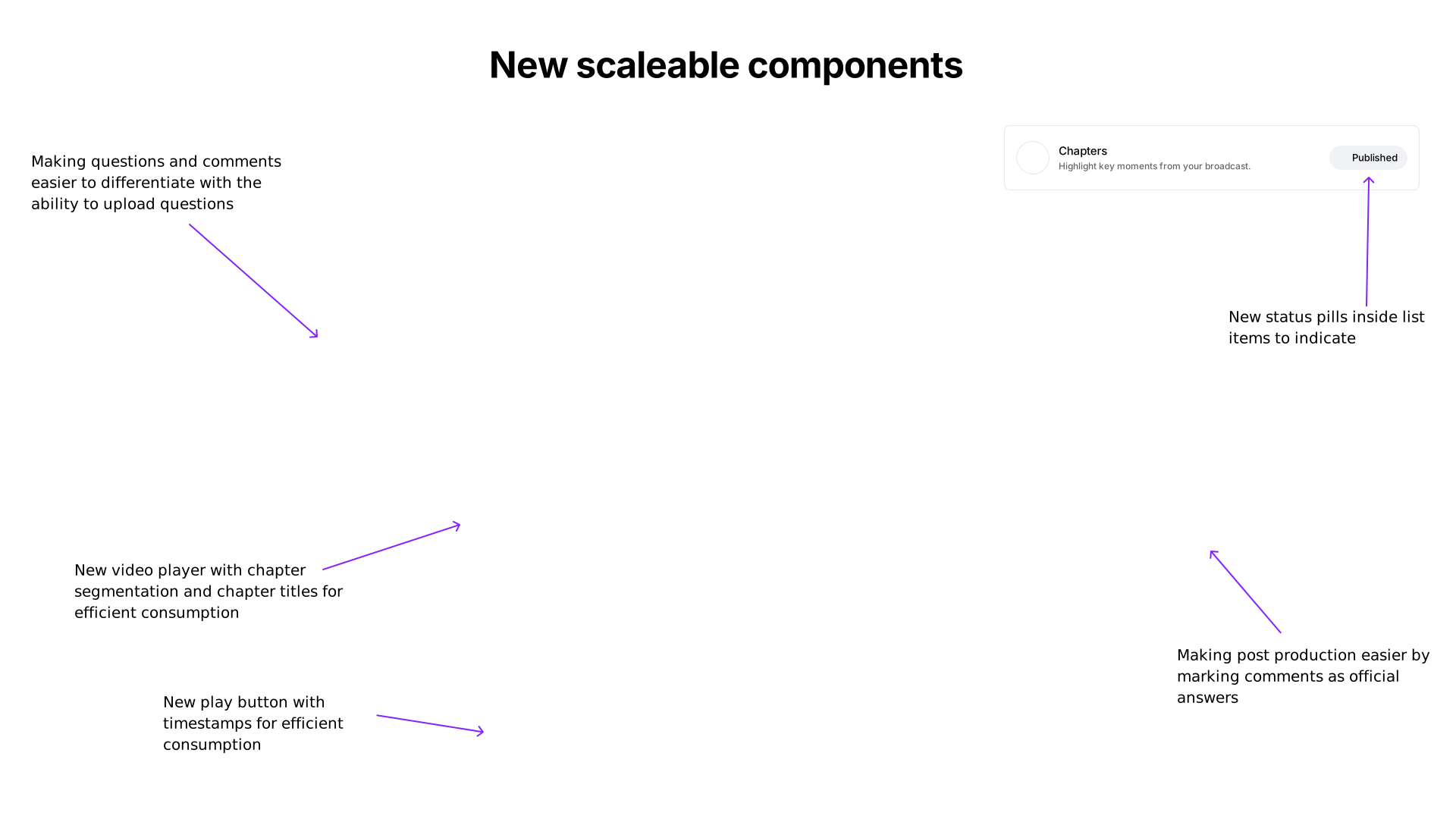 107. Making questions and comments
 108. Explorations
 109. Creating consistency across all tooling pages
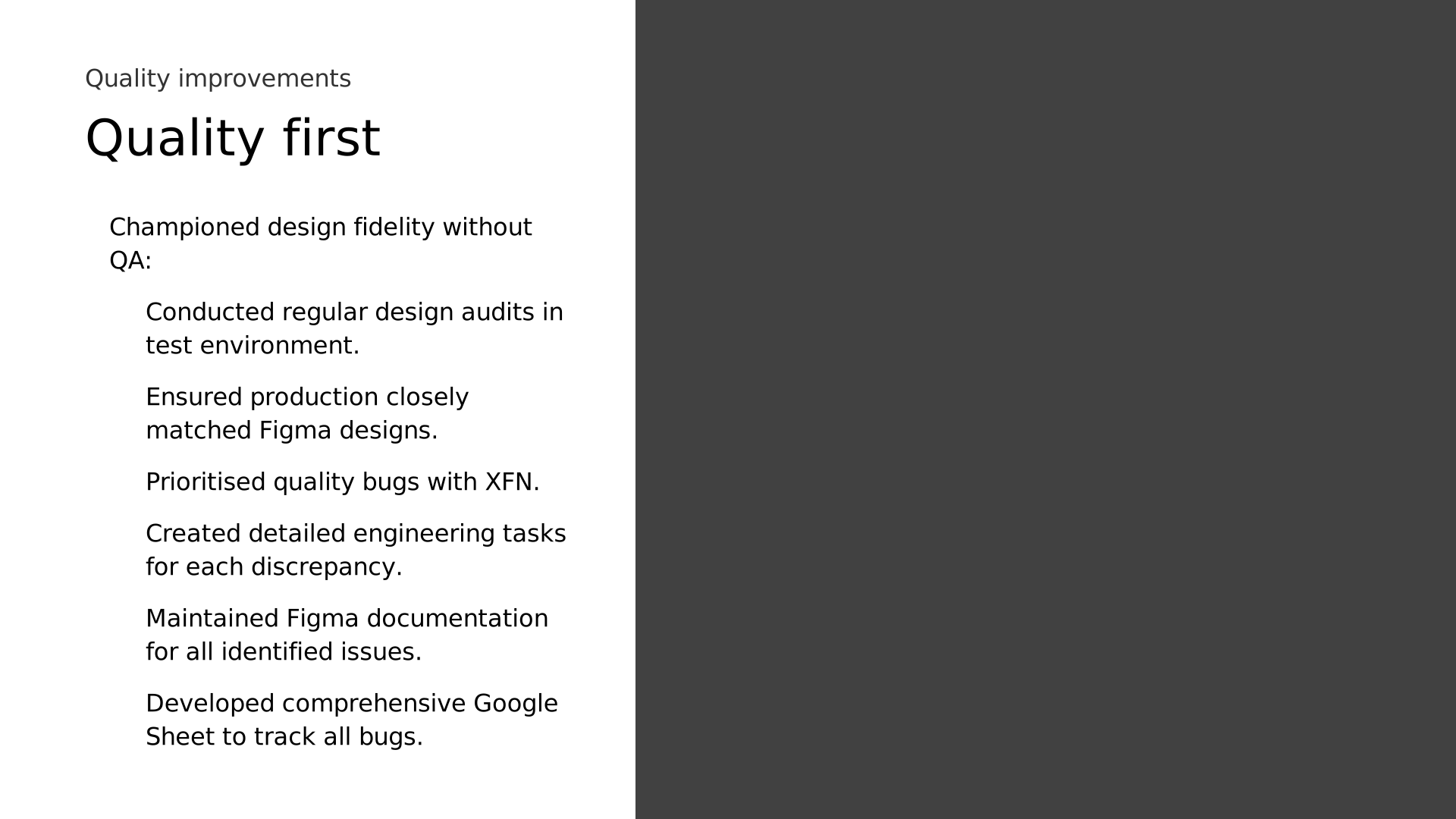 110. Championed design fidelity without
 111. Live Studio in production
 112. Studio
 113. Adding chapters
 114. Showing Chapters
 115. Clipping a video
 116. End to end flow walkthrough
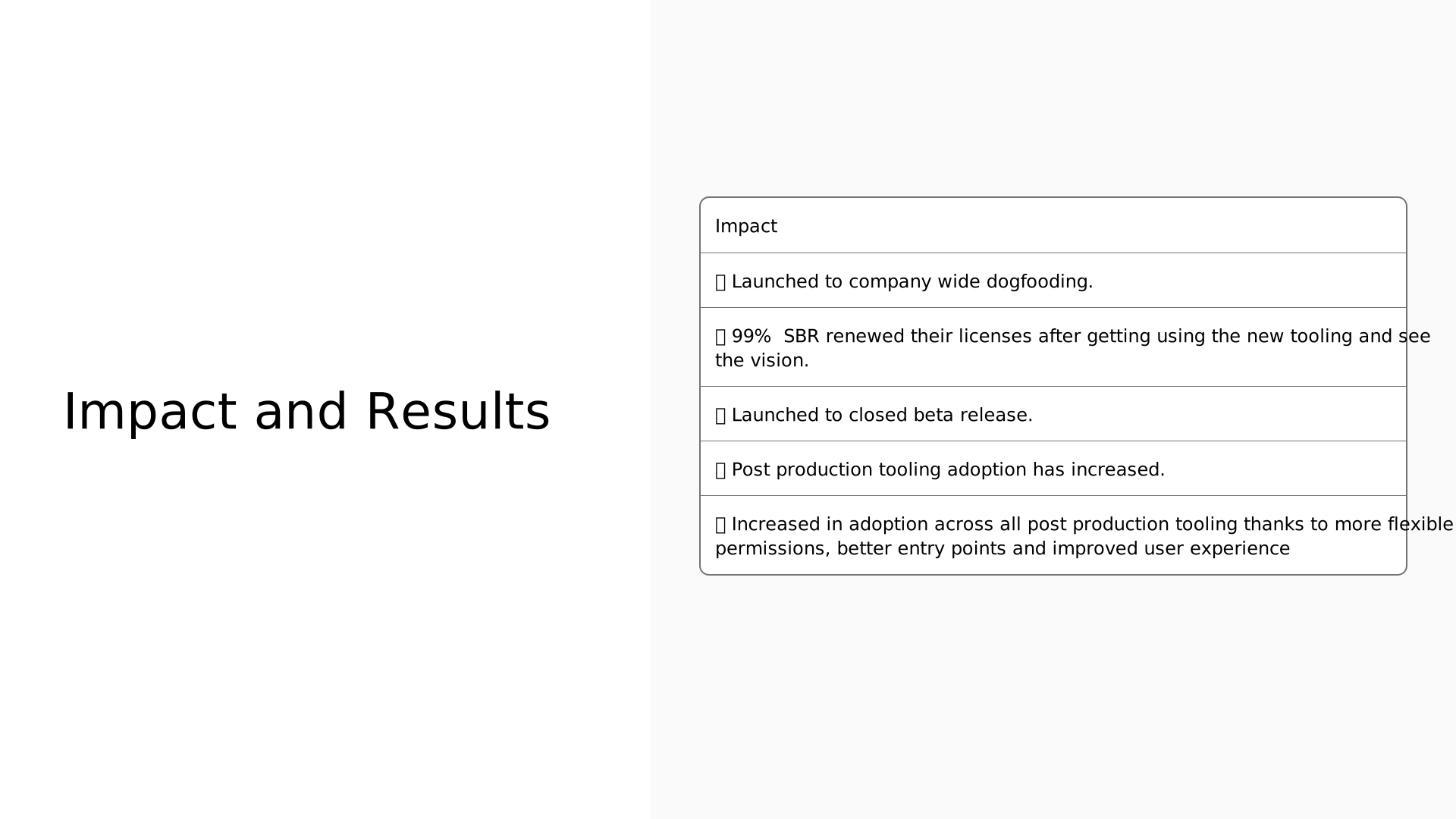 117. Impact and Results
 118. Learnings and
 119. Feedback about me from peers
 120. Thank You!
 121. Appendix
 122. Appendix: Trimming a video
 123. Appendix: Deleting a video
 124. Appendix: Newsfeed entry point
 125. Appendix: Broadcast ended
 126. Newsfeed
 127. Tahoe view
 128. Post Production
 129. Pixie Zhang - Event organiser
 130. Pixie Zhang - Event organiser
 131. Regenerate
 132. 1.Lead with the
 133. 2.Create Familiarity
 134. 3. Anticipate risk
 135. 4. Don’t oversell AI
 136. 5.Keep users
Read the slide text
- Furquan Ahmad — Portfolio Presentation Portfolio presentation
- My Path To Today
- My Path To Today
- My Path To Today
- My Path To Today
- My Path To Today
- My Path To Today
- My Path To Today
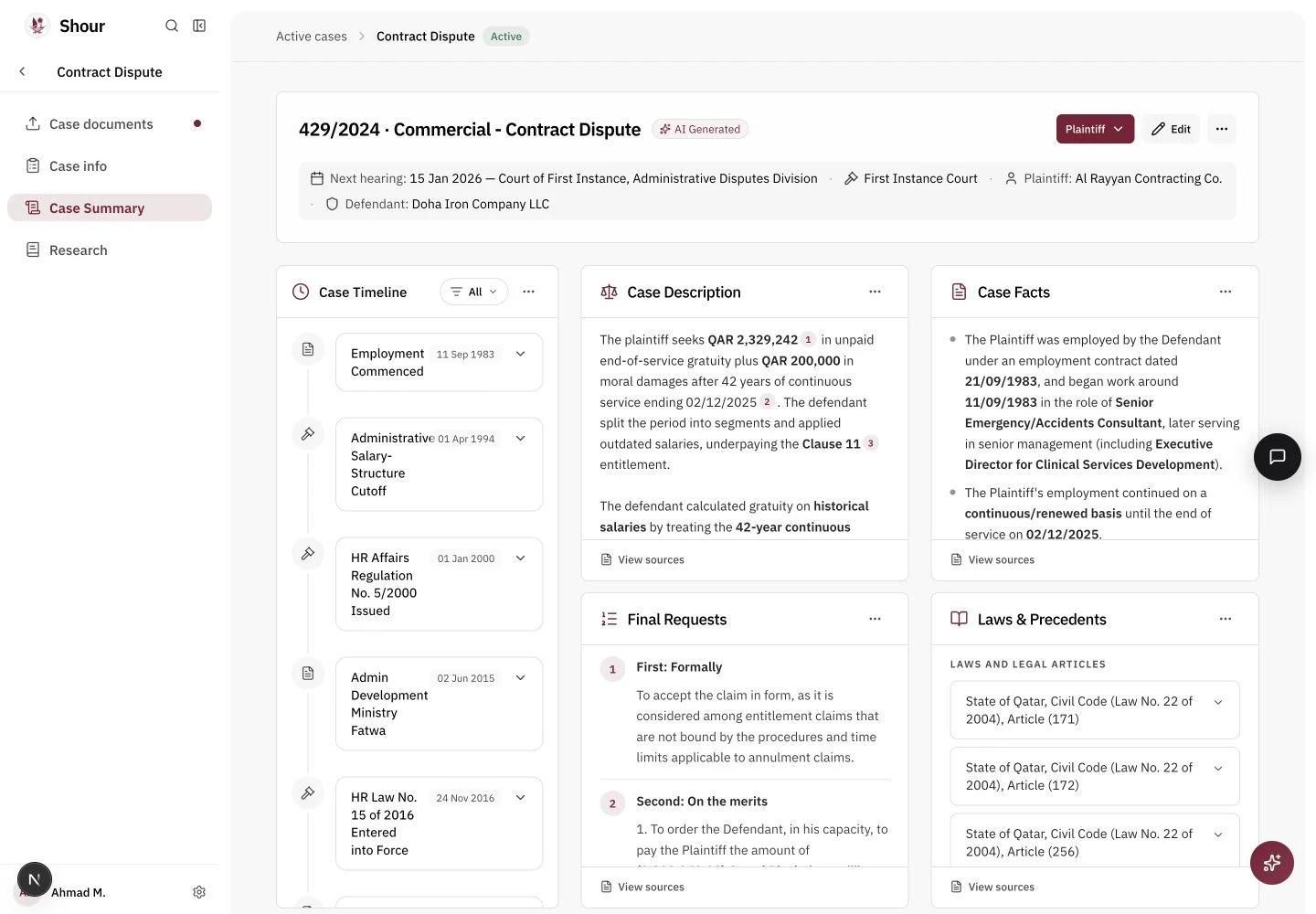
- Forward Deployed Designer at Scale AI — Selected work: Shour, automating cases for lawyers at Qatar's Ministry of Justice Before: Senior Product Designer, Meta
- UX Research Photos — Content, community and travel board
- My Content — Journey Publish a design newsletter and blog with every month. Featured Figma Community contributor with Design YouTube channel with Mentored over designers into jobs. 1000+ readers 50+ 100,000+ views. 100,000+ downloads. Making a difference Furquan
- Community leader and culture builder — Building Culture Crescent Creatives - Founder of 100+ member Muslim design community. Muslims @ Meta London Lead running 15+ events with 1000s of attendees. Led initiatives raising Workplace design team's pulse score 42% (2023-2024). Design culture catalyst. Led the running of design rituals across Workplace.
- Shour: automating cases for lawyers — AI drafts cited defence memos from case documents and speeds up the legal process Designed and built the entire frontend
- Shour live prototype
- UX Research Photos — Projects at Meta Projects at Meta
- Case Study — Rethinking Workplace To Be AI First. The Dawn of Workplace AI: Launching Meta's First Intelligent Feature.
- Overview — 01 02 Problem & Process 03 Solution 04 Execution & impact
- What is Workplace? — Workplace is like a private social network for your company. It feels like regular Facebook, but it's . It combines familiar social features with professional tools, enabling employees to chat, share files, and collaborate. It's great for building a sense of and keeping everyone . designed for work community at work connected Workplace explained
- Gen AI Landscape — + Opportunity New wave of Gen AI tools reshaping industry standards. AI features now considered table stakes. The overall AI in workplace market is projected to grow from Generative AI could add the equivalent of $2.6 trillion to $4.4 trillion annually to the global economy by the year 2040. $4.8 billion in 2022 to $33.5 billion by 2030. Background Source:
- from vision to execution — Led design Defined & presented to leadership. strategy vision, 3 year Mentored on execution for Gen AI work. 4 other designers Established Meta’s Gen AI for work. design principles first Collaborated across 4 orgs with different XFN to establish principles. My role
- 01 — Overview Problem & Process 02 03 Solution 04 Execution & impact
- Event Organisers — Workplace AI JTBD is when searching for content more efficiently and confidently. content efficiently. Harnessing data Making sure information , and knowing has understood the information. easy to understand who Saving time Creating content Moderating insights. Pixie Zhang - Event Organiser
- Knowledge Workers — Workplace AI JTBD I want to feel informed and up to date, i want to catch up on key information from company broadcasts, but I to watch all of them. This is a need to control workload, keep on top of ongoing projects and on relevant official information. efficiently don't have enough time stay up to date Waleed Ibara - Viewer
- BUSINESS PROBLEM — How might we combine Workplace’s strengths in org comms and community with an innovative AI vision to retain high-potential Workplace customers? Business problem
- Validate through — interviews Putting projects on the roadmap 90’ remote semi-structured interviews. Participants were asked about their general perceptions of GenAI, previous use of GenAI in their personal lives and for work, pain points & frustrations with Workplace, and feedback & perceptions of new concepts. Concept feedback and ranking showed high agreement across all user segments.
- Content creation and search — Personalisation and quality Data privacy UXR AI Customer Problems Organisers & Hosts Pixie Zhang - Event organiser
- UXR + PMM Customer Problems — Viewers Discoverability problems Hard to feel a connection Difficult to catchup Waleed Ibara- Viewer
- Leading workshops — Putting projects on the roadmap Focused on Gen AI integration for Workplace: Defining current AI features and capabilities. Assessing user needs and expectations. Led key spicy debates on long-term AI strategy: Balancing AI presence with content quality. Determining appropriate moderator control.
- Vision to shipped — Putting projects on the roadmap Led the creation of a A strong focus on harnessing Gen AI to solve customer problems. This vision on different teams roadmap that brought about transformative change. 2-year design vision to guide platform direction sparked multiple projects
- LIVE 2D Engagement Vision
- 01 — Overview 02 Problem & Process Solution 03 04 Execution & impact
- From Vision to Hack — of AI Chapters solves customer problem: Enables easy navigation through long videos. Supports Team Goals: Enhances video engagement and accessibility. Goal: Achieve by demonstrating practical benefits during the hackathon. concept buy-in Hackathon
- Hackathon project demo
- 01 — Overview 02 Problem & Process Solution 03 Execution & impact 04
- How we chose automatic chapters for execution? — Lower the barrier for customers to seek valuable knowledge Retain existing Workplace customers who actively use Events. Improve the top line metric centred around average watch time. Events is a big rock investment for Workplace providing direct value to SBRs. Lower the barrier for customers to seek valuable knowledge. Retain existing Workplace customers who actively use Events. Improve the top line metric centred around average watch time. Events is a big rock investment for Workplace providing direct value to SBRs. Mapping to OKRs
- Product Requirements For Chapters — Viewer flow Priority View chapters whilst scrubbing on the video scrubber, on newsfeed and fullscreen. P0 View a summary of what was announced in each individual chapter from the Workplace post. P0 Consume individual chapter summary whilst scrubbing on the video player. P1 Consume thumbnail of video chapter from video scrubber. P1 Moderator flow Priority Entrypoint in 3-dot menu to access chapter generation from Workplace post. P0 Enable auto-generation of chapters CTA. P0 Once chapters have been generated you can get a further summary of what was announced inside individual chapters. P0 Consume thumbnail of video chapter from video scrubber. P1 Mobile flow Priority View chapters whilst scrubbing on the video scrubber on fullscreen. P0 View a summary of what was announced in each individual chapter from the Workplace post. P0 Consume individual chapter summary whilst scrubbing on the video player. P0 Consume thumbnail of video chapter from video scrubber. P1 Mapping out the feature list
- Measurement — Framework % of meaningful videos that are with video chapters (Adopotion). . . . % Auto chapters users that have used the auto-chapters 2+ times (User value) Auto chapters enable/disable ratio (User value) % videos where the user had to correct the auto-generated chapter text Tracking impact
- Design Deep Dive — Automatic Chapters for Viewers and Organisers Diving into the designs
- Newsfeed — What does the interactions look like with the summary open? How does the chapter look when you’re playing the video on newsfeed? Waleed Ibara - Viewer Exploration
- Chosen Solution — Summary always visible for more efficient consumption after internal dogfooding feedback. Combining the chapter time and pause inside a single button. Summary is always capped to 2 sentences for accessibility
- Waleed Ibara - Viewer — Walkthrough
- Upselling — How can we make organisers aware chapters have been generated for their video? How can we enable event organisers to efficiently add chapters to their videos? Chapters always have to be reviewed before others can see them. Pixie Zhang - Event organiser Walkthrough
- User education — Design plays an integral part in ensuring that people have a positive user experience across MetaWorks when using an AI product. is key. For many people, Workplace could be the first place they encounter GenAI and how to use it for their day-to-day work understanding Pixie Zhang - Event organiser Walkthrough
- Pixie Zhang - Event organiser — Full control Walkthrough You have the ability to edit any title or summary generated or change the start and end time. We know models can hallucinate so the chapters produced won’t always be perfect.
- The GTM plan — Shipped to company wide dogfooding. Shipped to a public alpha release. Ship to GA. Working with PMM on GTM plan
- After internal dogfooding feedback we — shipped the product to external customers in a open Alpha release. Customers where excited to try the new Gen AI features and understood the value it could bring in their current workflow. Alpha feedback Shipping to public
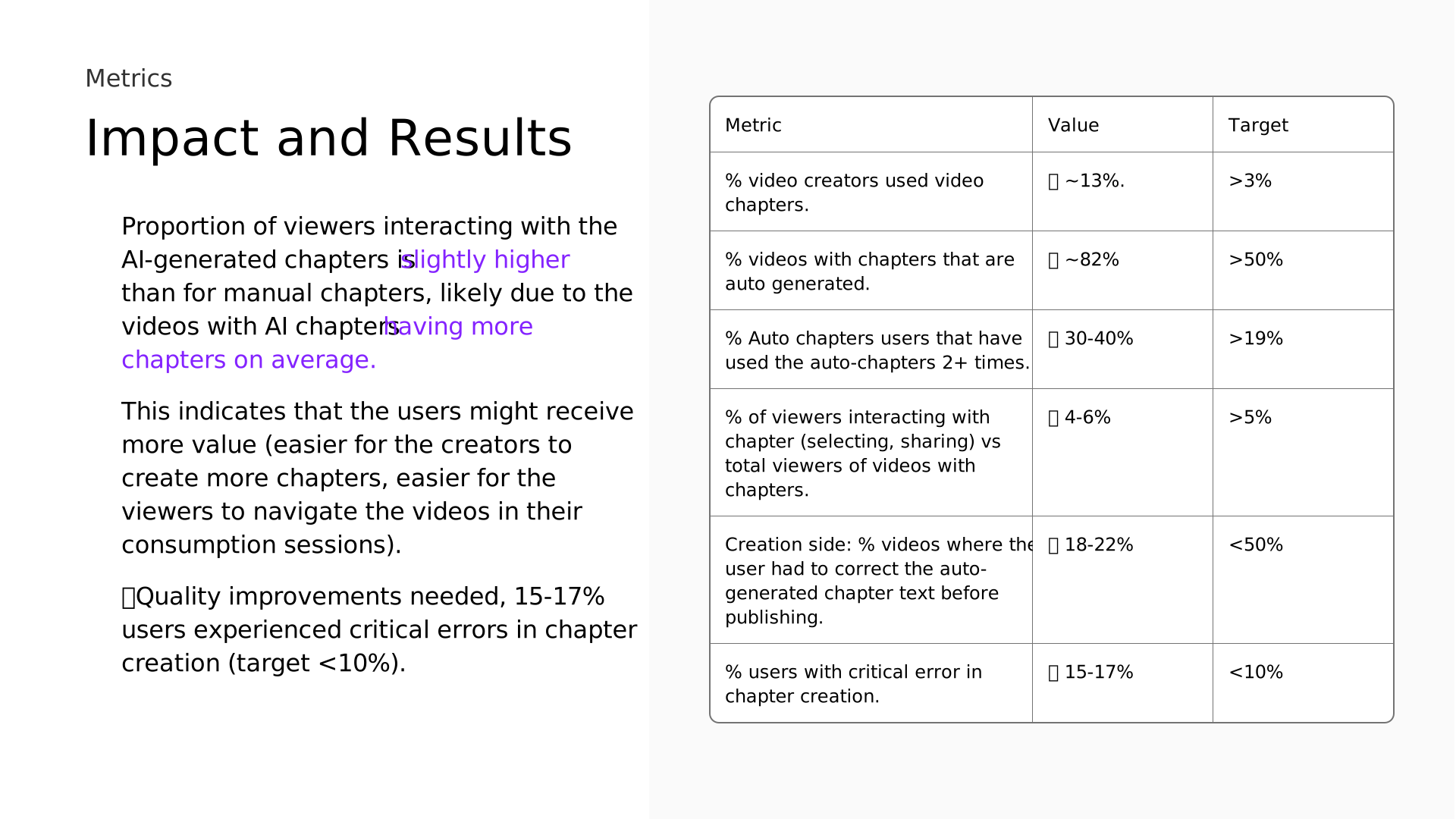
- Impact and Results — Proportion of viewers interacting with the AI-generated chapters is than for manual chapters, likely due to the videos with AI chapters This indicates that the users might receive more value (easier for the creators to create more chapters, easier for the viewers to navigate the videos in their consumption sessions). 🚩Quality improvements needed, 15-17% users experienced critical errors in chapter creation (target <10%). slightly higher having more chapters on average. Metric Value Target % video creators used video chapters. ✅ ~13%. >3% % videos with chapters that are auto generated. ✅ ~82% >50% % Auto chapters users that have used the auto-chapters 2+ times. ✅ 30-40% >19% % of viewers interacting with chapter (selecting, sharing) vs total viewers of videos with chapters. ✅ 4-6% >5% Creation side: % videos where the user had to correct the auto- generated chapter text before publishing. ✅ 18-22% <50% % users with critical error in chapter creation. ❌ 15-17% <10% Metrics
- Gen AI For Work — PRINCIPLES Gen AI Principles For Work
- Creating the — principles Partnered with teams who are involved in Gen AI projects to develop these principles. Used our learnings from our workshops and shipping the first Gen AI feature Chapters for work. When designing for work, there’s company-wide increased accountability for data and sensitive information. Gen AI Principles
- Sharing learnings — across Meta Shared the learnings by creating a Workplace blog series which received Spoke internally at different conferences about how to to use the principles. execution These principles have informed the for 4 different projects across Workplace. 10,000+ reads internally. Shaping roadmaps
- Informing different — Roadmaps audio, . These principles have for , including chapter summaries, composer assistant, post and comment summarisation. on utilising Gen AI on their projects Presented these principles during SBR reviews to support Workplace contract renewals. informed the roadmap 5 different projects Mentored 4 designers Shaping Workplace roadmaps
- Slide 49
- Slide 50
- Slide 51
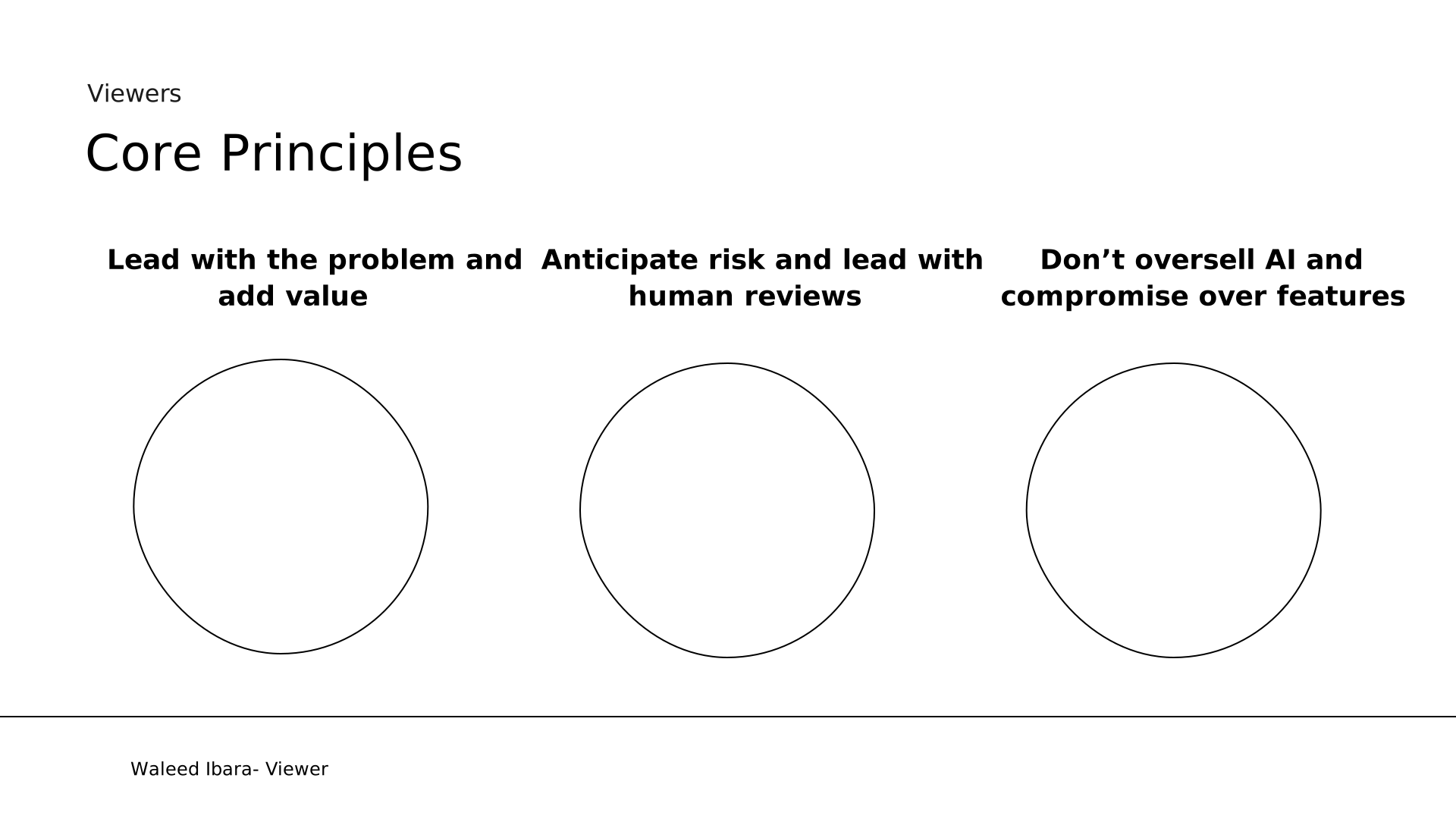
- Core Principles — Viewers Lead with the problem and add value Anticipate risk and lead with human reviews Don’t oversell AI and compromise over features Waleed Ibara- Viewer
- Learnings and — Next Steps Give creators over the output of generated chapters to help build confidence. such as the video transcript. Provide /transparency from the AI output to build trust Work more closely with the legal teams to streamline reviews and understanding of AI. more references more control Learnings
- Case Study — Growing Facebook Groups Redesigning discovery and recommendations for Groups. Experiments delivered consistent 2–7% lifts, adding hundreds of millions of joins across surfaces.
- Overview — 01 02 Problem & Process 03 Solution 04 Execution & impact Overview
- Facebook Groups — Facebook’s mission is to give people the power to build and bring the world closer together. Groups is central to this mission, enabling people to connect over Facebook has over 3 billion monthly active users, with Groups playing a central role in how people interact on the platform. More than 1.9 billion people use Groups every day, making it one of the most widely used features across Facebook. shared interests. Global scale: Daily engagement: community Background
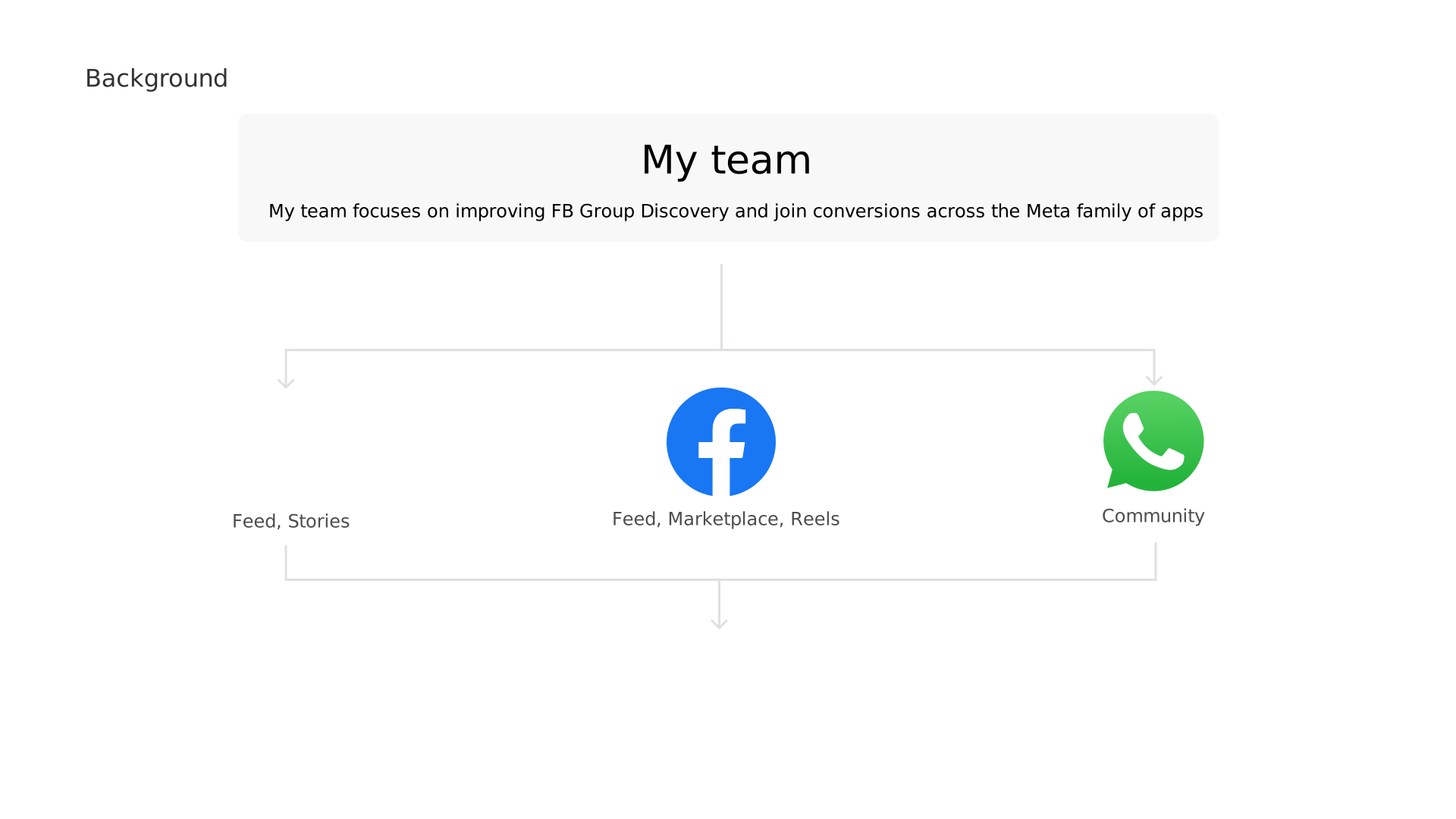
- My team — My team focuses on improving FB Group Discovery and join conversions across the Meta family of apps Feed, Marketplace, Reels Community Feed, Stories Background
- to grow Facebook Groups — 6 month project Established new recommendations patterns Landed recommendations to 6 new surfaces Unified all units to increase optimal join conversions My role
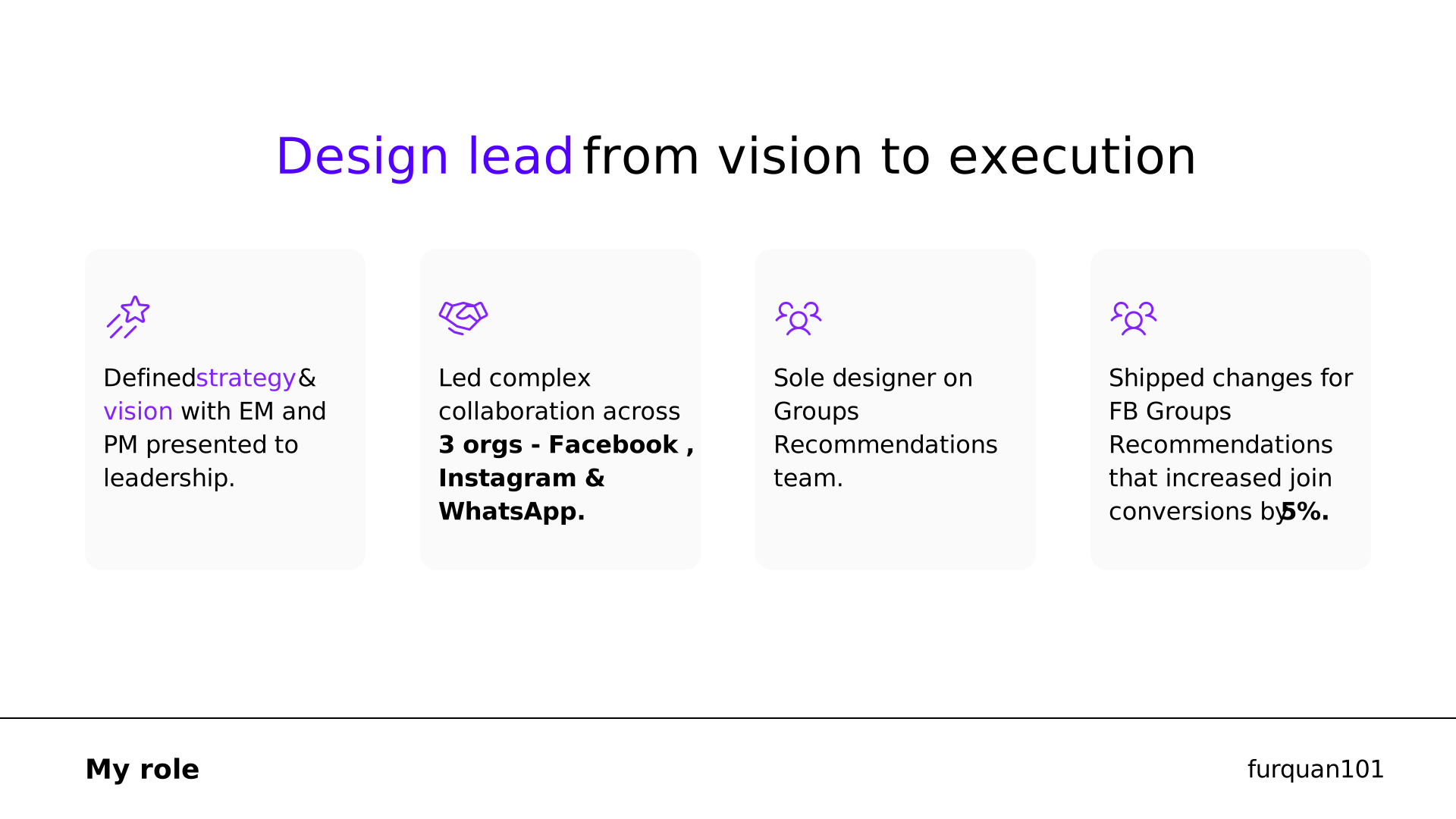
- from vision to execution — Design lead Defined & with EM and PM presented to leadership. strategy vision Led complex collaboration across 3 orgs - Facebook , Instagram & WhatsApp. Sole designer on Groups Recommendations team. Shipped changes for FB Groups Recommendations that increased join conversions by 5%. My role
- 01 — Overview Problem & Process 02 03 Solution 04 Execution & impact Problem and Process
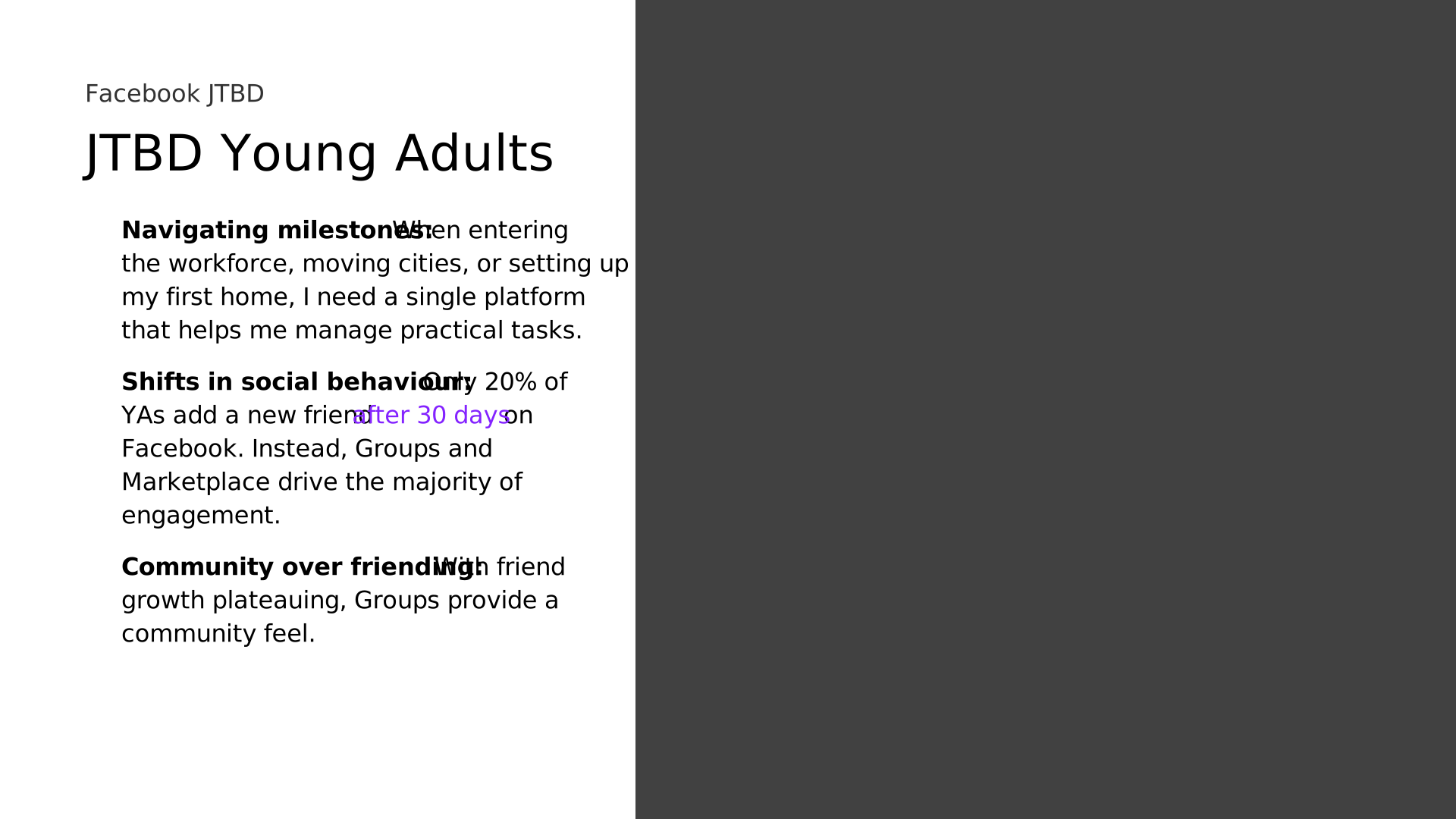
- JTBD Young Adults — Facebook JTBD When entering the workforce, moving cities, or setting up my first home, I need a single platform that helps me manage practical tasks. Only 20% of YAs add a new friend on Facebook. Instead, Groups and Marketplace drive the majority of engagement. With friend growth plateauing, Groups provide a community feel. Navigating milestones: Shifts in social behaviour: Community over friending: after 30 days
- PROBLEM STATEMENT — How might we help young adults find based off their personal interests when using Meta products in an intuitive way? relevant communities Problem
- 3 Problem Areas in Group Recommendations — User research shows young adults (YAs) struggle with group recommendations because they: They don’t understand why groups are suggested (missing context and signals). Key entry points for YAs aren’t surfaced in the right places. Layouts and styles vary across units, lowering join conversion. Lack Clarity – Missed Reach – Inconsistent Design – Background Lack of Information Missed Reach Inconsistentcy
- Recommendations are not informative or optimised — 20+ experiments in 6 months 1 product designer, 12+ Eng, 1 PM, 1 Data Scientist , 1 EM Increased join conversions across recommendations by 5%. Released: 1 team:
- Problem 1: Not meeting YAs at surfaces they use — Groups appear in Feed, Marketplace, Stories, Groups Tab, and Reels but placements often miss the moments that matter most for YA. , leading to lower engagement at key moments. without Facebook, creating major reach gaps. Existing placements feel peripheral (e.g, buried in Marketplace or mid-card in Reels). Optimising Marketplace and Reels visibility would bring Groups closer to core experiences. Expanding into Instagram Feed and Stories would Meeting young adults makes Groups feel more relevant. Stronger placement at the right moments unlocks sustainable growth. Entry points are missed Many YA use Instagram extend reach beyond Facebook. where they already spend time Background Yusuf - Young adult
- Problem 2: Inconsistent join experience — in the join QP units, varying uses of content, different image sizes, button positions, inconsistent meta data being displayed, inconsistent social proofing labelling. This meant some units where naturally performing better joing conversions then others. We hyper optimised the recommendations cards throughout Facebook. Based off previous recommendation units we’ve got years of data to pull from past experiments and learnings. We know what is performing well and what needs future improvements,. Running 20+ experiments to figure out, what is the most optimal content, button positions, badges and labels to display to drive engagement, image heights. When to dynamically change the header type. Inconsistent patterns Background
- Problem 3: Lacking context and social proofing — While friend-based social proof remains a strong driver of group joins, it’s often unavailable especially for niche or new groups. To maintain trust and relevance in these moments, we’re of social context beyond mutual friends. This includes surfacing interest-based tags (e.g. For solo travellers, Popular for hiking) and geo-relevant cues (e.g. Popular in San Francisco), discussion topics inside the group — all of which help signal personal relevance and build user confidence at a glance. These updates align with our broader standardisation efforts across all GYSJ modules — simplifying headers (+2.71%), fixing padding (+4.7%), and surfacing social context (+3.94%) all contributed to measurable lifts in joins. (8% of times) expanding the scope Background
- AI Opportunity For Groups — AI can power smarter recommendations by summarising group discussions, explaining why a group is relevant to you, and building confidence in why you’d want to join. Background Summarise Group Content Explain Group Relevance Predict & Boost Engagement
- 01 — Overview 02 Problem & Process Solution 03 04 Execution & impact
- Upselling on FB Reels — Reels is one of the most popular surfaces for YAs, with short-form content driving high engagement and repeat visits. By using the Reels graph, we can match people’s with relevant Signals such as , location, and mutual connections help us personalise results and make them feel more relevant Example: Someone who frequently watches running videos may see local running groups suggested. The aim is improve discoverability, relevance, and engagement interests Group recommendations. topics watched Problem 1: Not meeting YAs Yusuf - FB Young adult
- IG Stories and Feed — A significant portion of YA IG users don’t use Facebook. By partnering with the IG team we can match their IG interest graph to pair with the FB graph to produce Group recommendations inside the feed and on stories. As this is on IG Feed the unit space to run the experiment cost millions so we partnered with the Marketplace team to add strength to running the experiment. Problem 1: Not meeting YAs Yusuf - FB Young adult
- Improving consistency — Data showed that 95% of group names are less then 15 characters long so we made a principle for single header lines only to stop there being so much negative space. Larger image header sizes lead to better conversions, we decreased the meta text space and increase the height of the image across all units Social proofing Proposal: Add Social Tags to Media Cards We’re proposing to add social tags (AI-generated keywords) as information chips directly on the media card. This helps users better understand what the group is about—especially important given that ~90% of impressions don’t include friend- based social context. Other proven design optimizations we’re embedding in the new card include: Simplified headers (1 line): +2.71% joins Fixing padding/layout issues: +4.7% joins Increased group title size: +2.2% joins Visible “Remove” button: +9.67% joins Problem 2: Inconsistent join experience
- Principles we made — Users scroll in a low-effort, low-intent state — the unit must work instantly. Keep layouts clean, headers short, and cards visually light so they can be processed in a glance. → Simplifying headers (+2.71%) and fixing padding (+4.7%) both improved joins. → Backed by cognitive ease — users avoid mentally taxing content. Users only pause for what feels personally meaningful. Lead with bold group names, engaging images, and clear social context like “3 friends are members” to create immediate connection. → Social proof led to +3.94% more joins; 2-line group names (+2.2%) helped with clarity. → Backed by relevance heuristics and social proof bias. Reduce choice overload by focusing on one consistent CTA: Join. De-emphasize secondary actions and keep CTAs visually anchored in the same spot to build habitual engagement. → De-emphasizing "View" led to +0.5% more joins; structured footers (+0.57%) performed better. → Backed by choice overload and decision simplicity. Let users easily dismiss irrelevant content with a clear “Remove” button. Giving users control makes them more likely to trust and engage with what remains. → Visible Remove led to +9.67% more joins and cleaner impression quality. → Backed by perceived control and autonomy in UX design. 1. Design for Passive Scrolling 2. Prioritize Personal Relevance 3. Guide to One Clear Action 4. Respect Control and Exit Intent Problem 2: Inconsistent join experience
- New card we designed — Background
- Problem 3: Lacking social proofing — Key data point: In past Group You Should Join (GYSJ) experiments, social proof (e.g. “3 of your friends are in this group”) led to a +3.94% uplift in joins. Why it works: Social validation lowers the cognitive load for users. It builds trust quickly, especially in passive scrolling scenarios where users aren't actively searching for a group. However, mutual friends are available in <10% of impressions, which limits scale — but the impact remains consistently strong when surfaced. Background
- Using AI to Scale Contextual Signals — AI Can Generate: Keyword labels based on group descriptions and post content (e.g. "Travel Tips", "South Asian Parenting", "Finance for Gen Z") Trending or Popularity tags (e.g. “Popular in SF”, “3K members joined this week”) Local relevance signals (e.g. “Based in Oakland”) Topic summarization from group posts using LLMs Tone detection (e.g. humorous, serious, community support, etc.) 🧪 Related Experiment Results: In Snapshot Preview, adding AI-generated topic keywords increased: Post-join engagement by +1.73% Background
- Iterations — Background
- 01 — Overview 02 Problem & Process Solution 03 Execution & impact 04
- Execution & impact — Background
- Case Study — Post-Production Studio Designing a brand new studio that turns Live Broadcasts into compelling, shareable content.
- Project Background — Project background
- Event Organiser — Post Event JBTD Making sure information , and knowing has understood the information. Creating a record of the broadcast to share highlights with those who missed it or want a summary. Analyse engagement metrics to identify areas of high interest and improve future broadcasts. easy to understand who Pixie Zhang - Event Organiser Pixie Zhang - Event organiser
- There’s — to manage your broadcast. The current experience is and inconsistent, you have individual entry points which all look different. for the current experience (<3% for certain tools) , only the person that started the broadcast has access to these tools. Once you exit the broadcast you can’t reach all the tools again. fragmented Adoption is low Permission issues no central place Experience Today Post production today Pixie Zhang - Event organiser
- Post production problem areas — Organisers & Hosts Experience misalignment Content Chaos Permission issues Pixie Zhang - Event organiser
- Led design and product from strategy to execution — Defined strategy & vision and presented to leadership. Lead designer for post production space creating a new surface in 6 months. Created a new stream of work for future Workplace projects. Collaborated across multiple orgs with different XFN. My role
- PEOPLE PROBLEM — HMW enable organisers to effectively manage their live broadcasts after the event has finished? People problem
- Defining Success — Success for the project
- Key principles — Unified Experience Create a seamless experience across all post- production tools. No matter which tool you're using, it should with a familiar design language. feel like home, Flexible Control Give organisers the freedom to manage who can help with their live video. They can to join in and assist, but only with their permission. invite others Streamlined Efficiency & Confidence all tools into one platform to streamline workflow and boost user confidence in managing and editing videos effectively. Centralise Effortless creation & sharing Enable organisers to swiftly manage and edit key broadcast segments, facilitating to achieve optimal viewer engagement. easy sharing Product principles
- Feature — Milestone Requirements Post-production entrypoint M1 Making it as easy as possible to access post production tooling from different Workplace entry points. Design new studio foundations and layout M1 Create a centralised studio hub where you can access all post production tooling. View Post M1 Give moderators the ability to see the Workplace post the video is attached to. Delete Video M1 Give moderators the ability to delete the broadcast. Chapters M1 Create a new chapters experience that lives inside the new post production studio. Trimming M1 Improve the existing trimming experience. Clipping M2 Improve and import over the clipping experience. Captions M2 Improve and import over the caption experience. Product Requirements
- Metrics for Success — Human Language Goal Metric Maintain or increase the Post production tools adoption rate # and % of real live streams created with at least one post production tool used via Live Studio for Streaming Software vs Live Producer for Streaming Software. Clicks through rate (clicks out of impressions) on at least one post-production tool by a Host using Live Studio for Streaming Software vs Live Producer for Streaming Software. Maintain or increase the chapters adoption rate % of real live streams with Chapters created via Live Studio for Streaming Software vs Live Producer for Streaming Software. # of Chapters creation initiated (click-through rate). % Chapter creation completed (successfully saved). Maintain or increase the Trimming adoption rate % of real live streams with Trimming created via Live Studio for Streaming Software vs Live Producer for Streaming Software. # of Trimming creation initiated (click-through rate). % trimming creation completed (successfully saved).
- Explorations For Studio — Studio explorations
- Tools audit — Pixie Zhang - Event organiser Data and research insights Conducted a comprehensive end-to- end audit of existing tools. Leveraged existing data and UXR insights to pinpoint key gaps. Example: Clipping feature usage below 2% due to entry point and permission issues. Addressed issues to improve user experience and increase feature engagement.
- Crafting an intuitive and streamlined IA — Pixie’s goals after a live finishes: Focus on post production needs Making sure the right people see can see the post-live broadcast Gather insights to improve the broadcast Live Engagement Invite colloborators View post Analytics Post production Chapters Trimming Clipping Captions Delete video Chat Polls Q&A Stream metrics Event logs Activity Logs Studio
- Optimising IA Layout for efficient post-production — Easy access to other tooling on the sidebar Top navigation bar for high level navigation of Studio Flexible column sizes to focus on different tooling needs Pixie Zhang - Event organiser
- Streamlined IA Layout for Enhanced Tooling — Column sizes can fill change depending on the focus.
- Publish and save any edits — from the same place on all tooling pages Understand what tooling page you’re on. Multiplayer collaboration with others Easy navigation back to the studio homepage. Simplifying Navigation with Streamlined Toolbars
- Pixie Zhang - Event organiser — IA Explorations Displaying all the menu items in the LHC. This added a lot of noise and reduced efficiency and focus on post production needs. Trying to fit the post production tooling inside the same container is limiting Walkthrough
- IA Explorations — Putting post production tooling under one central tab. Each navigation item takes you to a dedicated tooling page inside the Studio. Having post production tooling open by default. Pixie Zhang - Event organiser Walkthrough
- IA Explorations — Hiding all the live tooling under one tab to make it easier to focus on post production tooling. Making the tooling items more simple and easier to read and understand it’s purpose. Pixie Zhang - Event organiser Walkthrough
- Progressive Disclosure: Scalable — sidebar with post-production focus. List Items: Scalable and adaptable to different statuses, with added text and imagery for clear tool understanding Multiplayer, see who you can collaborate with, opening up permissions. See any of the chapters added to the video. Quickly navigate to the post associated with the video. Quick insight into any analytics to help you improve your broadcast. Chosen Solution
- When tabbing having the editor — tools at the forefront makes this a lot more streamlined Text is expandable for longer languages Using a mixture of images and texts Using the design system colour palette to make sure the contrast is AA compliant Accessibility and localisation
- End to end flow walkthrough
- Design System — Expanding the design system
- Making questions and comments — easier to differentiate with the ability to upload questions Making post production easier by marking comments as official answers New play button with timestamps for efficient consumption New status pills inside list items to indicate New scaleable components Chapters Highlight key moments from your broadcast. Published New video player with chapter segmentation and chapter titles for efficient consumption
- Explorations — Striving For Quality
- Creating consistency across all tooling pages — Production Design
- Championed design fidelity without — QA: Conducted regular design audits in test environment. Ensured production closely matched Figma designs. Prioritised quality bugs with XFN. Created detailed engineering tasks for each discrepancy. Maintained Figma documentation for all identified issues. Developed comprehensive Google Sheet to track all bugs. Quality improvements Quality first
- Live Studio in production
- Studio — Tooling Explorations
- Adding chapters — Walkthrough Pixie Zhang - Event organiser Effortless Video Replay: Seamlessly replay videos while adding chapters for enhanced navigation. Informative Empty State: Educate organisers on the benefits of chapters, highlighting how they facilitate easier video navigation for viewers.
- Showing Chapters — Walkthrough Pixie Zhang - Event organiser Making it clear to viewers what chapters have been added with the relevant title and timestamp before saving the changes for others to see.
- Clipping a video — Walkthrough Pixie Zhang - Event organiser Consistent Design for Video Clipping: Utilise the left panel to create clips, maintaining the same design language as chapters. Easily review added clips in the top right before saving.
- End to end flow walkthrough — Pixie Zhang - Event organiser
- Impact and Results — Impact ✅ Launched to company wide dogfooding. ✅ 99% SBR renewed their licenses after getting using the new tooling and see the vision. ✅ Launched to closed beta release. ✅ Post production tooling adoption has increased. ✅ Increased in adoption across all post production tooling thanks to more flexible permissions, better entry points and improved user experience
- Learnings and — Next Steps Data- Decision Making: Don't dismiss tools with low usage; they may still hold value. Universal Post-Production Solution: Scale post- production capabilities to accommodate all videos across Workplace. Automate post-production tooling with more AI efforts. Prioritise Quality: Integrate quality measures early in the execution process Collaborative Design: Engage the full XFN team to champion your vision and drive collective ownership. Informed Learnings
- Feedback about me from peers — Furquan has been one of the - driven non- analytics XFNs I've interacted with in my time in Workplace. most data- and research Christina Tatli - Data Scientist Furquan is one of the most inclusive team members I've ever had in my career. Jessica Lee - Product Manager Furquan's productivity this half has been impressive, as he has worked on many projects, in parallel. As a result, he was able to unblock the team and be one of the main factors for the success of the overall team. Saar Bendoiz - Engineering Manager Furquan demonstrated . He has deeply engaged to the discussion for duplicate category entry point change. how well he embraced ambiguity Arwa Arif - Engineer Furquan concisely communicates progress and action he needs from XFN and Eng. As a result, eng was never blocked by design as Furquan and his timelines are communicated. shows accountability Fang Matchima - Engineer Furquan is designers i’ve worked with, he proactively identifies important problems. He Demonstrates great insight and reliable judgment, and proactively strengthens partnerships. one of the best Ty Gallop - Content Designer XFN feedback Peer feedback
- Thank You! — Thank you!
- Appendix — Appendix
- Appendix: Trimming a video
- Appendix: Deleting a video
- Appendix: Newsfeed entry point
- Appendix: Broadcast ended
- Newsfeed — How can we incorporate chapter markers and content summaries within the existing newsfeed post container? What's the best way to implement this using the Blue design system? How can we clearly indicate the current chapter to viewers? What visual cues or design elements will help users track their progress through the video? Waleed Ibara - Viewer Exploration Exploration
- Tahoe view — How can we help viewers quickly catch up on missed content while watching videos in fullscreen? How can we make it easy for viewers to follow along with chapters and access summaries in real-time? Waleed Ibara - Viewer Waleed Ibara - Viewer Exploration
- Post Production — ing all your chapters from the post production tooling, embedded with the existing experience. Cancel the generation at any point to give users full control and trust. Manag Pixie Zhang - Event organiser Walkthrough
- Pixie Zhang - Event organiser — Notifications Walkthrough Notifying a moderator to let them know chapters have been generated for their videos.
- Pixie Zhang - Event organiser — Generated Chapters Walkthrough Clearly displaying the chapter title and summary. Any chapter can be edited or deleted before being published to give moderators full control.
- Regenerate — Pixie Zhang - Event organiser Walkthrough You can try and regenerate chapters and get a different response if you wasn’t happy with the first output. We know models can hallucinate so the chapters produced won’t always be perfect.
- 1.Lead with the — problem Super Speed: Helps the user perform tasks t how to do, but faster. For example, automatically adding chapters to a video. Inspire & Unblock: Helps the user get started (combating blank post/page syndrome with a rough draft) or to explore possible directions. Help Me: Use Gen AI to guide them or show them things they don’t know how to do. hey already know Super Speed: Helps the user perform tasks t how to do, but faster. For example, automatically adding chapters to a video. Inspire & Unblock: Helps the user get started (combating blank post/page syndrome with a rough draft) or to explore possible directions. Help Me: Use Gen AI to guide them or show them things they don’t know how to do. hey already know Principles
- 2.Create Familiarity — A Gen AI experience should across product tools and clearly communicate that AI is being used to the user. By following the same patterns and guidelines, we can help achieve familiarity and and build confidence in using our Gen AI products for work. look cohesive reduce the learning curve Principles
- 3. Anticipate risk — and lead with human reviews Inaccuracies and can have major implications, particularly in a work context. Give creators a – whether this means providing the option to review, redo, or delete generated content. Any generated content published to an audience should be . human reviewed hallucinations significant level of control Principles
- 4. Don’t oversell AI — Gen AI is a new feature that everyone wants to try and implement in their product. It should be part of a unified experience that other users use. doesn't compromise existing features Principles
- 5.Keep users — informed and build trust Generative AI is a new technology not all users know a lot about, particularly how it works and what data is being used. early on in user flows and let users know exactly how the AI works, what information is being used, and how it could help make their day-to-day tasks easier. Build a and in our users, especially for work use cases where creators need to be mindful of the information Identify moments for education high level of trust confidence Principles
Case Study · Scale AI × Qatar Ministry of Justice
Shour: automating cases for lawyers
- AI drafts cited defence memos
- Documents sorted automatically
- Arabic-first, right-to-left
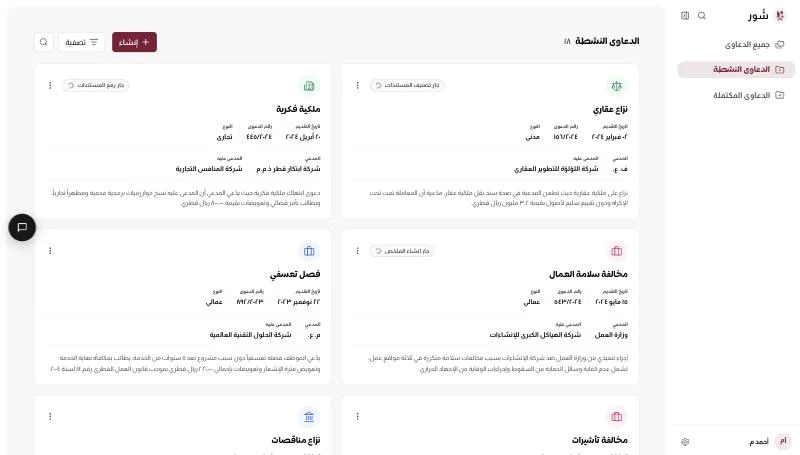
Live prototype · click around